@open-wysiwyg-editor/vue
| Install | |
|---|---|
npm install @open-wysiwyg-editor/vue |
|
| Latest Version: | 1.0.2 |
| Vue: | 3 |
| License: | MIT |
| Last Updated: | Oct 23, 2026 |
| Links: | GitHub · npm |
@open-wysiwyg-editor/vue


Live demo → · GitHub · npm
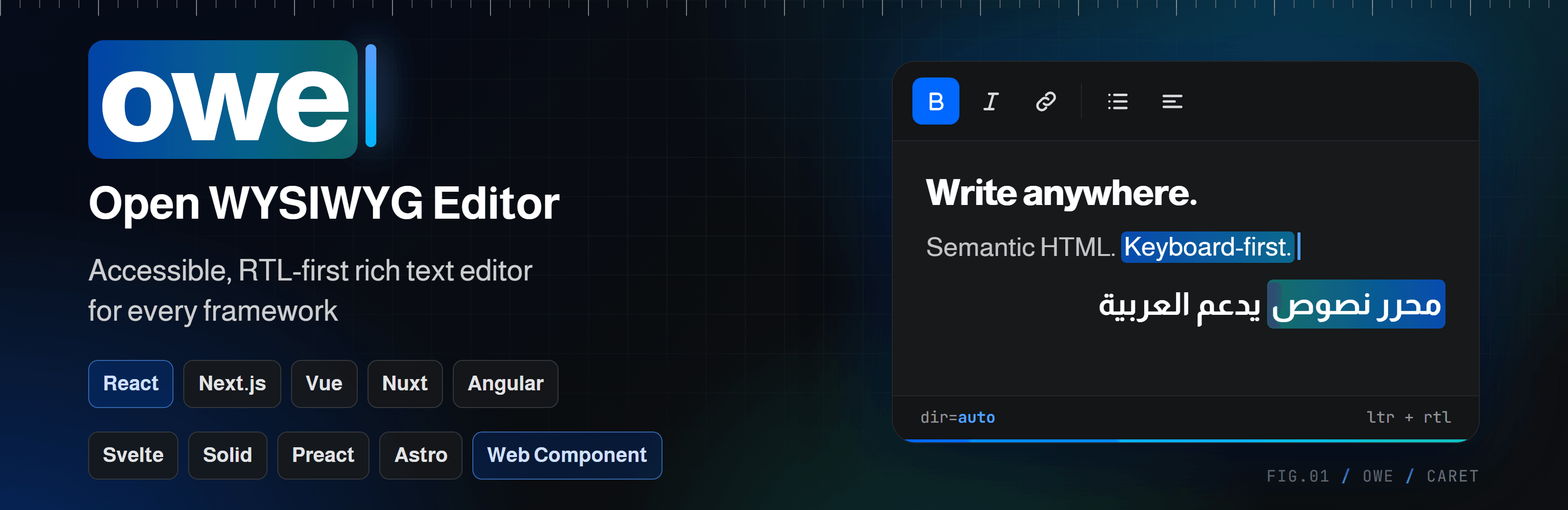
A Vue 3 component for open-wysiwyg-editor: an accessible (WCAG 2.2 AA), RTL-first, CSP-safe rich text editor. <RichTextEditor v-model="html" /> gives you the full editor with a toolbar, dialogs and a status bar. Needs Vue 3.3+.
Install
npm install @open-wysiwyg-editor/vue
One install is enough. The package depends on the core editor and re-exports its whole API (createEditor, StarterKit, types…).
Using Nuxt? Use @open-wysiwyg-editor/nuxt instead.
Usage
<script setup lang="ts">
import { ref } from "vue";
import { RichTextEditor } from "@open-wysiwyg-editor/vue";
import "@open-wysiwyg-editor/vue/style.css";

const html = ref("<p>Hello <strong>world</strong></p>");
</script>

<template>
  <RichTextEditor v-model="html" placeholder="Write something…" />
</template>
v-model is HTML. Typing updates your ref without resetting the cursor. Assigning a new value to the ref loads it into the editor.
Options
options takes everything createEditor() accepts, except element. See the core docs for the full list.
<RichTextEditor v-model="html" :options="{ language: 'ar' }" />
Callbacks (onUpdate, onFocus…) and the runtime options (editable, placeholder, aria*, dir, contentLang) follow changes. Everything else is read once when the component mounts. To change those, remount the component with a new :key.
You can write the options object inline. The editor only calls setOptions when a runtime option really changed.
Custom toolbar
<RichTextEditor
  v-model="html"
  :options="{ ui: { toolbar: ['bold', 'italic', '|', 'link', '|', 'undo', 'redo'] } }"
/>
Forms
Set name and the HTML is kept in a hidden <input>, so a plain form post (or FormData) receives it.
<form method="post" action="/save">
  <RichTextEditor v-model="html" name="body" />
  <button type="submit">Save</button>
</form>
Access the editor
Use @ready or a template ref. Both give you the core Editor (getHTML(), getJSON(), commands, focus()…).
<script setup lang="ts">
import { ref } from "vue";
import { RichTextEditor, type Editor } from "@open-wysiwyg-editor/vue";

const html = ref("");
const field = ref<{ editor: Editor | null } | null>(null);

function onReady(editor: Editor) {
  editor.focus();
}
function bold() {
  field.value?.editor?.commands.toggleBold();
}
</script>

<template>
  <button type="button" @click="bold">Bold</button>
  <RichTextEditor ref="field" v-model="html" @ready="onReady" />
</template>
Headless
Set options.ui to false for the engine only, without toolbar or status bar. Build your own controls with the editor you get from @ready.
<RichTextEditor v-model="html" :options="{ ui: false }" @ready="(e) => (editor = e)" />
API
Props
| Prop | Type | Default | Notes |
|---|---|---|---|
modelValue |
string |
none | The content as HTML (v-model). Falls back to options.content when not set. |
options |
Omit<EditorOptions, "element"> |
{} |
Everything createEditor() accepts. |
editable |
boolean |
true |
Also off when options.editable is false. |
placeholder |
string |
none | Overrides options.placeholder. |
name |
string |
none | Form field name. Adds a hidden input with the HTML. |
Events
| Event | Payload | When |
|---|---|---|
update:modelValue |
html: string |
Every content change. |
ready |
editor: Editor |
The editor was created (in the browser, after mount). |
Exposed (template ref)
| Name | Type | Notes |
|---|---|---|
editor |
Editor | null |
null until mounted and after unmount. |
Styling
Import the stylesheet once, in your app entry or in the component:
import "@open-wysiwyg-editor/vue/style.css"; // or style.min.css
To show saved HTML on a page without an editor, import @open-wysiwyg-editor/vue/content.css (or content.min.css) and wrap the HTML in <div class="owe-content-root">.
Server-side rendering
The editor starts in onMounted, which never runs on the server. The component renders an empty container (and the hidden input when name is set), so it works in Nuxt and Vite SSR without <ClientOnly>.
Links
License
MIT © alhassan-ahmed
Related Packages
Nuxt module for open-wysiwyg-editor: auto-imported and styles. Accessible (WCAG...
Framework-agnostic accessibility helpers (ARIA live regions, focus management, r...
Accessible (WCAG 2.2 AA / ATAG 2.0), RTL-first, CSP-safe rich text editor for an...
A thin, batteries-included Vue 3 wrapper around Tiptap v3 — editor component, to...
A rich text editor Vue 3 component with WYSIWYG, Markdown, and split-preview mod...
Version History
| Version | Released | Vue | License |
|---|---|---|---|
| 1.0.2 | >=3.3 | MIT | |
| 1.0.1 | >=3.3 | MIT | |
| 1.0.0 | >=3.3 | MIT |
Pre-releases (1)
| Version | Released | License |
|---|---|---|
| 0.0.0-stage |