@open-wysiwyg-editor/nuxt
| Install | |
|---|---|
npm install @open-wysiwyg-editor/nuxt |
|
| Latest Version: | 1.0.2 |
| Vue: | 3 |
| License: | MIT |
| Last Updated: | Oct 23, 2026 |
| Links: | GitHub · npm |
@open-wysiwyg-editor/nuxt


Live demo → · GitHub · npm
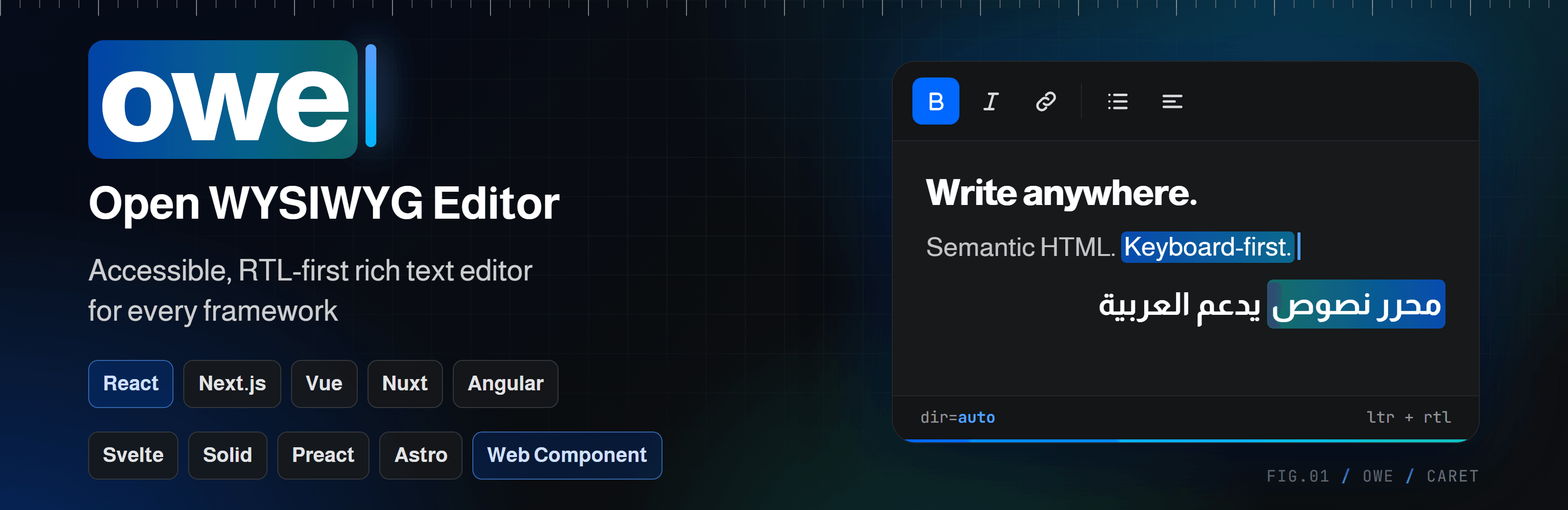
A Nuxt module for open-wysiwyg-editor: an accessible (WCAG 2.2 AA), RTL-first, CSP-safe rich text editor. It auto-imports <RichTextEditor> and adds the stylesheet. Works with Nuxt 3 and 4.
Install
npm install @open-wysiwyg-editor/nuxt
// nuxt.config.ts
export default defineNuxtConfig({
  modules: ["@open-wysiwyg-editor/nuxt"],
});
The component comes from @open-wysiwyg-editor/vue, which is installed with this module. Its props, events and options are documented there.
Module options
Set them under wysiwygEditor in nuxt.config.ts. All are optional.
export default defineNuxtConfig({
  modules: ["@open-wysiwyg-editor/nuxt"],
  wysiwygEditor: {
    css: true,
    componentName: "RichTextEditor",
  },
});
| Option | Type | Default | Notes |
|---|---|---|---|
css |
boolean |
true |
Add the editor stylesheet to every page. Set false to import it yourself. |
componentName |
string |
"RichTextEditor" |
Name of the auto-imported component. |
Usage
<!-- pages/post.vue -->
<script setup lang="ts">
const html = useState("post-html", () => "<p>Start writing…</p>");

async function save() {
  await $fetch("/api/posts", { method: "POST", body: { html: html.value } });
}
</script>

<template>
  <form @submit.prevent="save">
    <RichTextEditor v-model="html" placeholder="Write something…" :options="{ language: 'ar' }" />
    <button type="submit">Save</button>
  </form>
</template>
No <ClientOnly> needed. The server renders an empty container and the editor starts in the browser.
For a plain form post, add name="body" to the component. A hidden input with the HTML is submitted with the form.
Sanitize on the server
The editor cleans pasted and loaded HTML in the browser, but that is not a security boundary: a client can post anything to your API. Sanitize the HTML again on the server before you store it, with a library you trust (for example sanitize-html).
Show saved HTML
Load the content stylesheet and wrap the stored HTML in owe-content-root, so it looks like it did in the editor:
// nuxt.config.ts
export default defineNuxtConfig({
  css: ["@open-wysiwyg-editor/vue/content.css"],
});
<div class="owe-content-root" v-html="post.html" />
Only do this with HTML you sanitized on the server.
Links
License
MIT © alhassan-ahmed
Related Packages
Vue 3 component for open-wysiwyg-editor: . Accessible (WCAG 2.2 AA), RTL-first,...
Accessible (WCAG 2.2 AA / ATAG 2.0), RTL-first, CSP-safe rich text editor for an...
revenexx hard fork of blökkli — interactive page building experience for Nuxt. I...
Nuxt 3 & 4 module for folio: auto-imports an SSR-safe component built on @stll/f...
Version History
| Version | Released | Vue | License |
|---|---|---|---|
| 1.0.2 | ^3.0 | MIT | |
| 1.0.1 | ^3.0 | MIT | |
| 1.0.0 | ^3.0 | MIT |
Pre-releases (1)
| Version | Released | License |
|---|---|---|
| 0.0.0-stage |