vue3-chart-v2
vue3-chart-v2 is a wrapper for Chart.js in Vue 3. You can easily create reuseable chart components. Inspired by vue-chartjs
77,787
35
| Install | |
|---|---|
npm install vue3-chart-v2 |
|
| Latest Version: | 0.8.3 |
| Vue: | 3 |
| Last Updated: | Oct 20, 2021 |
| Links: | GitHub · npm |
Maintainer: vue3-chart-2
vue3-chart-v2
vue3-chart-v2 is a wrapper for Chart.js in Vue 3. You can easily create reuseable chart components. Inspired by vue-chartjs

Looking for the documentation?
Head over here ==> vue3-chart-v2
Prerequisite
- Vue 3 is required
Install
- npm
npm install vue3-chart-v2 chart.js --save - yarn
yarn add vue3-chart-v2 chart.js
How to use
You need to import the component and then either use extends or mixins and add it.
You can import each module individual.
import { Bar } from 'vue3-chart-v2'
Just create your own component.
// MonthlyChart.vue
<script>
import { defineComponent } from 'vue'
import { Bar } from 'vue3-chart-v2'

export default defineComponent({
  name: 'MonthlyChart',
  extends: Bar,
  mounted () {
    // Overwriting base render method with actual data.
    this.renderChart({
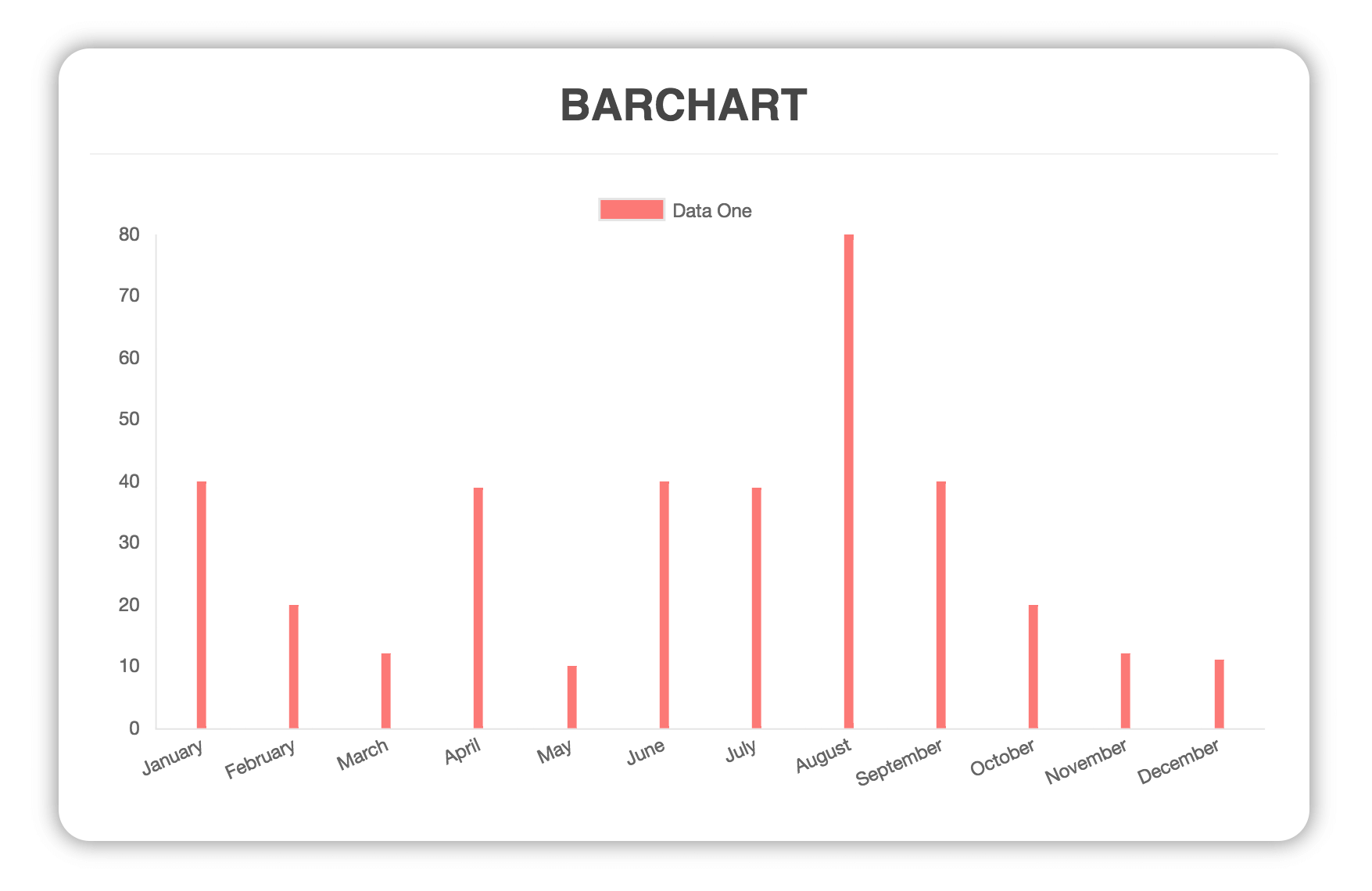
      labels: ['January', 'February', 'March', 'April', 'May', 'June', 'July', 'August', 'September', 'October', 'November', 'December'],
      datasets: [
        {
          label: 'GitHub Commits',
          backgroundColor: '#f87979',
          data: [40, 20, 12, 39, 10, 40, 39, 80, 40, 20, 12, 11]
        }
      ]
    })
  }
})
</script>
Then simply import and use your own extended component and use it like a normal vue component
<template>
  <MonthlyChart />
</template>

<script>
import { defineComponent } from 'vue'
import MonthlyChart from './path/to/MonthlyChart.vue'

export default defineComponent({
  name: 'App',
  components: {
    MonthlyChart
  }
})
</script>
Another Example with options
You can overwrite the default chart options as props. Just pass the options object as a second parameter to the render method
// MonthlyChart.vue
import { defineComponent } from 'vue'
import { Line } from 'vue3-chart-v2'

export default defineComponent({
  name: 'MonthlyChart',
  extends: Line,
  props: {
    chartData: {
      type: Object,
      required: true
    },
    chartOptions: {
      type: Object,
      required: false
    },
  },
  mounted () {
    this.renderChart(this.chartData, this.chartOptions)
  }
})
Then simply use it in your vue app
<template>
  <MonthlyChart v-bind:chartData="..." v-bind:chartOptions="..." />
</template>

<script>
import { defineComponent } from 'vue'
import MonthlyChart from './path/to/MonthlyChart.vue'

export default defineComponent({
  name: 'App',
  components: {
    MonthlyChart
  }
})
</script>
Available Charts
Bar Chart
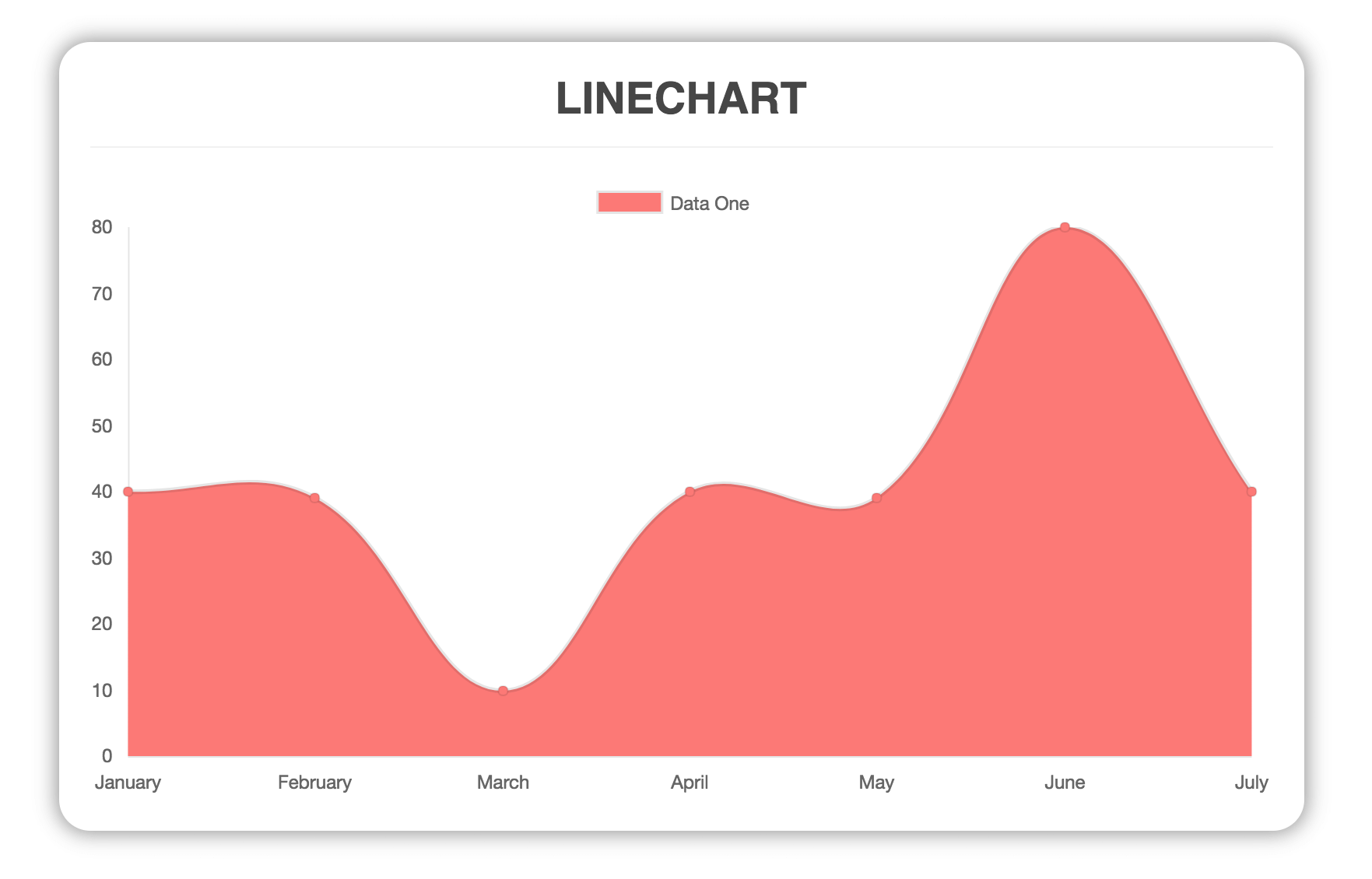
Line Chart
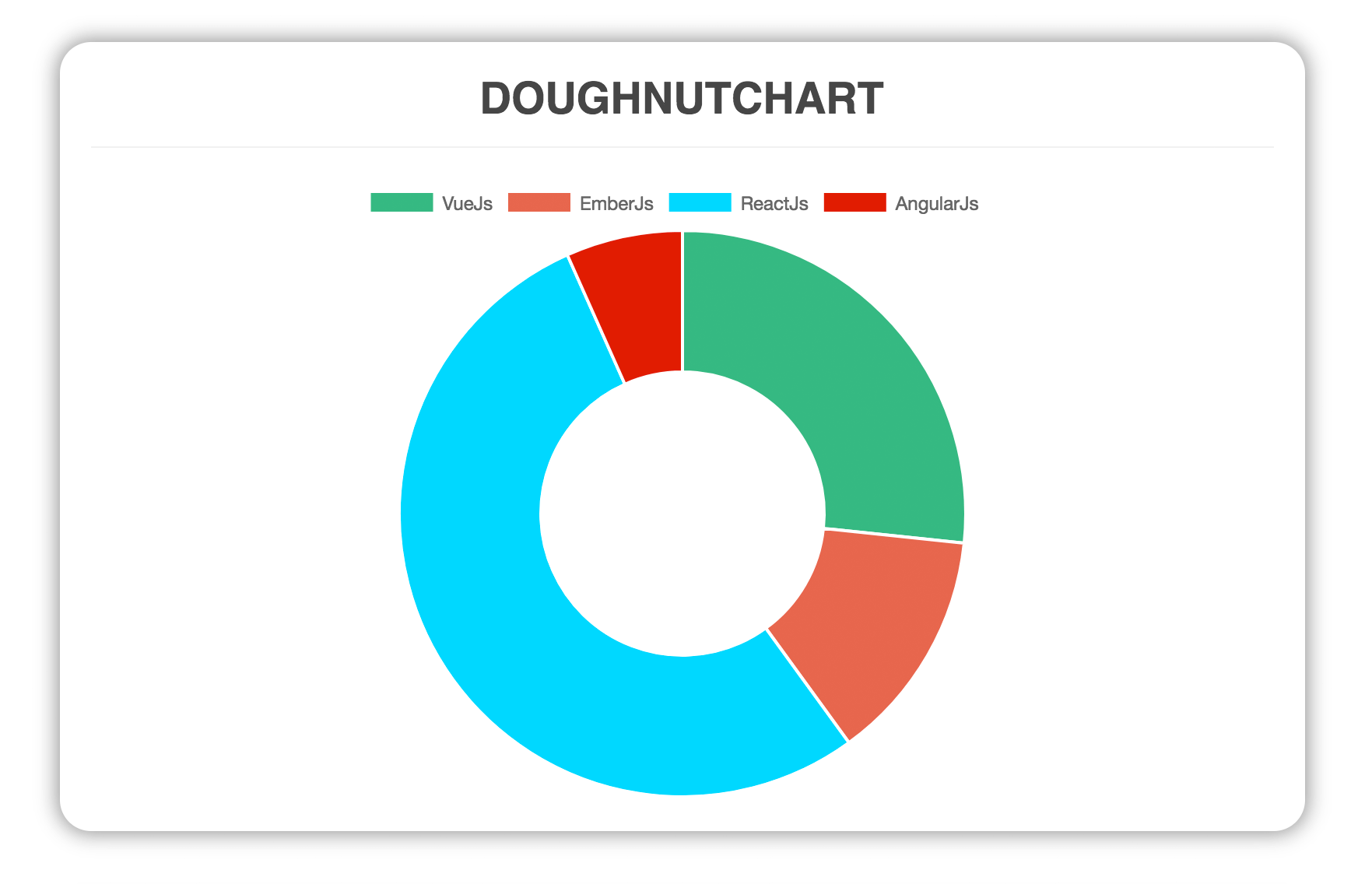
Doughnut
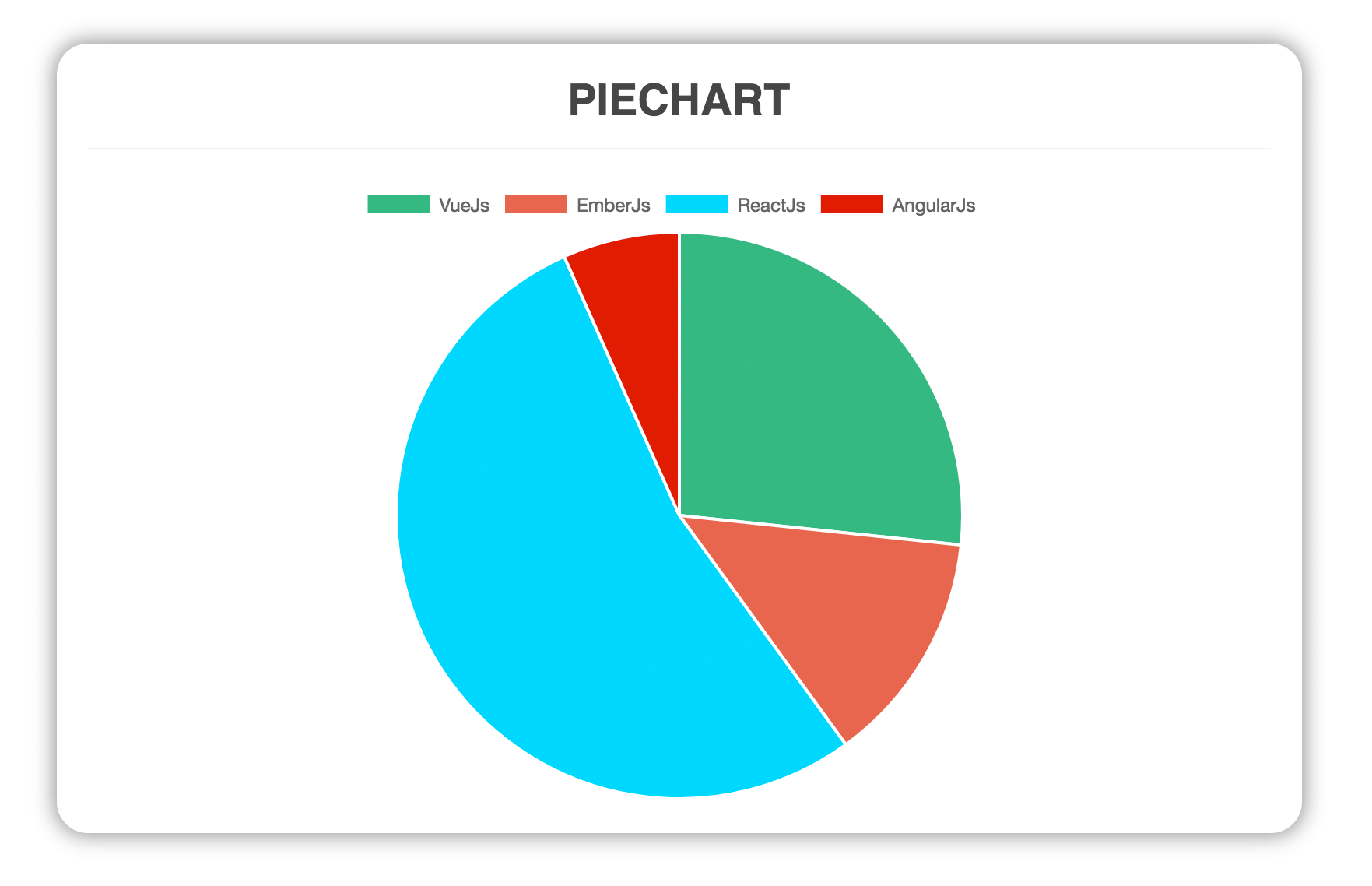
Pie
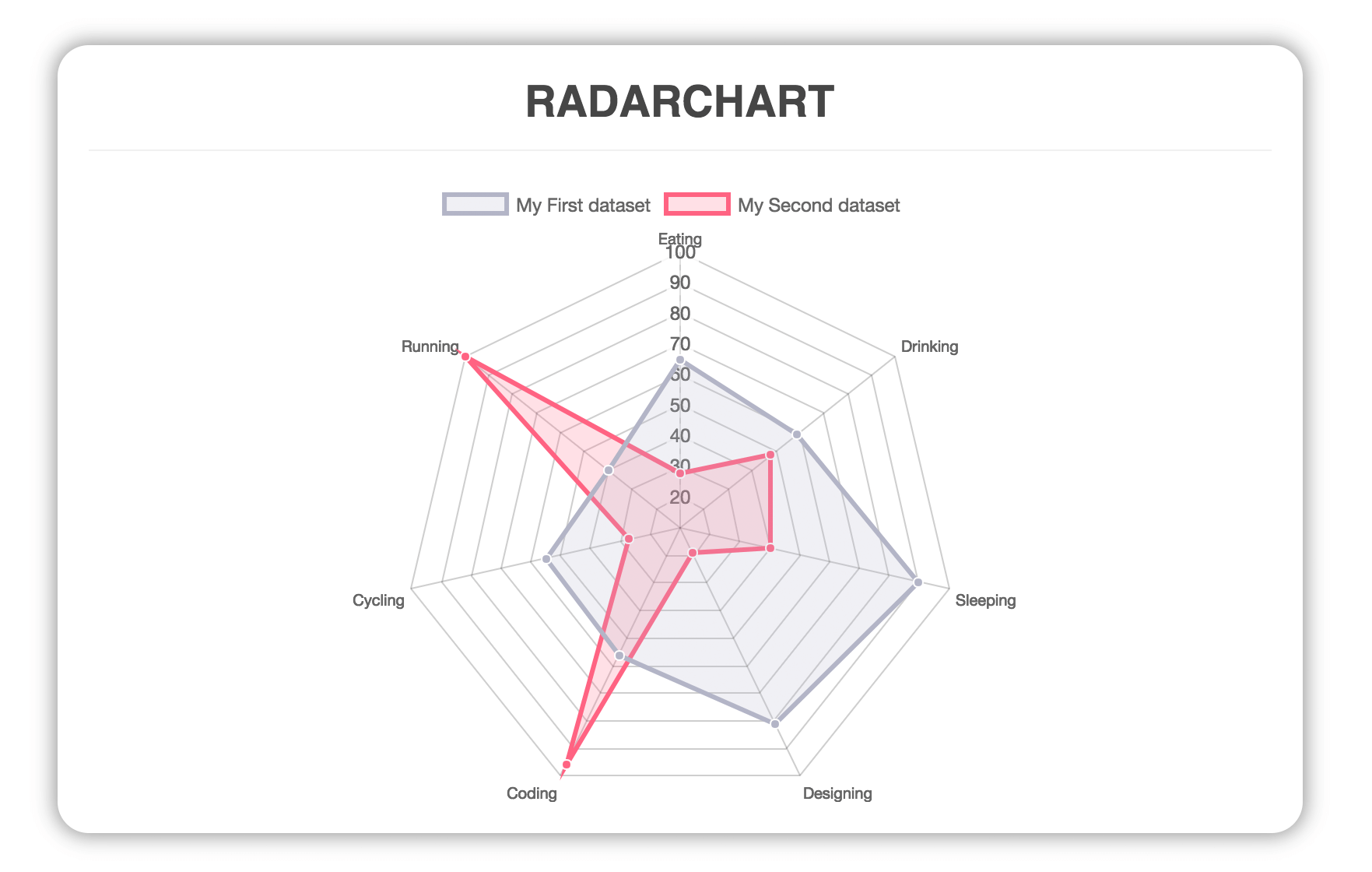
Radar
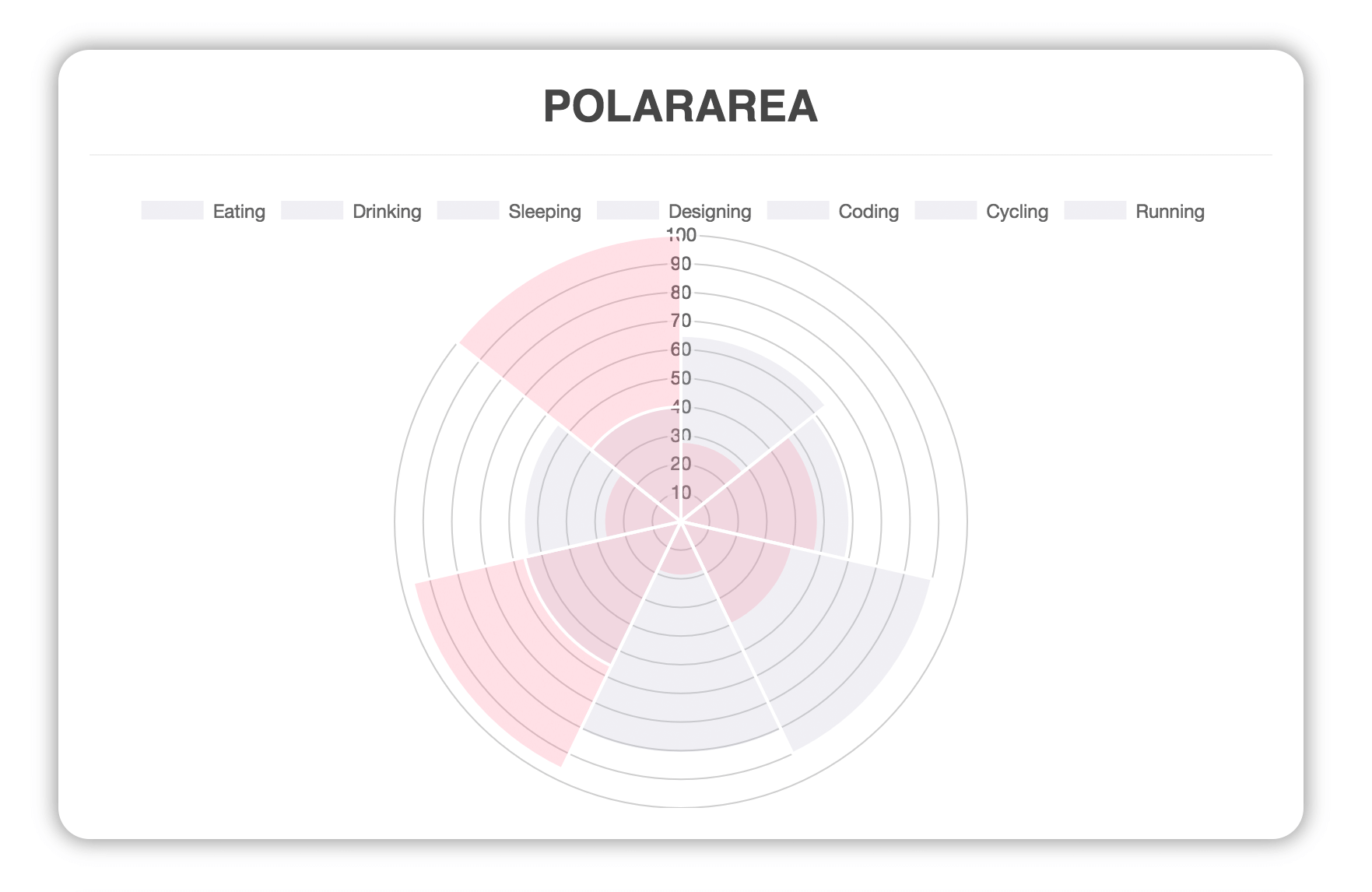
Polar Area
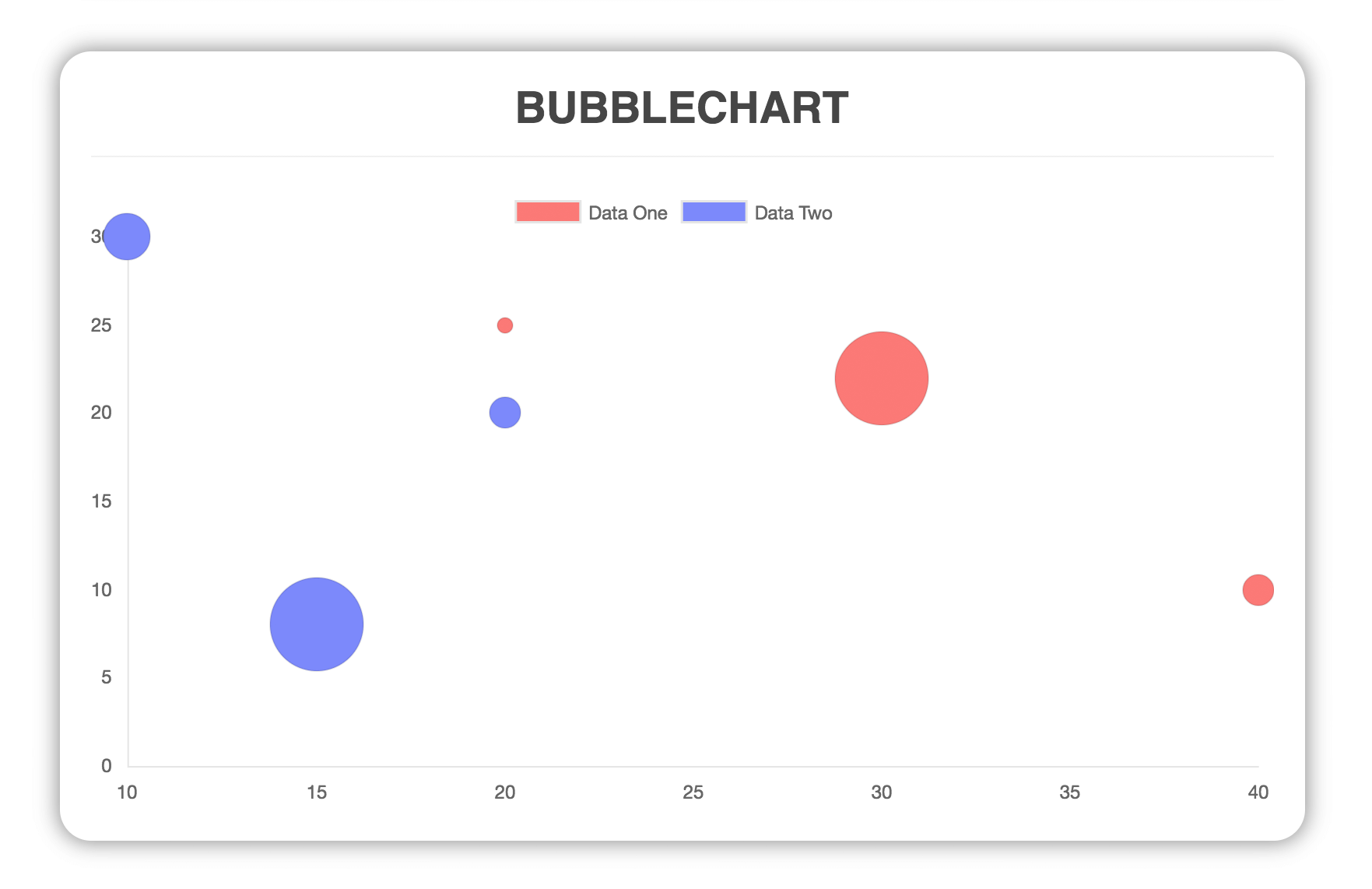
Bubble
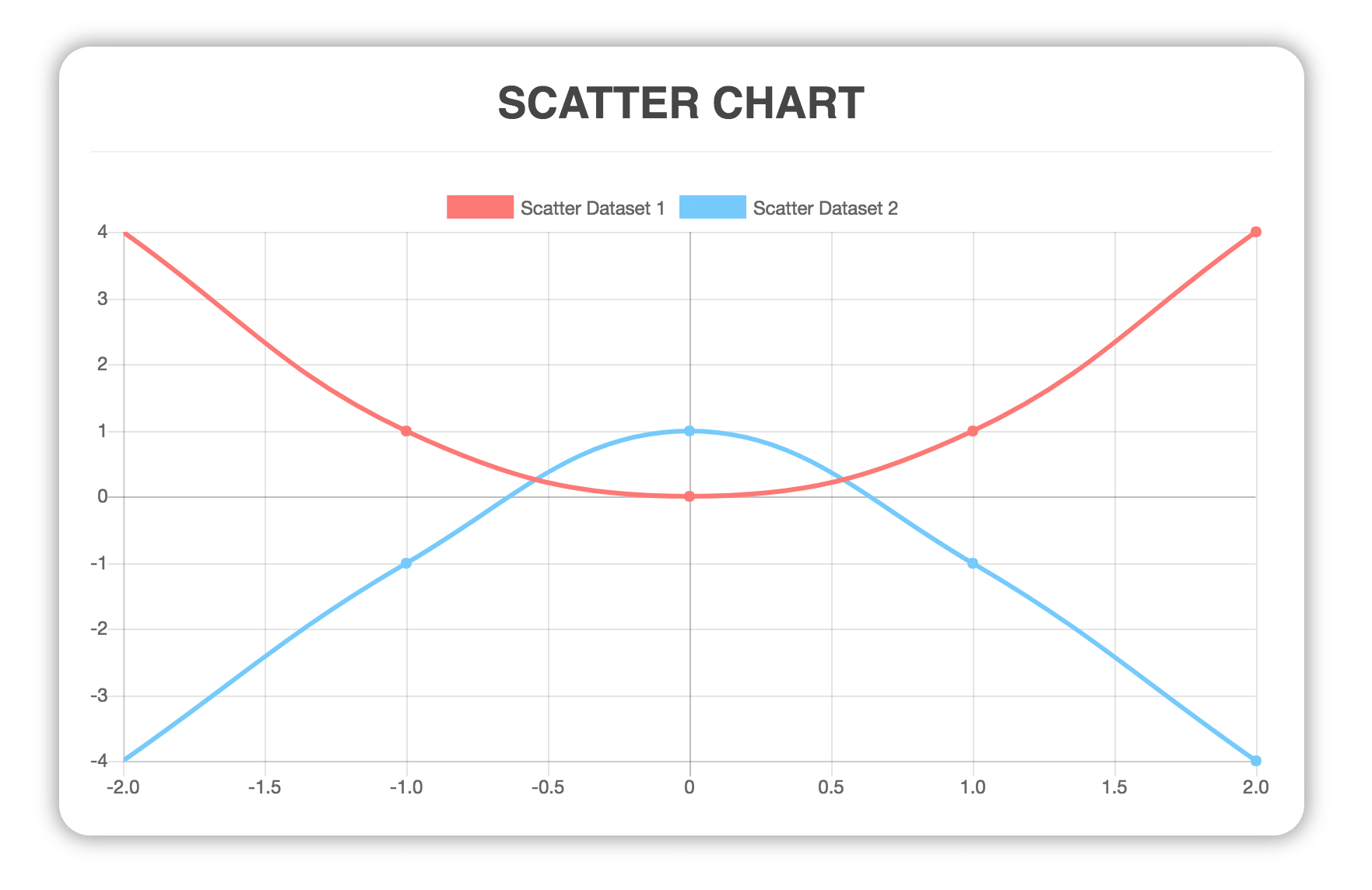
Scatter
Build Setup
# install dependencies
npm install

# serve with hot reload at localhost:8080
npm run dev

# run unit tests
npm run test:unit
Contributing
- Fork it (https://github.com/vutran6853/vue3-chart-v2/fork )
- Create your feature branch (
git checkout -b my-new-feature) - Commit your changes (
git commit -m 'Add some feature') - Push to the branch (
git push origin my-new-feature) - Create a new Pull Request
Related Packages
Version History
| Version | Released | License |
|---|---|---|
| 0.8.3 | ||
| 0.8.2 | ||
| 0.8.1 | ||
| 0.8.0 | ||
| 0.7.0 | ||
| 0.6.0 | ||
| 0.5.0 | ||
| 0.4.0 | ||
| 0.3.0 | ||
| 0.2.0 | ||
| 0.1.1 | ||
| 0.1.0 |