vue-sweetalert2-neutral
| Install | |
|---|---|
npm install vue-sweetalert2-neutral |
|
| Latest Version: | 5.0.9 |
| Vue: | 1 · 2 · 3 |
| License: | MIT |
| Last Updated: | Dec 4, 2023 |
| Links: | npm |
vue-sweetalert2


Vue.js wrapper for SweetAlert2. With support SSR.
Attention:
When using "Vue3: Composition API" it is better not to use this wrapper. It is more practical to call sweetalert2 directly.
Also, it is better to do it to get feedback faster, and be closer to the documentation.

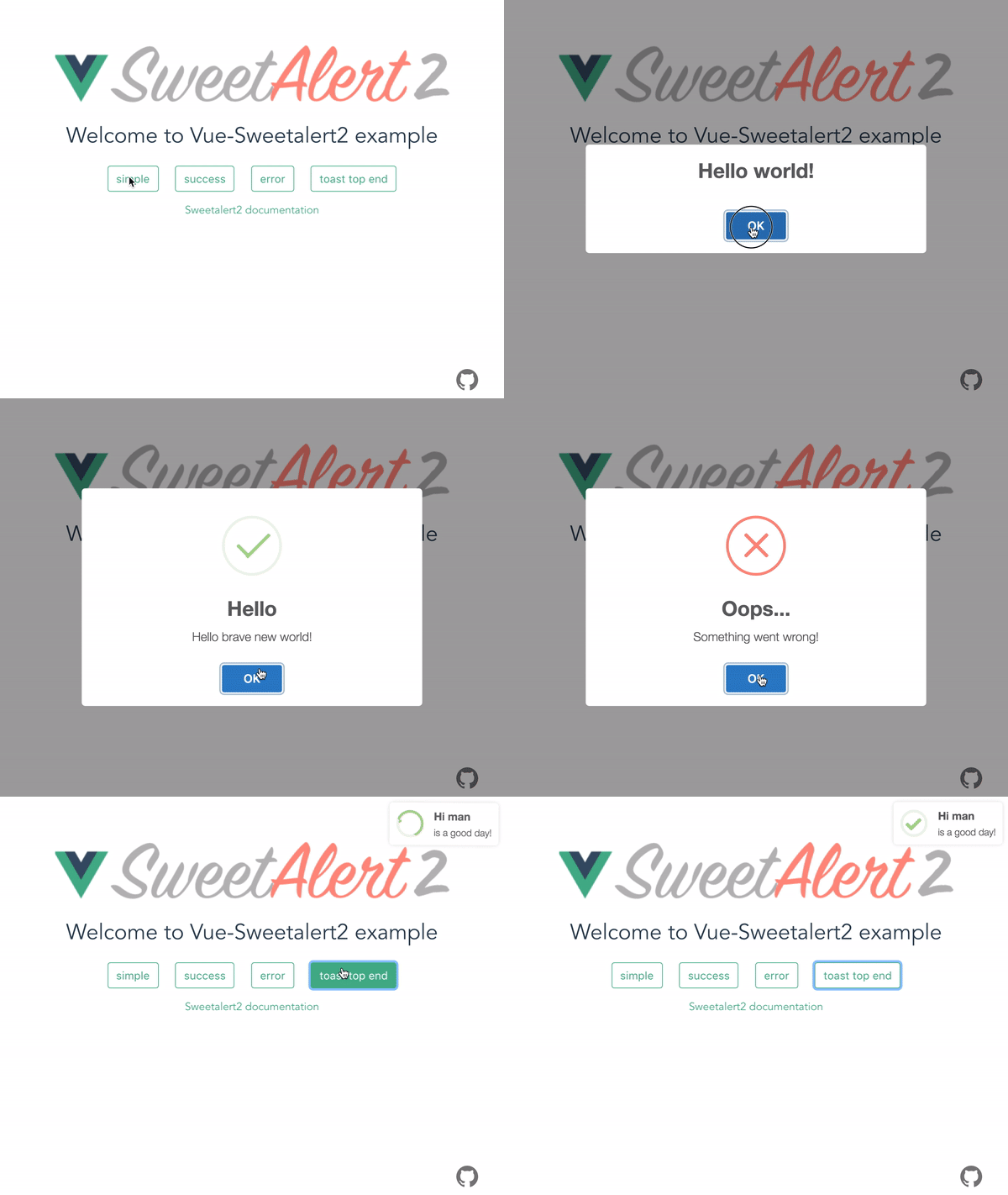
Get started
Basics
Bash
npm install -S vue-sweetalert2
Add types to TypeScript project
{
  //...tsconfig.json
  "types": [
    "vue-sweetalert2"
  ],
}
vue 2
// main.js
import Vue from 'vue';
import VueSweetalert2 from 'vue-sweetalert2';

// If you don't need the styles, do not connect
import 'sweetalert2/dist/sweetalert2.min.css';

Vue.use(VueSweetalert2);
vue 3
// main.js
import { createApp } from 'vue'
import App from './App.vue'
import './index.css'

import VueSweetalert2 from 'vue-sweetalert2';
import 'sweetalert2/dist/sweetalert2.min.css';

const app = createApp(App)

app.use(VueSweetalert2);

app.mount('#app');
Now in the global object, you can access all the methods of sweetalert2.
// example-vue-component.vue
<template>
  <button @click="showAlert">Hello world</button>
</template>

<script>
export default {
  methods: {
    showAlert() {
      // Use sweetalert2
      this.$swal('Hello Vue world!!!');
    },
  },
};
</script>
// Or
Vue.swal('Hello Vue world!!!');
Global options
If you want to add global options like button colors, do something like this:
// main.js
import Vue from 'vue';
import VueSweetalert2 from 'vue-sweetalert2';

const options = {
  confirmButtonColor: '#41b882',
  cancelButtonColor: '#ff7674',
};

Vue.use(VueSweetalert2, options);
Custom styling
Using scss styles are loaded so
// main.js
import Vue from 'vue';
import VueSweetalert2 from 'vue-sweetalert2';

Vue.use(VueSweetalert2);
// style.scss
@import '~sweetalert2/src/variables';

$swal2-background: #990000;

@import '~sweetalert2/src/sweetalert2';
Nuxt.js
Install dependencies:
npm install -S vue-sweetalert2
Add vue-sweetalert2/nuxt to modules section of nuxt.config.js
{
  modules: ['vue-sweetalert2/nuxt'];
}
Or pass in global options like this:
{
  modules: [
    'vue-sweetalert2/nuxt',
  ],
  sweetalert: {
    confirmButtonColor: '#41b882',
    cancelButtonColor: '#ff7674'
  }
}
Using a different theme in Nuxt
Add vue-sweetalert2/nuxt to modules section of nuxt.config.js
{
  // Before doing so, install the "@sweetalert2/theme-dark"
  css:     [ '@sweetalert2/theme-dark' ],
  modules: ['vue-sweetalert2/nuxt/no-css'];
}
The documentation for sweetalert2, you can find here.
Related Packages
Simple alert(), confirm(), prompt() for Vue.js version 3, using sweetalert2.
Simple alert(), confirm(), prompt() for Vue.js version 3, using sweetalert2.
Version History
| Version | Released | Vue | License |
|---|---|---|---|
| 5.0.9 | * | MIT |