vue-pdf-export
| Install | |
|---|---|
npm install vue-pdf-export |
|
| Latest Version: | 1.3.0 |
| Vue: | 3 |
| License: | MIT |
| Last Updated: | Oct 6, 2026 |
| Links: | npm |
vue-pdf-export
Generate PDFs from Vue 3 components in the browser with Canvas or selectable, searchable text rendering. Configure smart pagination, tables, headers, footers, watermarks, preview, download and print. Supports TypeScript, Nuxt 3 and Nuxt 4 with SSR-safe imports and browser-side generation.



A browser-first PDF export library for Vue 3 with Canvas fidelity, selectable/searchable text, pagination, preview/download/print, headers & footers, watermarks, security, and Nuxt 3 / Nuxt 4 SSR-safe imports.

Playground
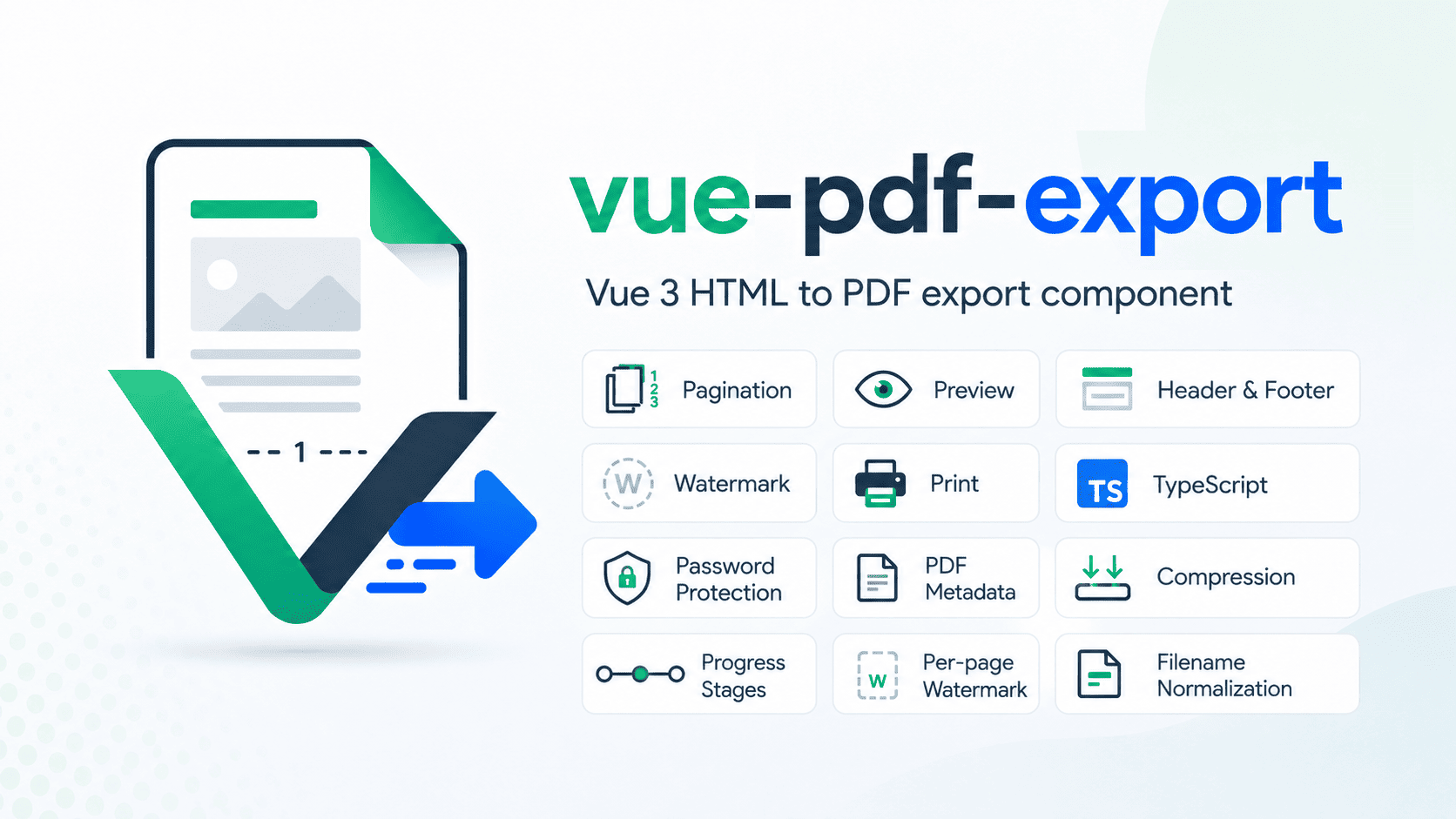
Try the package directly in the browser:
- Live playground: https://vue-pdf-export-playground.vercel.app/
- Full documentation: https://vue-pdf-export-docs.vercel.app/
Features
- Powerful: choose Canvas or selectable-text output, use your own Vue document components, and control page breaks.
- Modular: use the component or composable, and add only the slots and options your document needs. PDF engines load when generation runs.
- Customizable: style exported content with your CSS and export-only options; theme the built-in preview and loader with CSS variables.
- Canvas and selectable-text PDF rendering
- Smart automatic/manual pagination, keep-together blocks and container-aware splitting
- Explicit page breaks, repeated table headers and opt-in pagination diagnostics
- Preview, download, and native browser print
- Blob, ArrayBuffer, Base64, and PDF data-URL output
- Header/footer object options, Vue slots and page targeting
- PDF composition: prepend or append existing PDF pages
- Standard paper formats and custom dimensions in portrait or landscape
- Text, image and trusted HTML watermarks with optional design presets; text marks use reusable vector outlines instead of selectable PDF text
- Password protection, permissions, metadata, and compression
- Clickable PDF links
- Progress reporting, generation metrics, and cancellation
data-pdf-ignorefor export-only DOM control- PDF-only page/body styling and custom CSS
- Large-document rendering optimizations
- Font readiness, optional TTF/TrueType-outline OTF embedding, chart snapshots and SVG fallback
- Opt-in image optimization with explicit quality controls and per-export asset reuse metrics
- Nuxt 3 and Nuxt 4 SSR-safe imports
- TypeScript declarations
- npm, pnpm, Yarn, Yarn PnP, and Bun consumer validation
For detailed API options, examples, renderer notes, styling, pagination, security, SSR guidance, and production recommendations, see the full documentation.
Header, footer and slot HTML is sanitized before it enters export staging in the current source. Continue to treat caller-provided HTML as untrusted input and apply your application's input policy.
PDF composition loads its engine when used. URL-based PDF templates and export stylesheets are fetched from the URLs you configure; ordinary PDF generation does not upload your document to a package service.
Installation
npm install vue-pdf-export
Other package managers:
pnpm add vue-pdf-export
yarn add vue-pdf-export
bun add vue-pdf-export
Quick start
Which PDF renderer should I use?
| Need | Mode | Tradeoff |
|---|---|---|
| Close visual match to browser CSS, charts and page artwork | Canvas (package default) | Page bodies become images, so their text is not selectable; large/high-quality pages take more processing. |
| Searchable/selectable report text and generally smaller text-heavy output | Text | Complex CSS, custom fonts and SVG need renderer-specific handling; register a supported font file for exact nonstandard text faces. |
Both modes use browser-side generation. The component applies its pagination planner; direct composable callers supply their own break-ready element. See rendering-mode guide.
<script setup lang="ts">
import { ref } from 'vue'
import { Html2Pdf } from 'vue-pdf-export'
import 'vue-pdf-export/style.css'

const pdfRef = ref<InstanceType<typeof Html2Pdf> | null>(null)
</script>

<template>
  <button type="button" @click="pdfRef?.generatePdf()">Generate PDF</button>

  <Html2Pdf ref="pdfRef" filename="example.pdf" render-mode="canvas" manual-pagination>
    <template #pdf-content>
      <main>
        <h1>Hello from Vue</h1>
        <p>This content will be exported to PDF.</p>
      </main>
    </template>
  </Html2Pdf>
</template>
This example uses manual pagination. For long documents, add explicit page breaks or configure automatic pagination in the documentation.
Use selectable/searchable PDF text when needed:
<Html2Pdf render-mode="text" manual-pagination>
  <!-- PDF content -->
</Html2Pdf>
Programmatic output
const blob = await pdfRef.value?.generatePdf()

const arrayBuffer = await pdfRef.value?.generatePdfArrayBuffer()

const base64 = await pdfRef.value?.generatePdfBase64()
For large PDFs, Blob remains the recommended browser-side default.
Nuxt
vue-pdf-export is safe to import in Nuxt 3 and Nuxt 4 SSR environments. Actual PDF generation is browser-side.
<ClientOnly>
  <Html2Pdf>
    <!-- PDF content -->
  </Html2Pdf>
</ClientOnly>
See the Nuxt 3 & Nuxt 4 SSR guide for integration details.
Documentation
The complete documentation lives separately so this README can stay focused and easy to scan.
- Introduction
- Installation
- Quick Start
- Rendering Modes
- Nuxt 3 & Nuxt 4 SSR
- Programmatic API
- PDF Styling
- Playground & Stress Tests
Feedback
The package source is currently maintained privately.
Feature requests, bug reports, API feedback, and real-world PDF edge cases are welcome through the public feedback board:
Acknowledgements
Selectable-text rendering in vue-pdf-export is based on and adapted from @timkozlov/html-to-pdf, created by @Canelex and released under the MIT License.
Upstream project: Canelex/html-to-pdf
The original license notice is retained with the vendored source.
License
MIT © 2026 Saurabh Choudhary
Third-party vendored code remains subject to its original copyright and license notices.
Related Packages
Google Identity Services integration for Nuxt 3 & 4 with a simple composable and...
Version History
| Version | Released | Vue | License |
|---|---|---|---|
| 1.3.0 | ^3.3.0 | MIT | |
| 1.2.1 | ^3.3.0 | MIT | |
| 1.2.0 | ^3.3.0 | MIT | |
| 1.1.1 | ^3.3.0 | MIT | |
| 1.1.0 | ^3.3.0 | MIT | |
| 1.0.2 | ^3.3.0 | MIT | |
| 1.0.1 | ^3.3.0 | MIT | |
| 1.0.0 | ^3.3.0 | MIT |