vue-niege
vue-niege
Let it snow on your Vue applications!

Single File Vue Component for lazy snow storms generation. Come on, let's make your Vue applications joyful for Christmas time! 🎄 🎅
Installation
You can install this component using npm:
npm install --save vue-niege
Usage
Once installed, it is easy to use it.
Importing the component
First, you need to import vue-niege in your files. You can do that in different ways.
For example, it can be imported into a build process for use in full-fledged Vue applications:
import Snow from 'vue-niege';

export default {
  components: {
    Snow,
  },
  // rest of the component
}
Alternatively, you can import vue-niege via <script> tag in the browser directly:
<script src="https://unpkg.com/vue"></script>
<script src="https://unpkg.com/vue-niege"></script>
Using the component
Once imported, you can use your component as follows:
<Snow/>
This is the minimal setup to add a snowing canvas in your application.
Properties
If you need to customize the snow behavior, you can use one of the following optional properties.
| Properties | Default | Description | Type |
|---|---|---|---|
| active | true |
provides dynamic display to the canvas: it is displayed only where this prop is true | Boolean |
| color | #FFFFFF |
given a master HEX color, it defines a color pattern of four values for the snow. This property must be in expressed as HEX color (e.g.: #050484) |
String |
| zIndex | 1 |
defines the z-index position of the canvas in the DOM. | Number |
| swing | 0 |
applies a swing effect to each snowflake. By default no swinging is applied. | Number |
| wind | 1 |
defines the horizontal wind effect. The effect blows from right for values greater than 0, from left for values less than 0. | Number |
| speed | m |
defines the speed of the falling snow. The available values are h for high speed, m for medium speed, l for low speed. |
String |
For example, the following:
 <Snow
 :active='true'  //e.g.: add a condition to display the canvas only if current date is in the Advent range.
 :zIndex='2'
 :wind='1'
 :swing='3'
 :speed='h'
 color="#ffff00"/>
produces the following effect:
Contributing
This component can be improved both in features and performances. Please, help me in doing it better 🎅
Credits
The inspiration for the component comes from this and this, so their authors deserve big kudos.
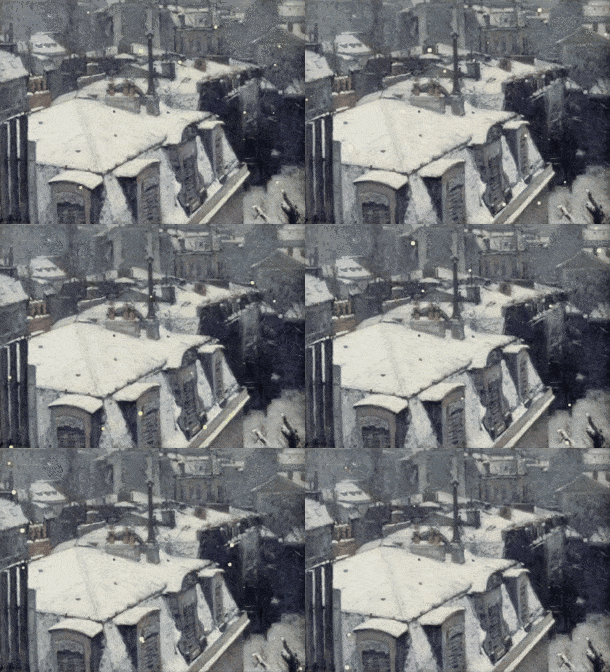
The inspiration for the component name comes from the above impressionist painting by Gustave Caillebotte, titled Vue de toits (Effet de neige).
Related Packages
Advanced and highly reusable Mobile UI Components built on Vue2 & You can define...
Version History
| Version | Released | Vue | License |
|---|---|---|---|
| 0.1.1 | ^2.5.16 | MIT | |
| 0.1.0 | ^2.5.16 |