vue-glitched-writer
| Install | |
|---|---|
npm install vue-glitched-writer@beta |
|
| Latest Version: | 1.3.0 |
| Vue: | 2 · 3 |
| License: | MIT |
| Last Updated: | Apr 30, 2022 |
| Links: | GitHub · npm |
Glitched Writer Vue Component



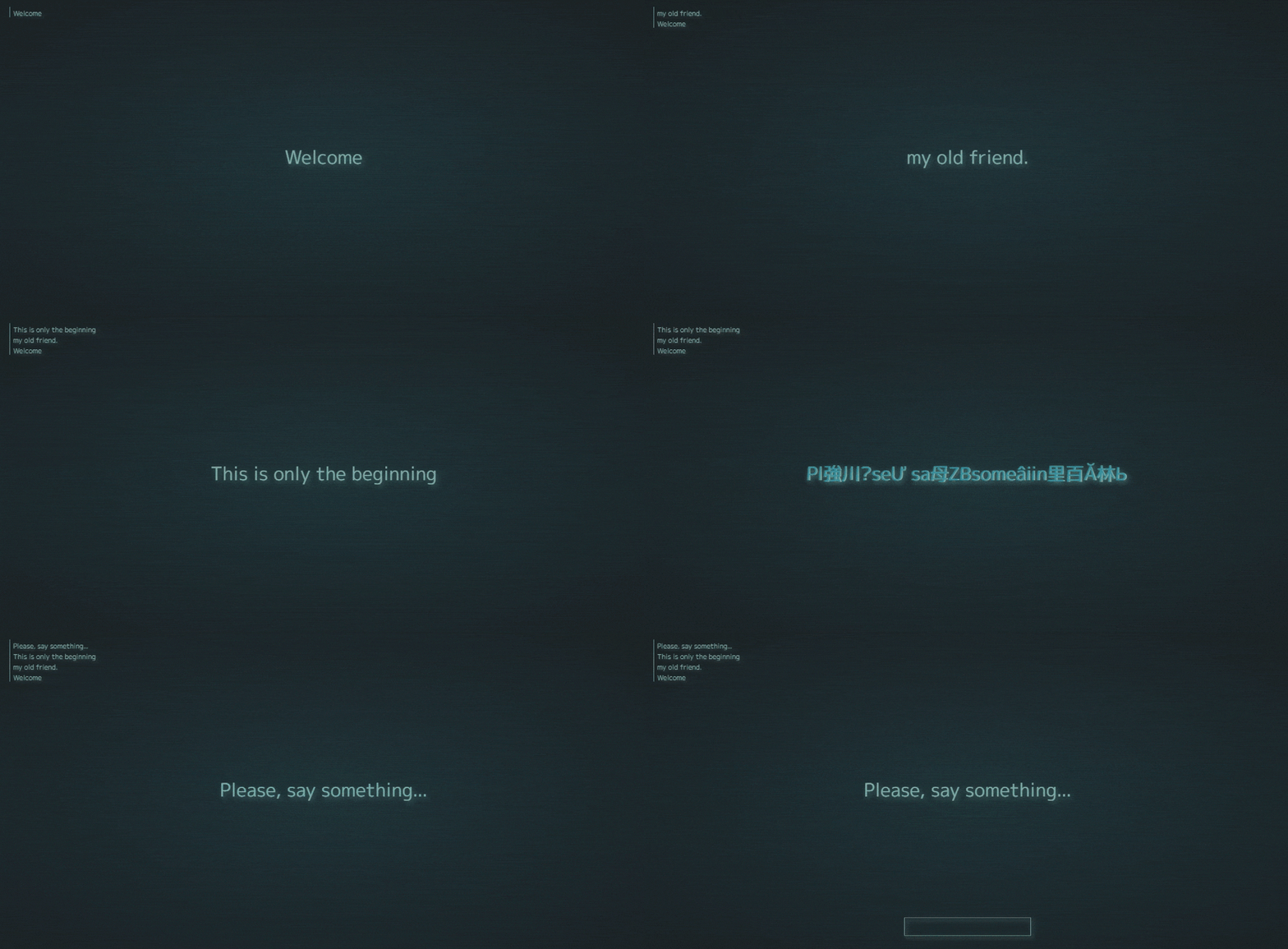
What is Glitched Writer:
A lightweight npm module for writing text to HTML elements. Highly customizable settings. Decoding, decrypting, scrambling, and simply spelling out text.
Vue component
This is a Vue.js Single File Component, serving as a wrapper for Glitched Writer to simplify it's usage in Vue.
>>> PLAYGROUND <<< | >>> EXAMPLES <<< | >>> VUE DEMO <<< | >>> JS Module <<<
Installation
Download and install with npm. For Vue 3:
npm i vue-glitched-writer
Vue 2:
npm i vue-glitched-writer@1.0.8
Import inside the script tag.
import GlitchedWriter from 'vue-glitched-writer'
Or use Skypack to import without installing the package.
import GlitchedWriter from 'https://cdn.skypack.dev/vue-glitched-writer'
Usage:
Declare component
<script>
export default {
   components: {
      GlitchedWriter,
   },
}
</script>
Animate text instantly after load
Will animate blank -> passed text property
<glitched-writer text="Your Content" appear />
Write text dynamically
Animate each time the txt prop changes. Previous text -> new text
<glitched-writer :text="text" />
Queue Writing
If you want to write texts for prepared array, then you can pass that array to as text and glitched writer will turn it into a working queue.
data() {
   return {
      phrases: [
         'Hello and Welcome',
         'What is this?!',
         'It appears i\'m in some queue...',
      ]
   }
}
<glitched-writer :text="phrases" />

<!-- add prop "queue" to controll the queue -->
<glitched-writer
      :text="phrases"
      :queue="{
      interval: 1200, // [ms]
      loop: true
      // false -> stop (default)
      // true -> continue looping
      // Function -> stop and fire the function.
      // Number -> wait number ms and continue looping
   }"
/>
Using Presets
<glitched-writer text="Your Text" preset="zalgo" />

<!-- Passing options prop will extend the preset -->
<glitched-writer text="Your Text" preset="zalgo" :options="{ html: true }" />
Custom Options
See Glitched Writer's Option List.
Passing options object to component.
{
   data() {
      return {
         text: 'Your Text',
         options: {
            html: true,
            letterize: true,
            steps: [0, 10],
            delay: [500, 2000],
            glyphs: 'QWERTYUIOPASDFGHJKLZXCVBNM!@#$%^&*()1234567890'
         },
      }
   },
}
<glitched-writer :text="text" :options="options" />
Changing options later
When changing options object (passed to the component), you need to remember to reassign the object property, instead of modifying it.
{
   methods: {
      changeOptions(){
         // RIGHT
         this.options = {
            steps: [2, 15],
            html: false,
            ...this.options
         }

         // WRONG: this.options.steps = [2, 15]
      }
   }
}
Pausing the animation
The "pause" boolean property is responsible for programatic pausing. Simply set "pause" property to true if you want the animation to stop.
data() {
   return {
      pause: true
   }
}
<glitched-writer :text="text" :pause="pause" />
Component Events
Glitched Writer emits 3 events:
- start - when writer starts writing
- step - on every step of writing process
- finish - when writer finishes writing
<glitched-writer @start="method" @step="callback" @finish="callback" />
{
   methods: {
      callback(text, data){
         console.log(text, data.options)
      }
   }
}

// WriterDataResponse: {
// 	string: string
// 	writer: GlitchedWriter
// 	options: Options
// 	state: State
// 	status?: 'ERROR' | 'SUCCESS'
// 	message?: string
// 	error?: any
// }
Accessing GlitchedWriter Instance
If you want to do something custom with the component, you can use GlitchedWriter class instance attached to the html element.
<glitched-writer :text="text" ref="el" />
mounted(){
   console.log(this.$refs.el.$writer)
}
More Information
If you are curious about further customization of animation effect and behavior, then please visit the original Glitched Writer Readme. There you'll find description of every option and some use cases.
Related Packages
Version History
| Version | Released | Vue | License |
|---|---|---|---|
| 1.3.0 | ^2.0.0 || | MIT | |
| 1.2.2 | ^2.0.0 || | MIT | |
| 1.2.1 | ^2.0.0 || | MIT | |
| 1.2.0 | ^2.0.0 || | MIT | |
| 1.1.7 | ^3.0.5 | MIT | |
| 1.1.6 | ^3.0.5 | MIT | |
| 1.1.5 | ^3.0.5 | MIT | |
| 1.1.4 | ^3.0.5 | MIT | |
| 1.1.3 | ^3.0.5 | MIT | |
| 1.1.2 | ^3.0.5 | MIT | |
| 1.1.0 | ^3.0.5 | MIT | |
| 1.0.8 | ^2.6.12 | MIT | |
| 1.0.7 | ^2.6.12 | MIT | |
| 1.0.5 | ^2.6.12 | MIT | |
| 1.0.4 | ^2.6.12 | MIT | |
| 1.0.3 | ^2.6.12 | MIT | |
| 1.0.2 | ^2.6.12 | MIT | |
| 1.0.1 | ^2.6.12 | MIT | |
| 1.0.0 | ^2.6.12 | MIT |
Pre-releases (1)
| Version | Released | Vue | License |
|---|---|---|---|
| 1.2.2-test.2 | ^3.0.5 | MIT |