vue-easy-range-date-picker
vue-easy-range-date-picker
A simple and easy-to-use range date picker based on Vue2
Installation
npm install --save vue-easy-range-date-picker
Usage
<template>
  <RangeDatePicker v-model="dates"/>
</template>

<script>
import RangeDatePicker from 'vue-easy-range-date-picker';

export default {
  components: {
    RangeDatePicker,
  },
  data() {
    return {
      dates: {
        start: 1572879600000,
        end:  1575730800000
      },
    };
  },
}
</script>
Demo
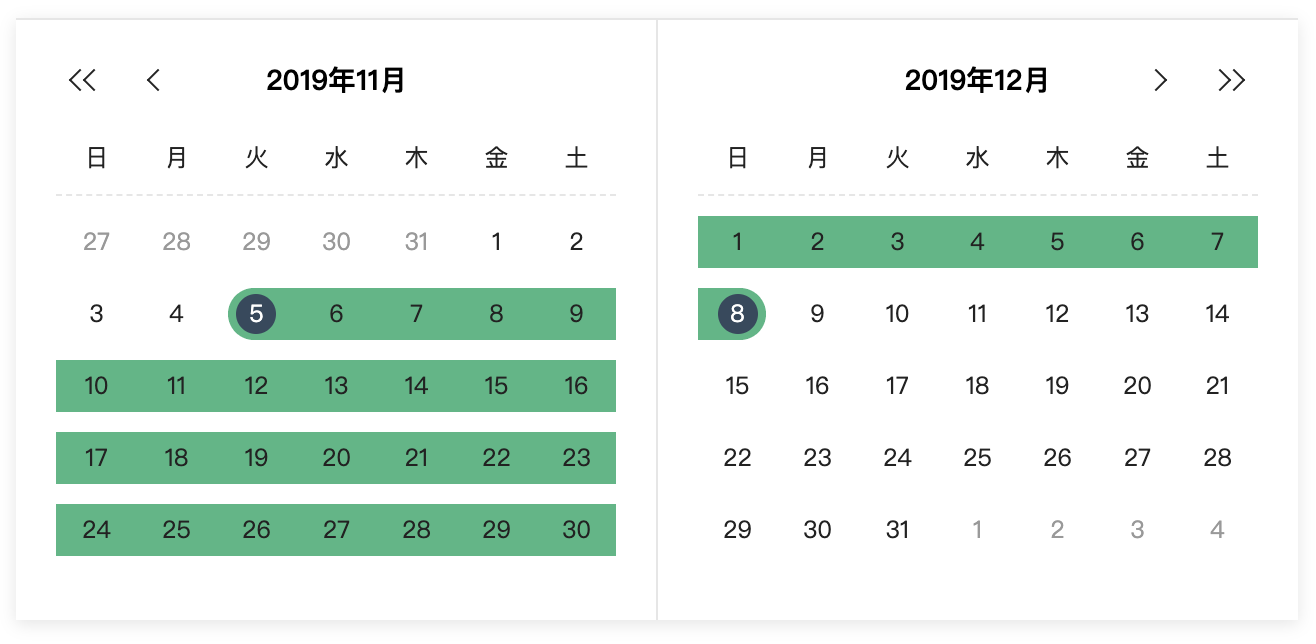

Props
| Props | Type | Required | Default |
|---|---|---|---|
| v-model(1) | Object | yes | null |
| language(2) | String | no | 'zh' |
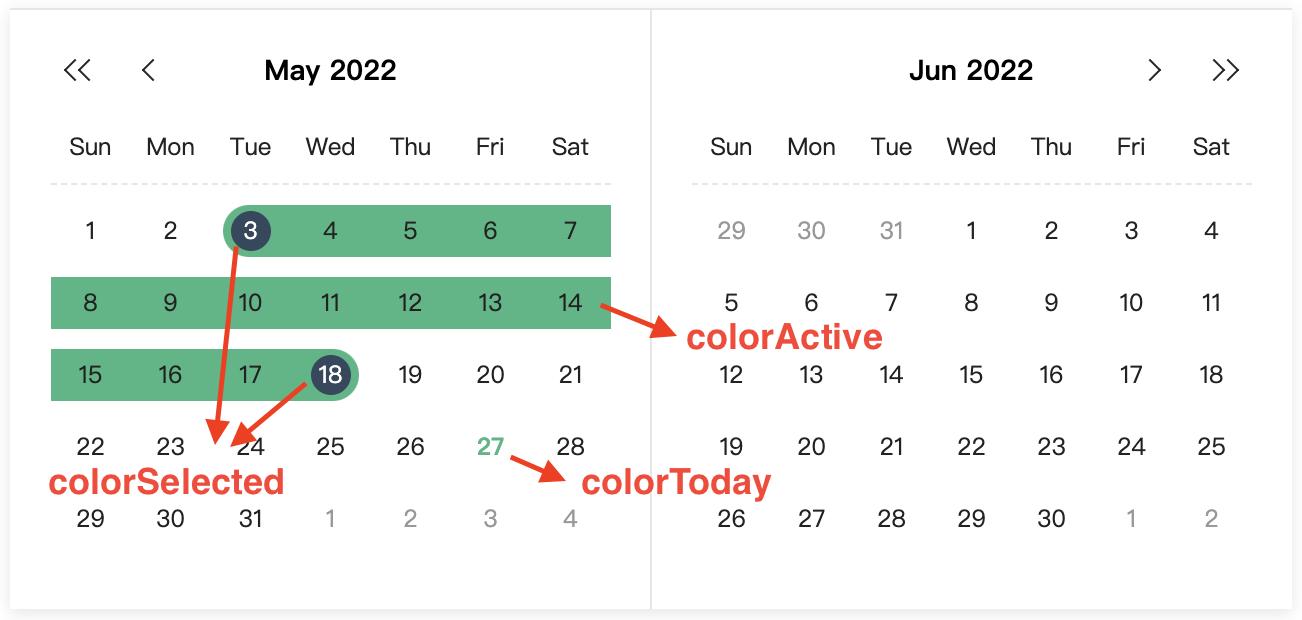
| colorToday(3) | String | no | '#41b883' |
| colorSelected(3) | String | no | '#34495e' |
| colorActive(3) | String | no | '#41b883' |
(1) v-model: Binding an object which contains start timestamp and end timestamp:
// example
dates: {
  start: 1573052400000,
  end: 1574434800000
}
you can also pass an empty object as the default value like this:
<template>
  <RangeDatePicker v-model="dates"/>
</template>

<script>
import RangeDatePicker from 'vue-easy-range-date-picker';

export default {
  components: {
    RangeDatePicker,
  },
  data() {
    return {
      dates: {},
    };
  },
}
</script>
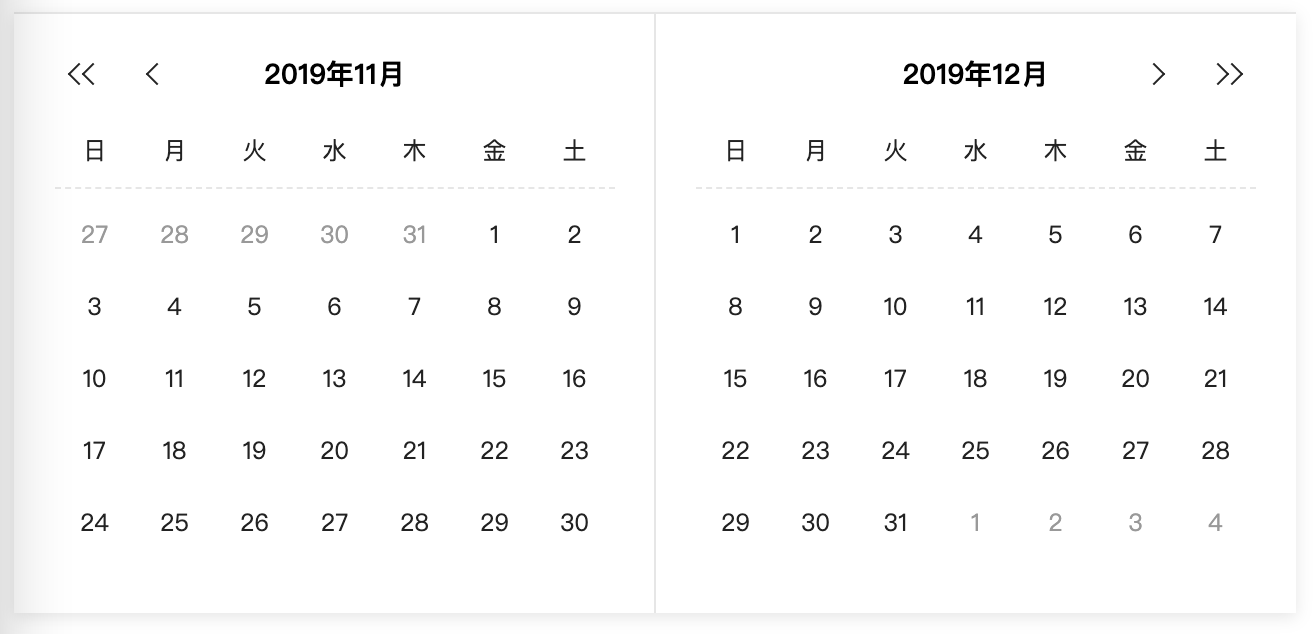
(2) Now supporting Chinese('zh'), Japanese('jp'), English('en')
(3)
Event
closePicker event will be emitted when both the start date and end date are selected.
Build Setup
# install dependencies
npm install
# serve with hot reload at localhost:8080
npm run dev
# build for production with minification
npm run build
Related Packages
vue-easy-tinymce
A simple and powerful package for easy usage of tinymce in Vue.js project.
5,785
24
Version History
| Version | Released | Vue | License |
|---|---|---|---|
| 1.0.9 | ^2.6.14 | MIT | |
| 1.0.8 | ^2.5.11 | MIT | |
| 1.0.7 | ^2.5.11 | MIT | |
| 1.0.6 | ^2.5.11 | MIT | |
| 1.0.5 | ^2.5.11 | MIT | |
| 1.0.4 | ^2.5.11 | MIT | |
| 1.0.3 | ^2.5.11 | MIT | |
| 1.0.2 | ^2.5.11 | MIT | |
| 1.0.1 | ^2.5.11 | MIT | |
| 1.0.0 | ^2.5.11 | MIT |