vue-cli-plugin-element
vue-cli-plugin-element
Element plugin for @vue/cli 3.0.
Install
First you need to install @vue/cli globally (follow the instructions here).
Then create a project and add the Element plugin:
vue create my-app
cd my-app
vue add element
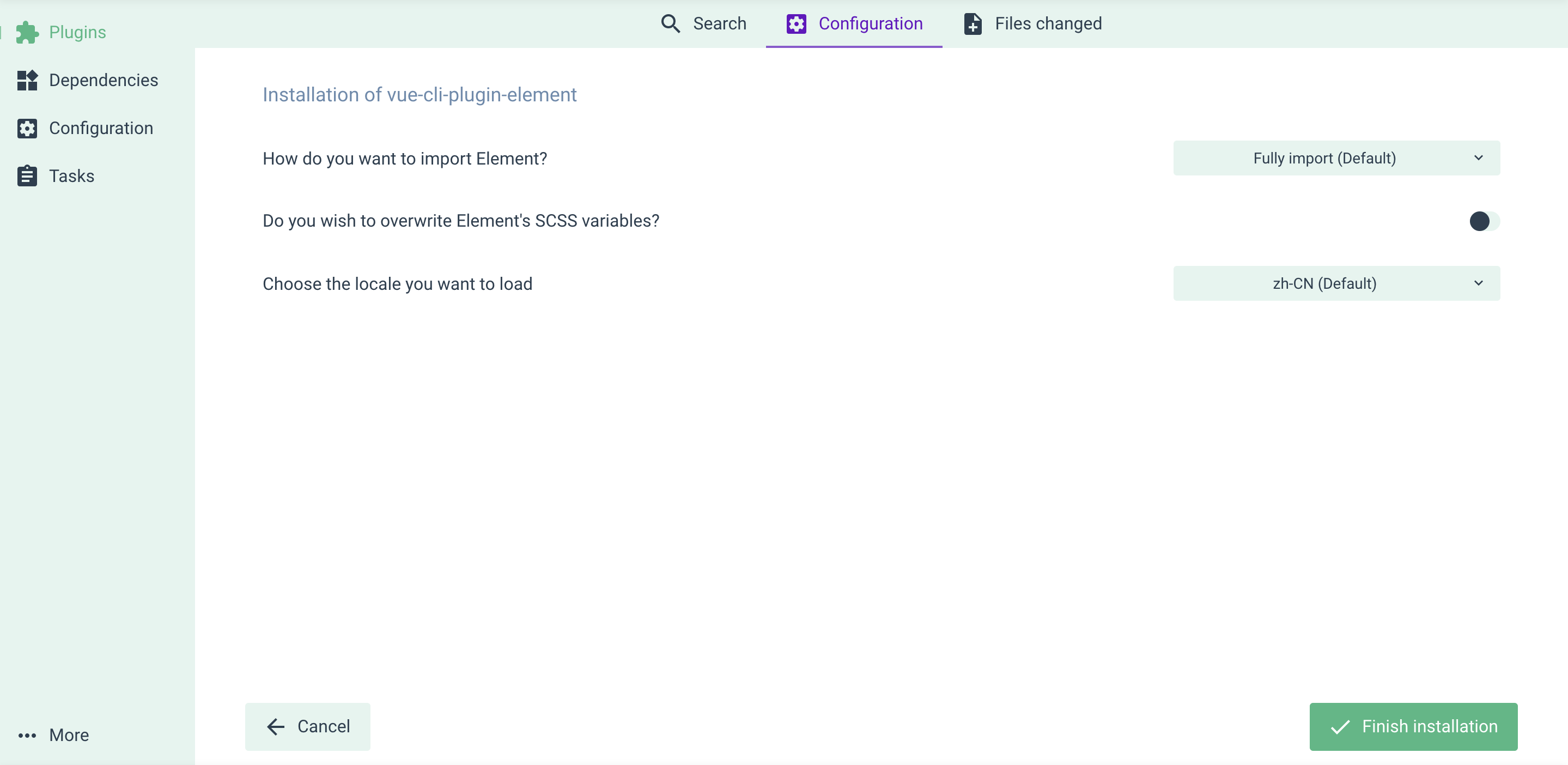
You'll be asked some questions regarding how Element is configured in your project. After that, you're good to go.
Use with vue-cli UI
Skip this part if you've done everything in the Install section.
If you prefer managing your project in vue-cli UI (by running vue ui), here's how you can add Element plugin: go to the Plugins menu, click the upper right + Add plugin button, find vue-cli-plugin-element and install it.
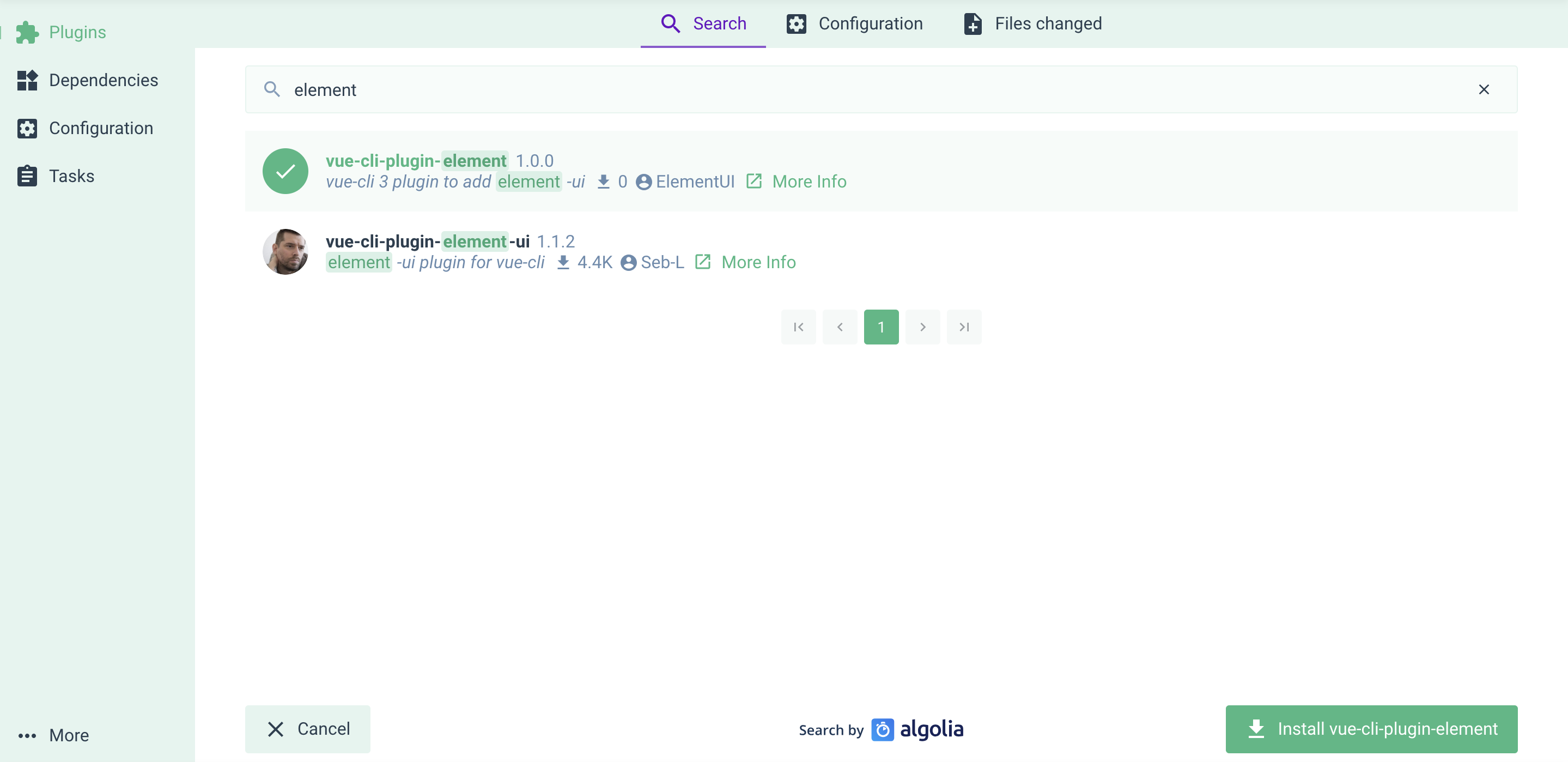
Also there're some configurations for you.
Related Packages
vue-cli-plugin-walterhu-mobile
A vue-cli 3.0 plugin to add full plugin features with one click (element-ui,axio...
1,248
Version History
| Version | Released | License |
|---|---|---|
| 1.0.1 | MIT | |
| 1.0.0 | MIT |
Pre-releases (7)
| Version | Released | License |
|---|---|---|
| 0.0.1-alpha.7 | MIT | |
| 0.0.1-alpha.6 | MIT | |
| 0.0.1-alpha.5 | MIT | |
| 0.0.1-alpha.4 | MIT | |
| 0.0.1-alpha.3 | MIT | |
| 0.0.1-alpha.2 | MIT | |
| 0.0.1-alpha.1 | MIT |