vue-check-view
Check if element is in viewport. Vue.js 2 plugin with SSR support without dependencies. DEMO
Simple plugin that checks element position on the screen (viewport) and adds classes to element:
- In viewport classes:
view-inand one of [view-in--gt-half,view-in--gt-thrid,view-in--full], - Out viewport classes:
view-outand one of [view-out--below,view-out--above]
It listens scroll and resize window events and supports modern browsers (Firefox, Chrome, Edge).
Supports vue.js version 2 and higher.
Install
npm i vue vue-check-view --save
import checkView from 'vue-check-view'
Vue.use(checkView)
or (only for test)
<script src="http://vtimofeev.github.io/vue-check-view/plugin.js">
Add directive 'view' to elements
Example 1, simple
Auto add classes to element
<div v-view>
    Content
</div>
Example 2, advanced with use handler
Auto add classes to element and executeHandler
<div v-view="viewHandler">
    Content
</div>
funtion viewHandler (e) {
    console.log(e.type) // 'enter', 'exit', 'progress'
    console.log(e.percentInView) // 0..1 how much element overlap the viewport
    console.log(e.percentTop) // 0..1 position of element at viewport 0 - above , 1 - below
    console.log(e.percentCenter) // 0..1 position the center of element at viewport 0 - center at viewport top, 1 - center at viewport bottom
    console.log(e.scrollPercent) // 0..1 current scroll position of page
    console.log(e.scrollValue) // 0..1 last scroll value (change of page scroll offset)
    console.log(e.target.rect) // element.getBoundingClientRect() result
}
Example 3, once time the handler will be executed when element appears on screen
<div v-view.once="onceHandler">
    Content
</div>
funtion onceHandler (e) {
    console.log(e.type) // 'enter', 'exit', 'progress'
    console.log(e.percentInView) // 0..1 how much element overlap the viewport
    console.log(e.percentTop) // 0..1 position of element at viewport 0 - above , 1 - below
    console.log(e.percentCenter) // 0..1 position the center of element at viewport 0 - center at viewport top, 1 - center at viewport bottom
    console.log(e.scrollPercent) // 0..1 current scroll position of page
    console.log(e.scrollValue) // 0..1 last scroll value (change of page scroll offset)
    console.log(e.target.rect) // element.getBoundingClientRect() result
}
DEMO
Browser
https://vtimofeev.github.io/vue-check-view/index.html
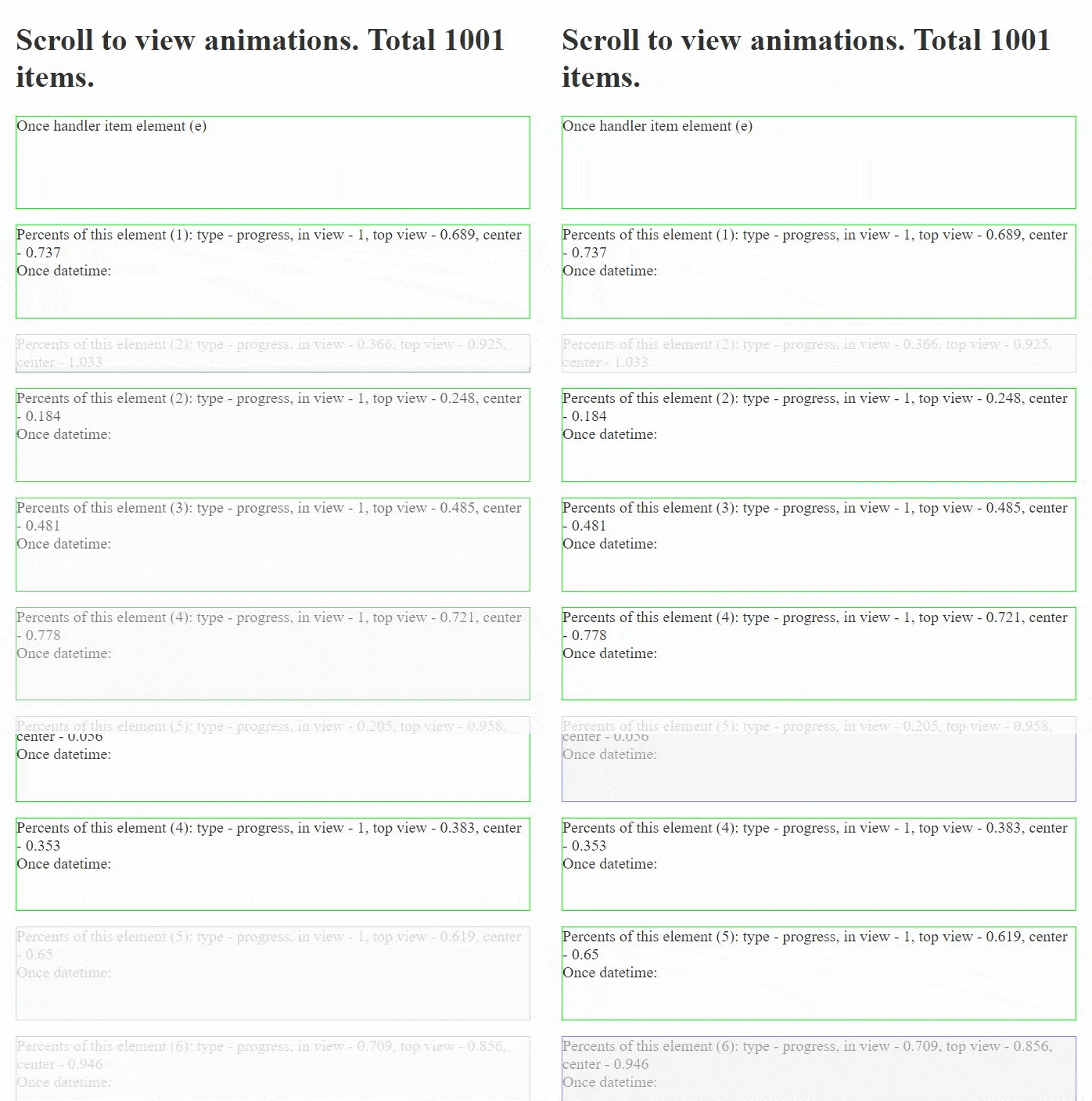
Live image
Related Packages
Version History
| Version | Released | License |
|---|---|---|
| 0.3.0 | ISC | |
| 0.2.4 | ISC | |
| 0.2.3 | ISC | |
| 0.2.2 | ISC | |
| 0.2.1 | ISC | |
| 0.2.0 | ISC |