vue-burger-button
A Vue burger button as functional component, which is faster than a regular component, and is pretty small (JS min+gzip is lower than 700b and CSS min+gzip is lower than 400b).
2,685
40
| Install | |
|---|---|
npm install vue-burger-button |
|
| Latest Version: | 0.1.2 |
| License: | MIT |
| Last Updated: | Dec 9, 2022 |
| Links: | GitHub · npm |
Maintainer: vitorluizc
vue-burguer-button
A Vue burger button as functional component, which is faster than a regular component, and is pretty small (JS min+gzip is lower than 700b and CSS min+gzip is lower than 400b).
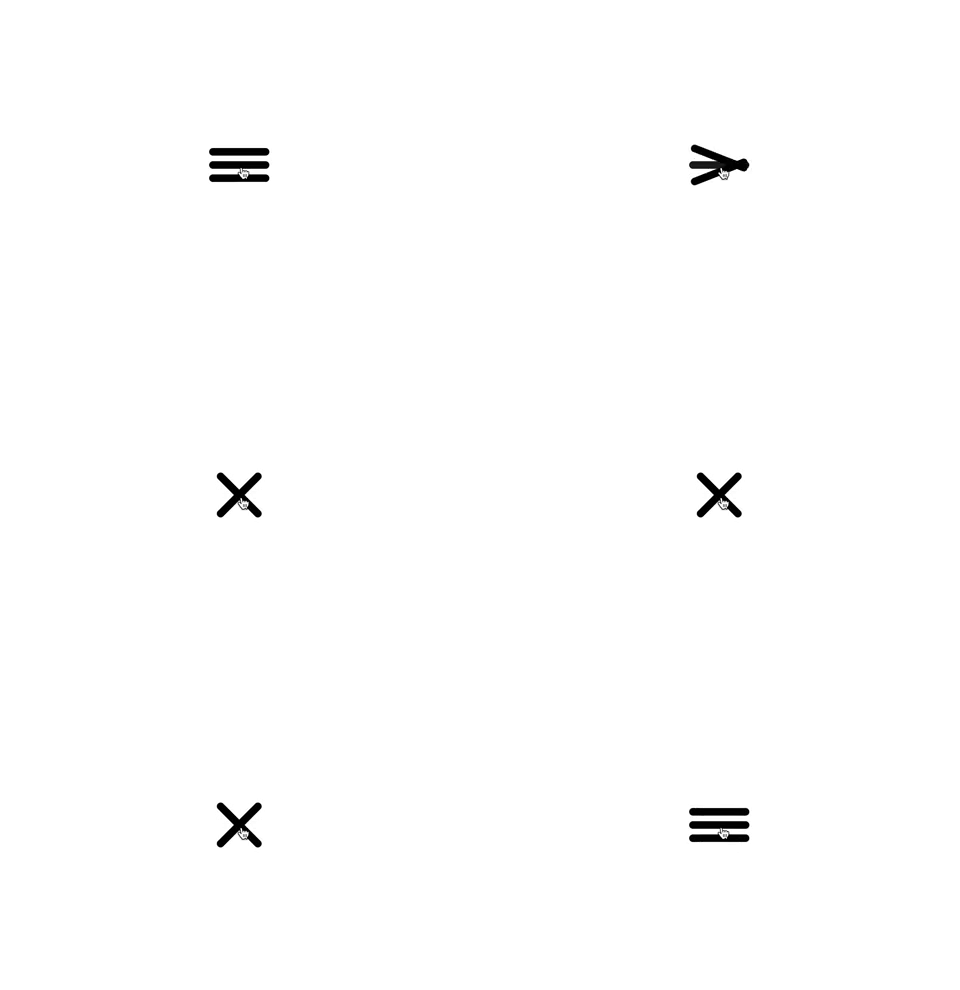
Installation
This module is published under NPM registry, so you can install from any package manager.
npm install vue-burger-button --save

# Use the command bellow for Yarn.
yarn add vue-burger-button
Usage
Import the BurgerButton component and its CSS.
<template>
  <burger-button
    :active="isActive"
    @click="isActive = !isActive"
  />
</template>

<script>
  import BurgerButton from 'vue-burger-button';

  export default {
    components: { BurgerButton },
    data: () => ({ isActive: false })
  };
</script>

<style src="vue-burger-button/dist/vue-burger-button.css" />
Usage as global component
If you need <burger-button /> available everywhere, you can register it as a global component and don't forget to import its CSS.
import 'vue-burger-button/dist/vue-burger-button.css';
import Vue from 'vue';
import BurgerButton from 'vue-burger-button';

Vue.component('burger-button', BurgerButton);
Usage from CDN
You can import burger button UMD module and CSS from Unpkg.
<!-- Import vue-burger-button CSS -->
<link rel="stylesheet" href="https://unpkg.com/vue-burger-button@0.1.0/dist/vue-burger-button.css" />

<!-- Import vue-burger-button UMD bundle -->
<script src="https://unpkg.com/vue@2.5.3"></script>
<script src="https://unpkg.com/vue-burger-button@0.1.0"></script>

<script>
  /**
   * vue-burger-button is available through VueBurgerButton.
   */
  console.dir(VueBurgerButton);

  /**
   * Vue.use will add burger button as global component.
   */
  Vue.component('burger-button', VueBurgerButton);
</script>
Props
You can customize your burger button using props.
<template>
  <burger-button
    :active="isActive"
    :bar-color="isActive ? 'red' : 'black'"
    :bar-height="15"
    :bar-width="120"
    @click="isActive = !isActive"
  />
</template>
| Name | Type | Default | Description |
|---|---|---|---|
| active | Boolean |
false |
If true it switches to a close button. |
| barColor | String |
'#000000' |
Change the bars colors. |
| barHeight | Number |
10 |
Change the bars heights. |
| barWidth | Number |
80 |
Change the bars widths. |
Events
The burger button emits every <button /> events. So, you can use @click, @mouseover etc.
License
Released under MIT License.
Related Packages
@todovue/tv-button
A customizable button component for TODOvue, supporting multiple variants, sizes...
3,305
1
Version History
| Version | Released | License |
|---|---|---|
| 0.1.2 | MIT | |
| 0.1.1 | MIT | |
| 0.1.0 | MIT |