vitepress-md-var
VitePress Markdown Variables
Demo
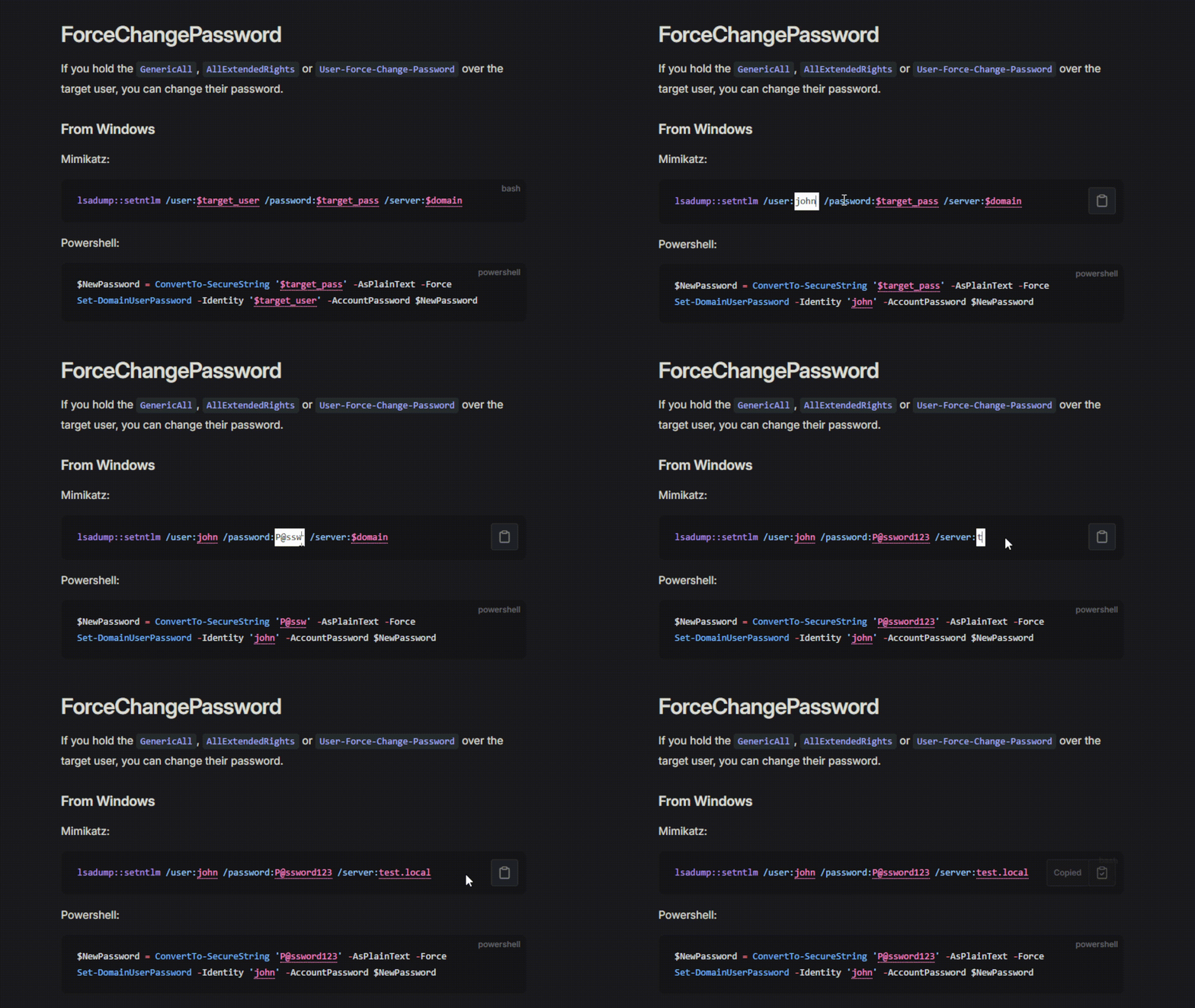
Checkout the demo directory for a working example.
Installation
npm install --save-dev vitepress-md-var- Create
.vitepress/theme/index.ts - Paste the following code
import DefaultTheme from 'vitepress/theme';
import { useRoute } from 'vitepress';
import mdVar from 'vitepress-md-var';

export default {
    ...DefaultTheme,
    enhanceApp(ctx) {
        DefaultTheme.enhanceApp(ctx);
    },
    setup() {
        const route = useRoute();
        mdVar(route);
    }
};
Configuration
Configuration can be passed as the second argument to the mdVar constructor. It should implement the interface shown below:
export interface MarkdownVariablesConfig {
    // Strings that start with this prefix are treated as variables
    prefix?: string,
    // Strings that start with this prefix are NOT treated as variables
    noVarPrefix?: string,
    // This function will be called to store a variable's value in persistent storage
    storeVar?: ((varName: string, varValue: string) => void),
    // This function will be called to load a variable's value from persistent storage
    loadVar?: ((varName: string) => string|null)
}
Variable persistence
Implement the storeVar and loadVar functions to persist variables across pages.
export default {
  ...DefaultTheme,
  enhanceApp(ctx) {
    DefaultTheme.enhanceApp(ctx);
  },
  setup() {
    const route = useRoute();
    mdVar(route, {
      loadVar: (varName) => localStorage.getItem("MD_" + varName),
      storeVar: (varName, varVal) =>
        localStorage.setItem("MD_" + varName, varVal),
    });
  },
};
Styling
An alternative style is the "The Hacker Recipes" (THR) style, shown below:
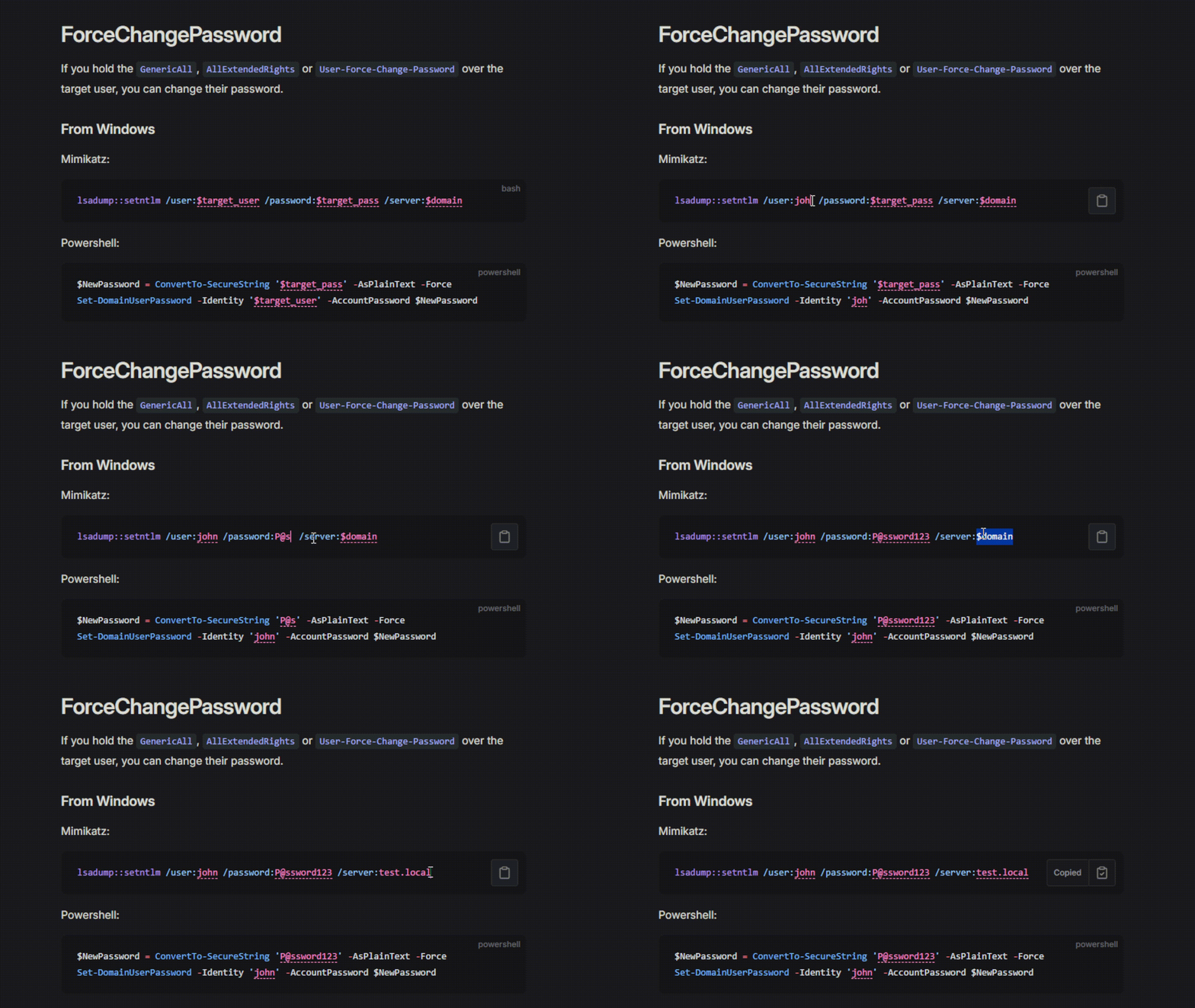
You can specify it using the styling parameter:
mdVar(route, {
  styling: "thr"
});
If you would like to use your own CSS instead, simply set styling to your CSS string.
The default and THR themes are defined in config.ts
Related Packages
vitepress-plugin-glossary
A VitePress plugin that automatically identifies and links glossary terms with i...
11,666
@mussi/vitepress-theme
A lightweight VitePress theme extension for Ruby project documentation.
792
6
Version History
| Version | Released | License |
|---|---|---|
| 0.2.3 | MIT | |
| 0.2.2 | MIT | |
| 0.2.1 | MIT | |
| 0.2.0 | MIT | |
| 0.1.0 | MIT |