resize-observer-vue
resize-observer-vue


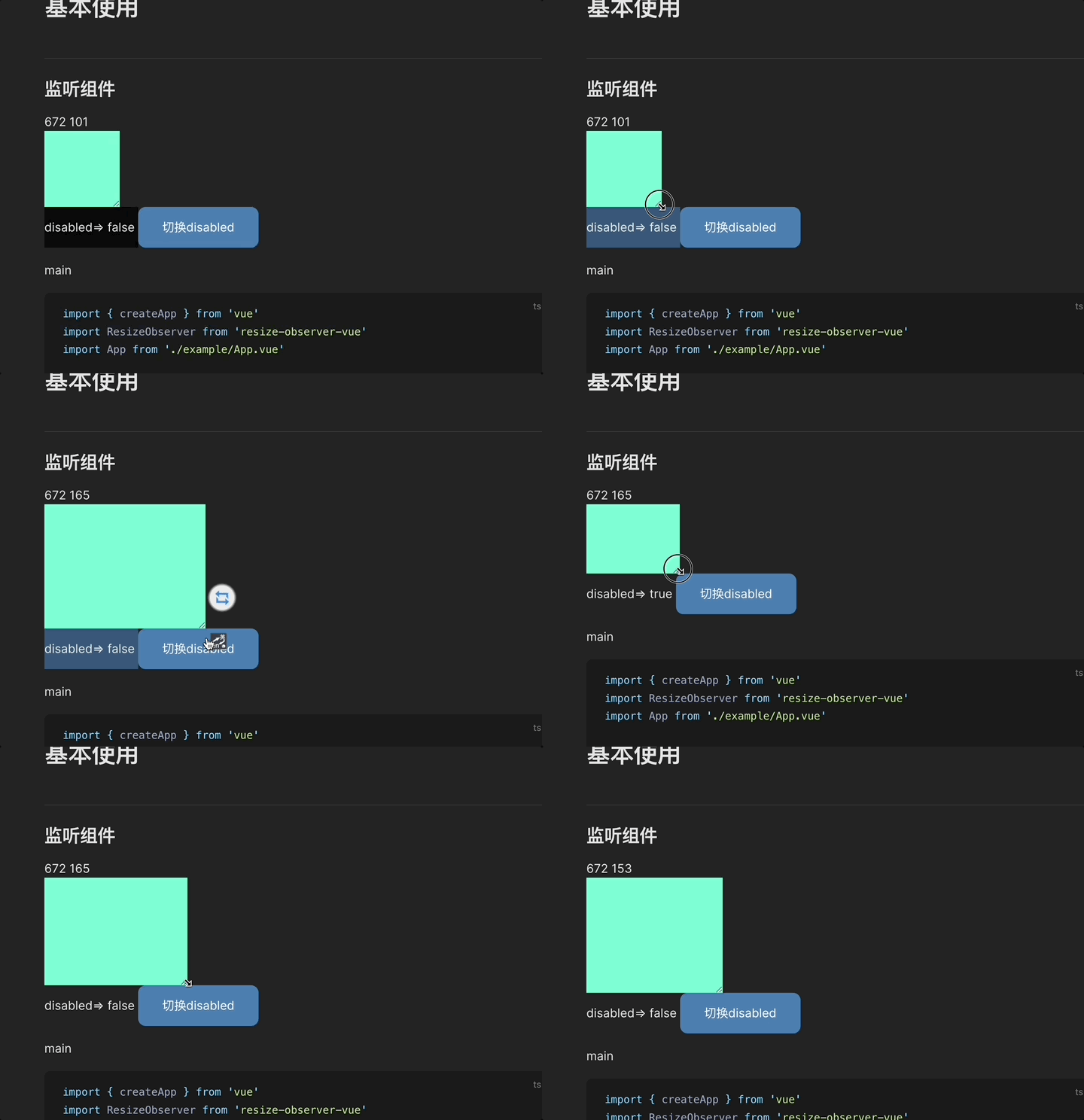
The width of the case box is 100% by default. You need to manually switch the viewport width
what?🙊
Whether the size and location of the listening component have changed, Only support vue3
How to use it? 🙈
pnpm add resize-observer-vue
1. Similar to the use of react high-order components
import
import { createApp } from 'vue'
import ResizeObserver from 'resize-observer-vue'
import App from './example/App.vue'

const app = createApp(App)

app.use(ResizeObserver).mount('#app')
Or introduced as a component
import { ResizeObserver } from 'resize-observer-vue'
use
<ResizeObserver :on-resize="callback" :disabled="false">
    <TargetComponent/>
<ResizeObserver/>
2. The same supports vue instructions
registration Directive
import { directive } from 'resize-observer-vue'
const app = createApp({})

app.directive('resize', directive)
use
<TargetComponent v-resize:[disabled]="callback" />
API
| Property | Type | Default | Description |
|---|---|---|---|
| disabled | boolean | false | Whether to disable observation |
| onResize | ({ width, height }) => void | - | Trigger when child node resized |
Related Packages
Version History
| Version | Released | Vue | License |
|---|---|---|---|
| 1.2.0 | >=3.0.0 | MIT | |
| 1.1.1 | >=3.0.0 | MIT | |
| 1.1.0 | >=3.0.0 | MIT | |
| 1.0.11 | >=3.0.0 | MIT | |
| 1.0.10 | >=3.0.0 | MIT | |
| 1.0.8 | >=3.0.0 | MIT | |
| 1.0.7 | >=3.0.0 | MIT | |
| 1.0.6 | >=3.0.0 | MIT | |
| 1.0.5 | >=3.0.0 | MIT | |
| 1.0.4 | >=3.0.0 | MIT | |
| 1.0.3 | >=3.0.0 | MIT | |
| 1.0.2 | >=3.0.0 | MIT | |
| 1.0.1 | >=3.0.0 | MIT | |
| 1.0.0 | >=3.0.0 | MIT | |
| 0.0.1 | >=3.0.0 | MIT |
Pre-releases (1)
| Version | Released | Vue | License |
|---|---|---|---|
| 1.2.0-beta.0 | >=3.0.0 | MIT |