lotus-calendar
lotus-calendar
vue 日期组件
how to use
npm install lotus-calendar --save or yarn add lotus-calendar
插件的方式引入使用
1.main.js
    import lotusCalendar from 'lotus-calendar'
    import 'lotus-calendar/dist/lotus-calendar.min'
    Vue.use(lotusCalendar)
2.vue页面内引用日历控件:
<lotus-calendar @returnDate="choseDate" :calendarData="calendarData"></lotus-calendar>
3.触发日历控件例子:
    <p>
       <span >日期控件:</span>
       <span @click="bindDateChange('starTime')" v-text="starTime+'至'"></span>
       <span @click="bindDateChange('endTime')" v-text="endTime"></span>
    </p>
4.参数说明:
(1)参数定义
    data () {
        return {
            starTime: '',
            endTime: '',
            calendarData:{
                isShow:false
            },
        }
    }
5.方法定义与调用:
    methods: {
        //获取选中时间
        choseDate(data,type){
            this[type] = data;
        },
        //触发显示日历控件
        bindDateChange(type){
             this.calendarData.isShow = true;
             this.calendarData.type = type;
        }
    }
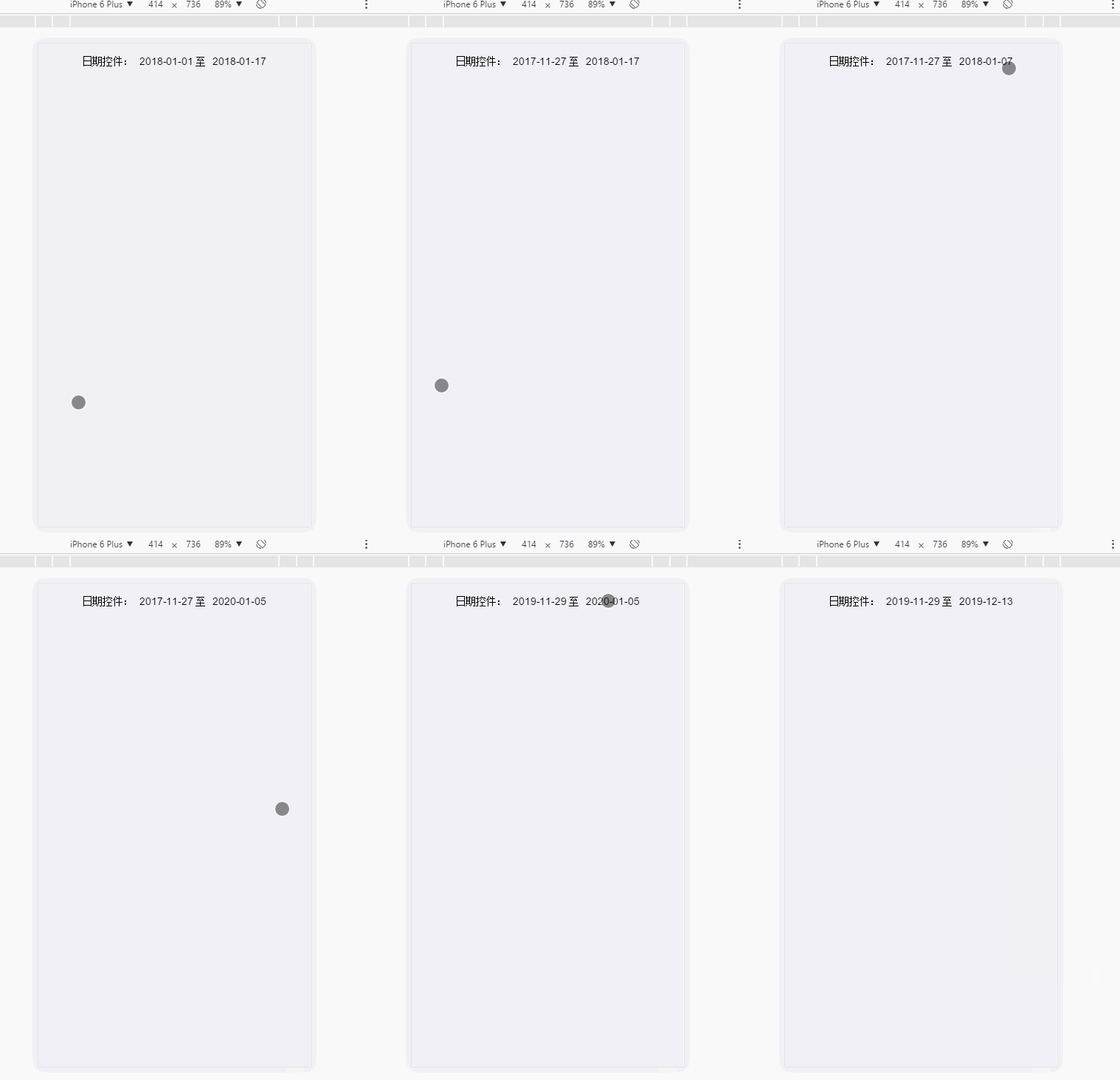
6.演示
Related Packages
Version History
| Version | Released | Vue | License |
|---|---|---|---|
| 1.1.9 | ^2.5.2 | ||
| 1.1.8 | ^2.5.2 | ||
| 1.1.7 | ^2.5.2 | ||
| 1.1.6 | ^2.5.2 | ||
| 1.1.5 | ^2.5.2 | ||
| 1.1.4 | ^2.5.2 | ||
| 1.1.3 | ^2.5.2 | ||
| 1.1.2 | ^2.5.2 | ||
| 1.1.1 | ^2.5.2 | ||
| 1.1.0 | ^2.5.2 | ||
| 1.0.11 | ^2.5.2 | ||
| 1.0.10 | ^2.5.2 | ||
| 1.0.9 | ^2.5.2 | ||
| 1.0.8 | ^2.5.2 | ||
| 1.0.7 | ^2.5.2 | ||
| 1.0.6 | ^2.5.2 | ||
| 1.0.4 | ^2.5.2 | ||
| 1.0.3 | ^2.5.2 | ||
| 1.0.2 | ^2.5.2 |