jj-parallax-card
| Install | |
|---|---|
npm install jj-parallax-card |
|
| Latest Version: | 1.0.4 |
| Vue: | 2 |
| License: | MIT |
| Last Updated: | Dec 27, 2018 |
| Links: | GitHub · npm |
###jj-parallax-card for Vue
jj-parallax-card is a Vue component to mimic Apple-tv style card. You can modify its size, light effect, and add any other components in its background and foreground to create your own 3d-card(yes youc could embed another parallax card into it). And absolutely it can handle all events like a normal html element, like click and hover. And you can even make it acts completely like a 3d button.
Thanks the implementation idea from codepen
####💕GIF:
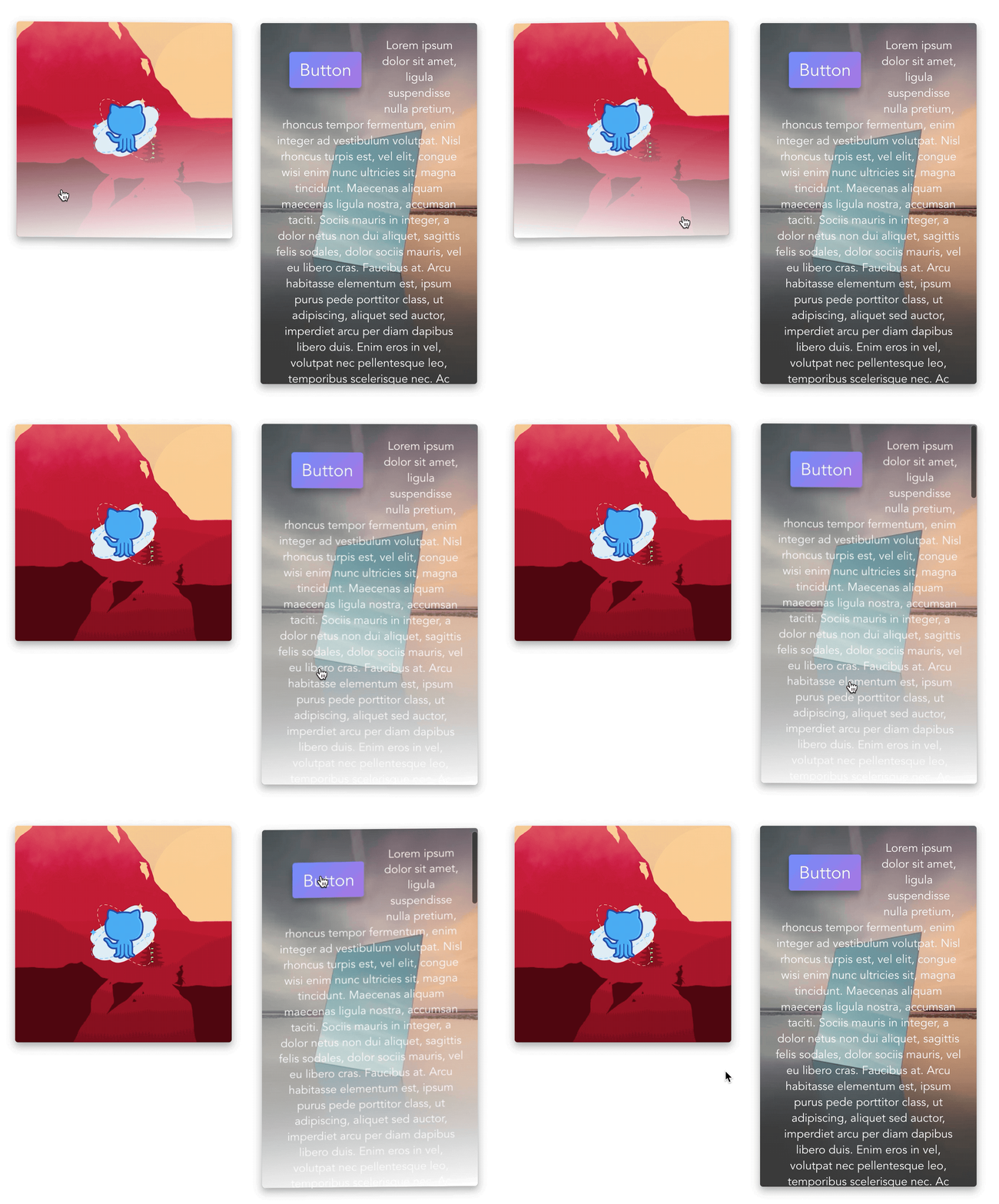
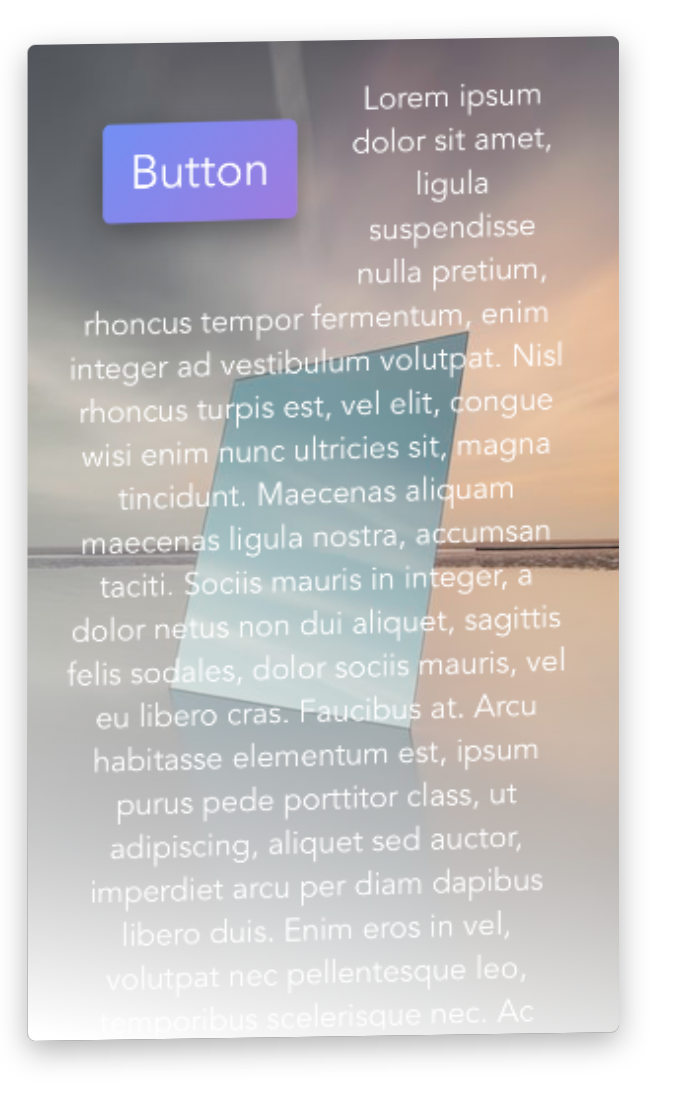
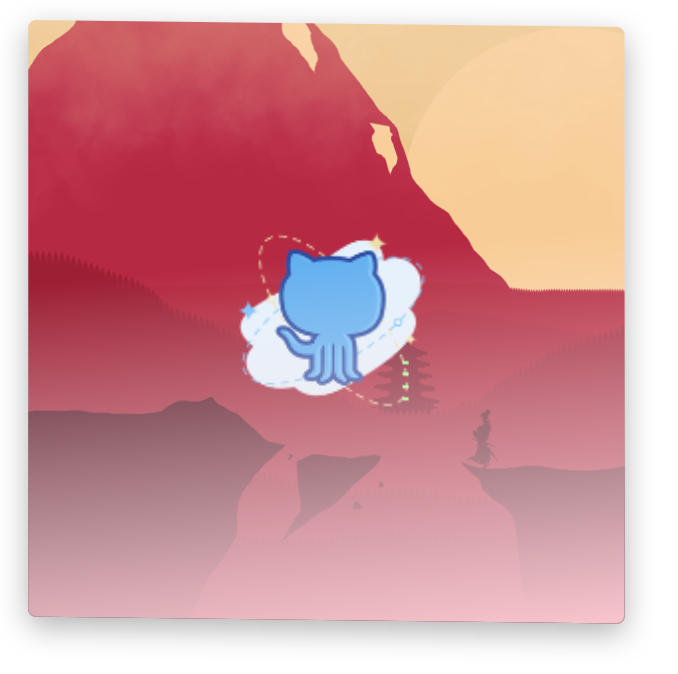
How To Use
-
install jj-parallax-card via npm
npm i jj-parallax-card -
Import it into your vue component.
import JJParallaxCard from 'jj-parallax-card'components: { 'jj-parallax-card':JJParallaxCard, }, -
use it in your code
<jj-parallax-card></jj-parallax-card>after set the size of the jj-parallax-card, you could set some properties to do some customisation. Here are the properties and actions you can set
Property-name Type Description light-color String a hex string to set the light color, default value is white. if you don't want to have a Reflective-light-layer, just set this property to 'transparent' click-effect Boolean Ture if the card can be clicked down. Set it to true when you want the parallax card acts like a button. Default value is false Action-name Description click Trigged when clicked that card. your code will be like this
<jj-parallax-card lightColor="white" :click-effect="true" style="float:left; width: 300px; height: 300px;" @click="click"></jj-parallax-card> -
Use slot to set the background and foreground view of the parallax-card
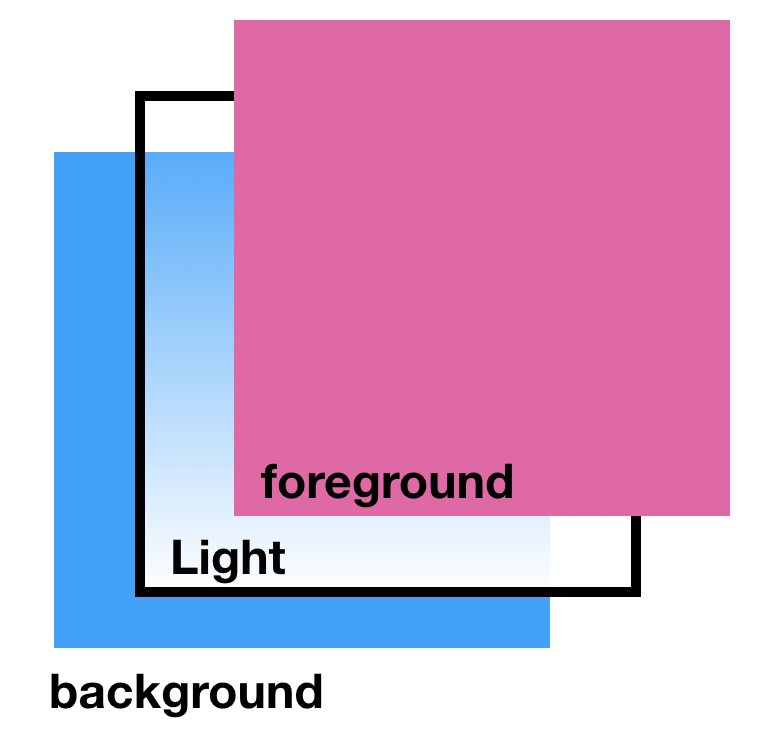
Type Sample slot="front" //this slot will be inserted into the foreground <img slot="content" src="https://raw.githubusercontent.com/JasonLeee2014/jj-parallax-card/HEAD/" alt=""> slot="content" //this slot will be inserted into the background <div slot="front"></div? and off course you can add any components into the slot. Including embedded jj-paralllax-card component like in the gif.
Your code will be like this
<jj-parallax-card lightColor="white" style="float:left; width: 300px; height: 300px;" @click="click">
      <img slot="content" src="https://raw.githubusercontent.com/JasonLeee2014/jj-parallax-card/HEAD/background.png" alt="">
      <div slot="front">
        <img style="width: 100px; height: 100px;" src="https://raw.githubusercontent.com/JasonLeee2014/jj-parallax-card/HEAD/front.png" alt="">
      </div>
</jj-parallax-card>
Demo
demo are in the 'demo' zip.
Remember to
npm install
Related Packages
Apple's Liquid Glass effect for Vue 3. Based on the original liquid-glass-react...
Animated button shelf for React and Vue — switch styles by variant string. Zero...
Path-constrained 3D card orbit carousel for React and Vue — rise, arc, exit. No...
Version History
| Version | Released | Vue | License |
|---|---|---|---|
| 1.0.4 | ^2.5.16 | MIT | |
| 1.0.3 | ^2.5.16 | MIT | |
| 1.0.2 | ^2.5.16 | MIT | |
| 1.0.1 | ^2.5.16 | MIT | |
| 1.0.0 | ^2.5.16 | MIT |