google-recaptcha-vue3
🛡️ Google reCAPTCHA Vue3
Effortlessly integrate Google reCAPTCHA v3 (invisible) and v2 (checkbox) into your Vue 3 applications with this lightweight and efficient plugin.
🔐 Protect your website from spam and abuse by leveraging Google's robust reCAPTCHA service.
📦 Installation
Install the plugin via npm:
npm install google-recaptcha-vue3
✨ Key Features
- ✅ Google reCAPTCHA v3 Support: Implement invisible spam protection.
- ✅ reCAPTCHA v2 Support: Integrate the traditional checkbox challenge.
- 🧩 Vue 3 Composition API Friendly: Seamless integration within your Vue 3 components.
- 📤 Token Emission: Emits a verification token via an event for secure backend validation.
🚀 Usage
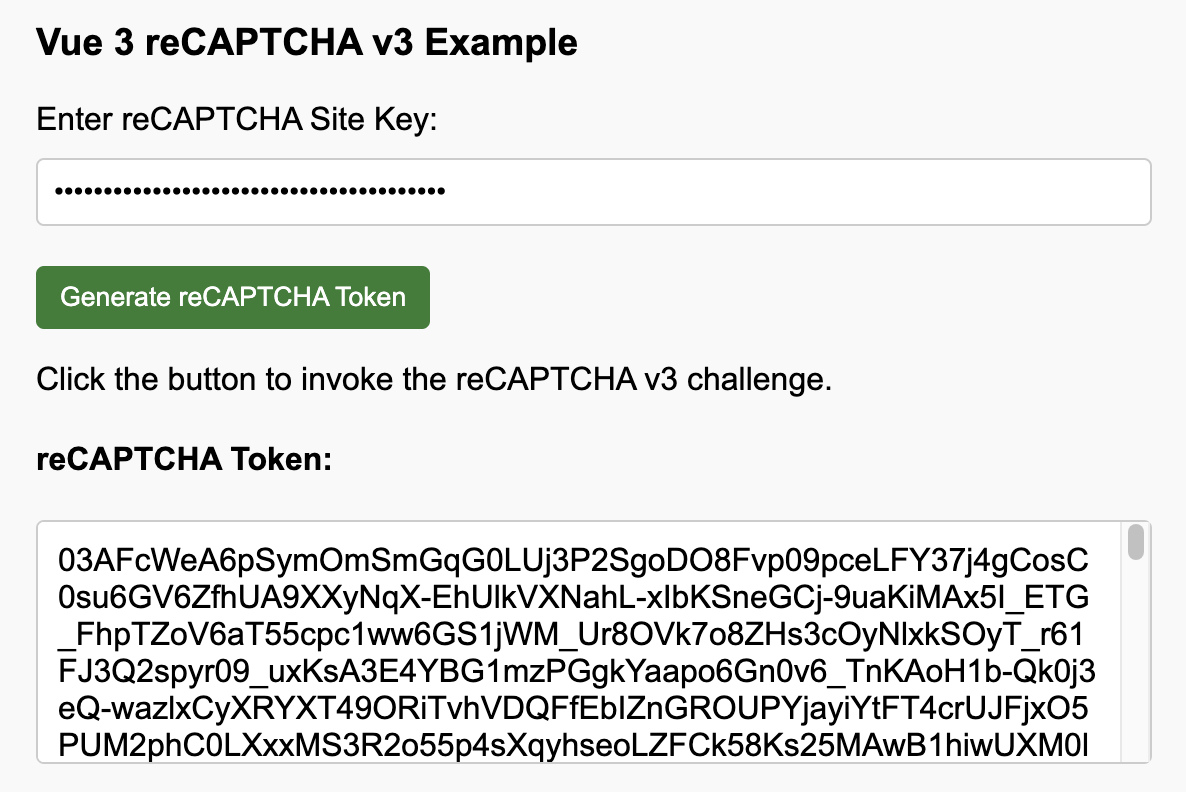
✅ reCAPTCHA v3 (Invisible)
-
Import the component:
import GoogleRecaptcha from 'google-recaptcha-vue3'; -
Integrate into your component template:
<template> <GoogleRecaptcha ref="recaptchaRef" siteKey="your-site-key" action="submit" @verified="handleToken" @error="handleError" /> </template> <script setup> import { ref } from 'vue'; import GoogleRecaptcha from 'google-recaptcha-vue3'; const recaptchaRef = ref(null); const handleToken = (token) => { console.log('Token:', token); // Send this token to your server for verification. }; const handleError = (err) => { console.error("reCAPTCHA Error:", err); }; // Trigger reCAPTCHA execution (e.g., on form submission) const submitForm = () => { recaptchaRef.value.execute(); // ... other form submission logic }; </script> -
Trigger Execution:
const recaptchaRef = ref(null); // Call this method when you need to verify the user action const triggerRecaptcha = () => { recaptchaRef.value.execute(); }; -
Handle the emitted token and errors:
const handleToken = (token) => {
  console.log('Token:', token);
  // Implement your server-side token verification logic here.
};

const handleError = (err) => {
  console.error("reCAPTCHA Error:", err);
  // Handle potential reCAPTCHA errors.
};
Screenshot
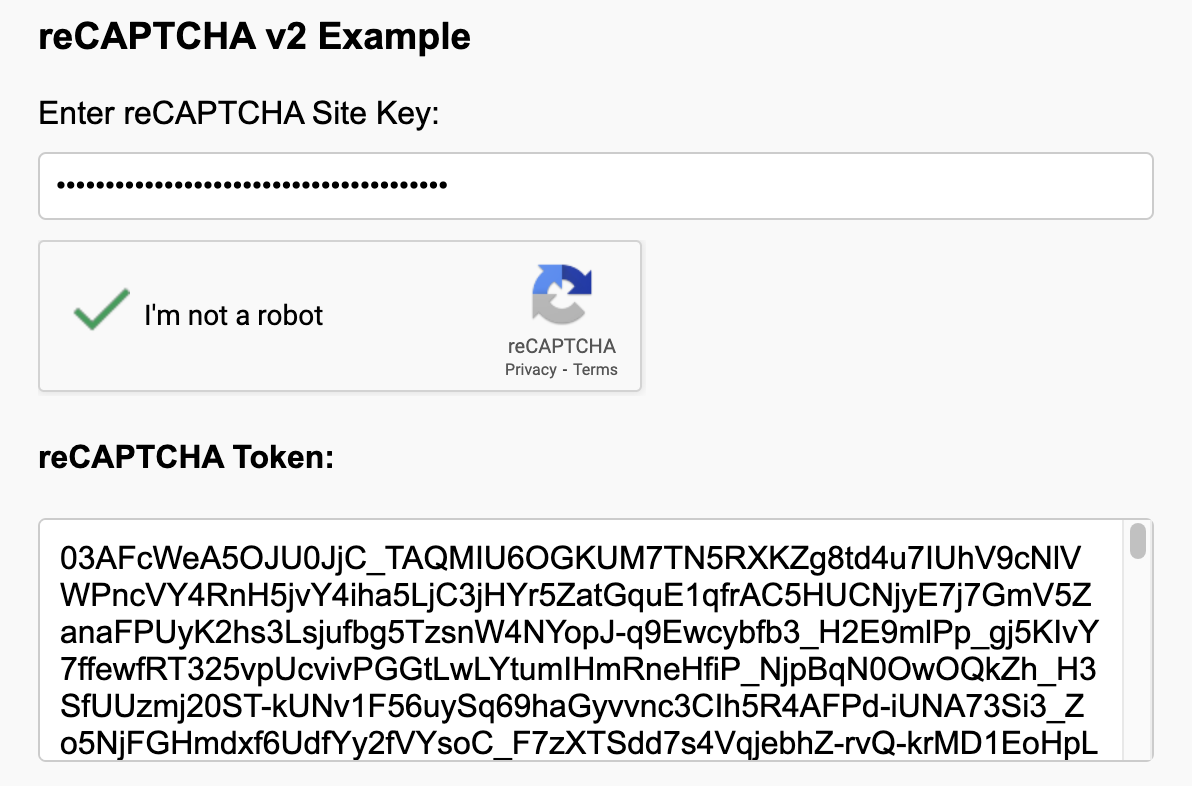
✅ reCAPTCHA v2 (Checkbox)
-
Import the component:
import GoogleRecaptcha from 'google-recaptcha-vue3'; -
Use it in your component template:
<template> <GoogleRecaptcha siteKey="your-site-key" version="v2" autoLoad="true" @verified="handleToken" @error="handleError" /> </template> <script setup> import { ref } from 'vue'; import GoogleRecaptcha from 'google-recaptcha-vue3'; const handleToken = (token) => { console.log('Token:', token); // Send this token to your server for verification. }; const handleError = (err) => { console.error("reCAPTCHA Error:", err); }; </script> -
Handle the emitted token and errors:
const handleToken = (token) => { console.log('Token:', token); // Implement your server-side token verification logic. }; const handleError = (err) => { console.error("reCAPTCHA Error:", err); // Handle any reCAPTCHA errors. }; -
Manually Load reCAPTCHA (when
autoLoadisfalse):const recaptchaRef = ref(null); // Call this method to explicitly load the reCAPTCHA widget const loadRecaptcha = () => { recaptchaRef.value.execute(); // Note: For v2, 'execute' will render the checkbox if not already loaded. };
Screenshot
⚙️ Props
| Prop | Version | Type | Required | Description |
|---|---|---|---|---|
version |
both | String | ✅ Yes | The reCAPTCHA version to use ('v3' or 'v2', default: 'v3') |
siteKey |
both | String | ✅ Yes | Your Google reCAPTCHA site key. |
action |
v3 | String | No | A contextual action name for v3 scoring. |
autoLoad |
v2 | Boolean | No | Automatically load the reCAPTCHA on component mount (default: true). |
📢 Events
| Event | Payload | Description |
|---|---|---|
verified |
token (String) |
Emitted when reCAPTCHA verification is successful. |
error |
error (Any) |
Emitted when reCAPTCHA setup/verification has failed. |
🛠️ Methods
You can access the component instance via a ref to call the following method:
execute(): Triggers the reCAPTCHA process. For v3, it programmatically invokes the invisible challenge. For v2 (whenautoLoadisfalse), it can be used to initiate the rendering of the checkbox.
📂 Examples
Explore the included example Vue files for practical implementations:
RecaptchaV3Example.vue: Demonstrates the usage of the invisible reCAPTCHA v3.RecaptchaV2Example.vue: Illustrates the integration of the reCAPTCHA v2 checkbox.
🧪 Test Keys
For local development and testing purposes, you can utilize Google's provided test site keys:
- v3 Site Key:
6LeIxAcTAAAAAJcZVRqyHh71UMIEGNQ_MXjiZKhI - v2 Site Key:
6LeIxAcTAAAAAJcZVRqyHh71UMIEGNQ_MXjiZKhI
⚠️ Important: These test keys will always return a valid token. Never use them in production environments. Replace them with your site keys obtained from the Google reCAPTCHA admin console.
📄 License
MIT © [Shiv Baran Singh]
🙏 Contributions
Your contributions, bug reports, and feature requests are highly appreciated! Feel free to fork this repository and submit a pull request to contribute.
🔗 Resources
Related Packages
A Vue 3 plugin for Google reCAPTCHA v2 (checkbox & invisible) and v3 integration
Vue.js 2.0 组件级懒加载方案 Vue.js 2.x component level lazy loading solution
Version History
| Version | Released | Vue | License |
|---|---|---|---|
| 1.0.2 | ^3.0.0 | MIT | |
| 1.0.1 | ^3.0.0 | MIT | |
| 1.0.0 | ^3.0.0 | MIT | |
| 0.1.0 | ^3.0.0 | MIT | |
| 0.0.1 | ^3.0.0 | MIT |