create-nuxt-typo3
Create TYPO3 Nuxt App



Create a Nuxt.js project in seconds
This is a fork of create-nuxt-app
Preview
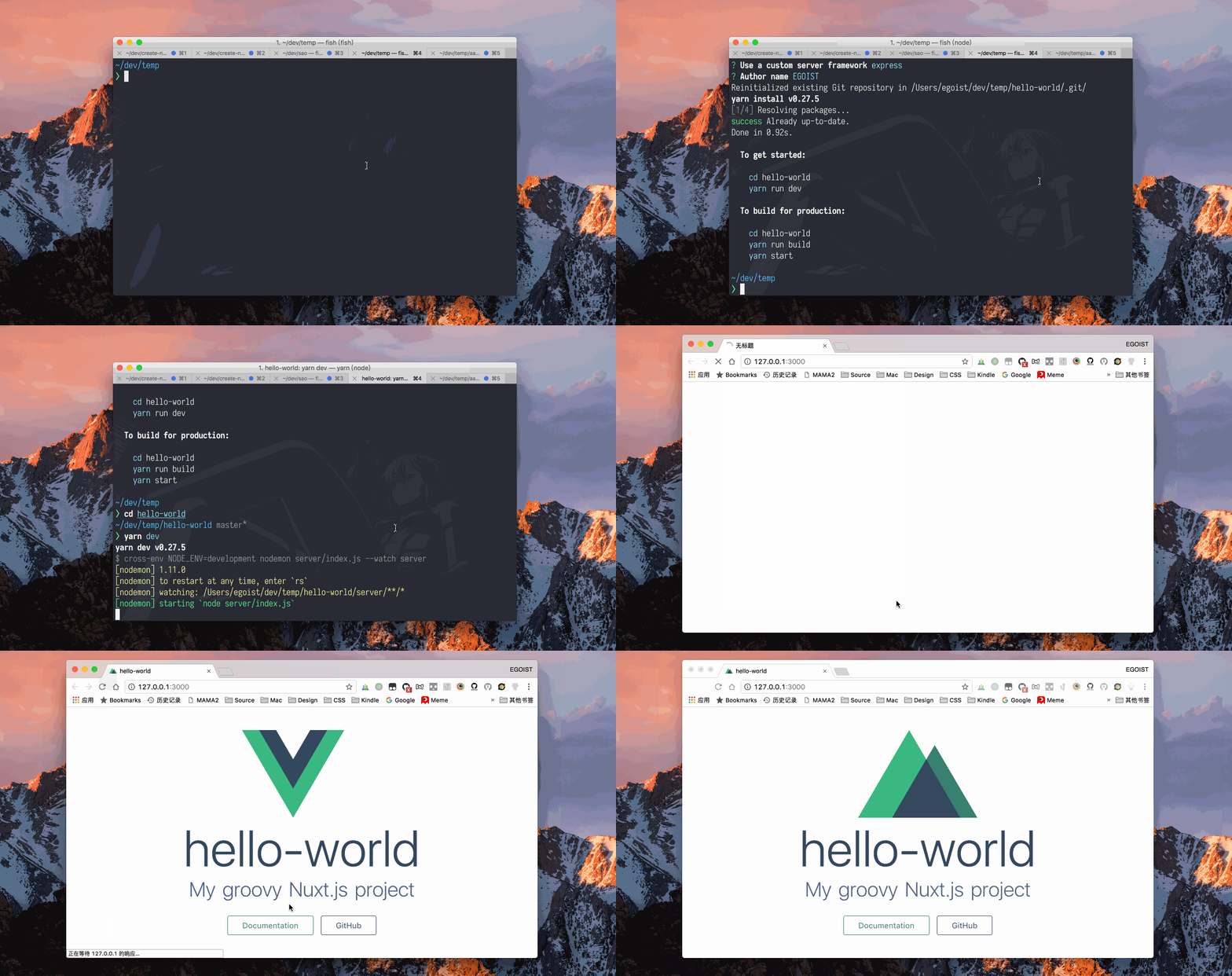
Usage
Make sure you have npx installed (npx is shipped by default since npm 5.2.0)
npx create-nuxt-typo3 <my-project>
Or starting with npm v6.1 you can do:
npm init nuxt-typo3 <my-project>
Or with yarn:
yarn create nuxt-typo3 <my-project>
Features :tada:
- Choose the package manager
- Yarn
- Npm
- Choose programming language
- JavaScript
- TypeScript
- Choose your favorite UI framework:
- None (feel free to add one later)
- Ant Design Vue
- Bootstrap
- Buefy
- Bulma
- Element
- Framevuerk
- iView
- Tachyons
- Tailwind CSS
- Vuetify
- Choose between integrated server-side frameworks:
- Choose the runtime for TypeScript (if you choose TypeScript)
- Default
- @nuxt/typescript-runtime
- Choose Nuxt.js modules:
- Choose linting tools:
- Check the features needed for your project:
- Choose your favorite test framework:
- Choose rendering mode
CLI Options
--edge
Alias: -e.
To install nuxt-edge instead of nuxt, add the command line option --edge:
npx create-nuxt-typo3 <my-project> --edge
Or
npm init nuxt-typo3 <my-project> --edge
Or
yarn create nuxt-typo3 <my-project> --edge
--info
Alias: -i. Print out debugging information relating to the local environment and exit.
--help
Alias: -h. Show the help information and exit, include: usage, command and all cli options.
--verbose
Show debug logs
--version
Alias: -v. Show version number and exit.
Credits
Version History
| Version | Released | License |
|---|---|---|
| 0.7.0 | MIT | |
| 0.6.1 | MIT | |
| 0.6.0 | MIT | |
| 0.5.0 | MIT | |
| 0.4.1 | MIT | |
| 0.4.0 | MIT | |
| 0.3.0 | MIT | |
| 0.2.0 | MIT | |
| 0.1.1 | MIT | |
| 0.1.0 | MIT | |
| 0.0.3 | MIT | |
| 0.0.2 | MIT | |
| 0.0.1 | MIT |