cincin-vue
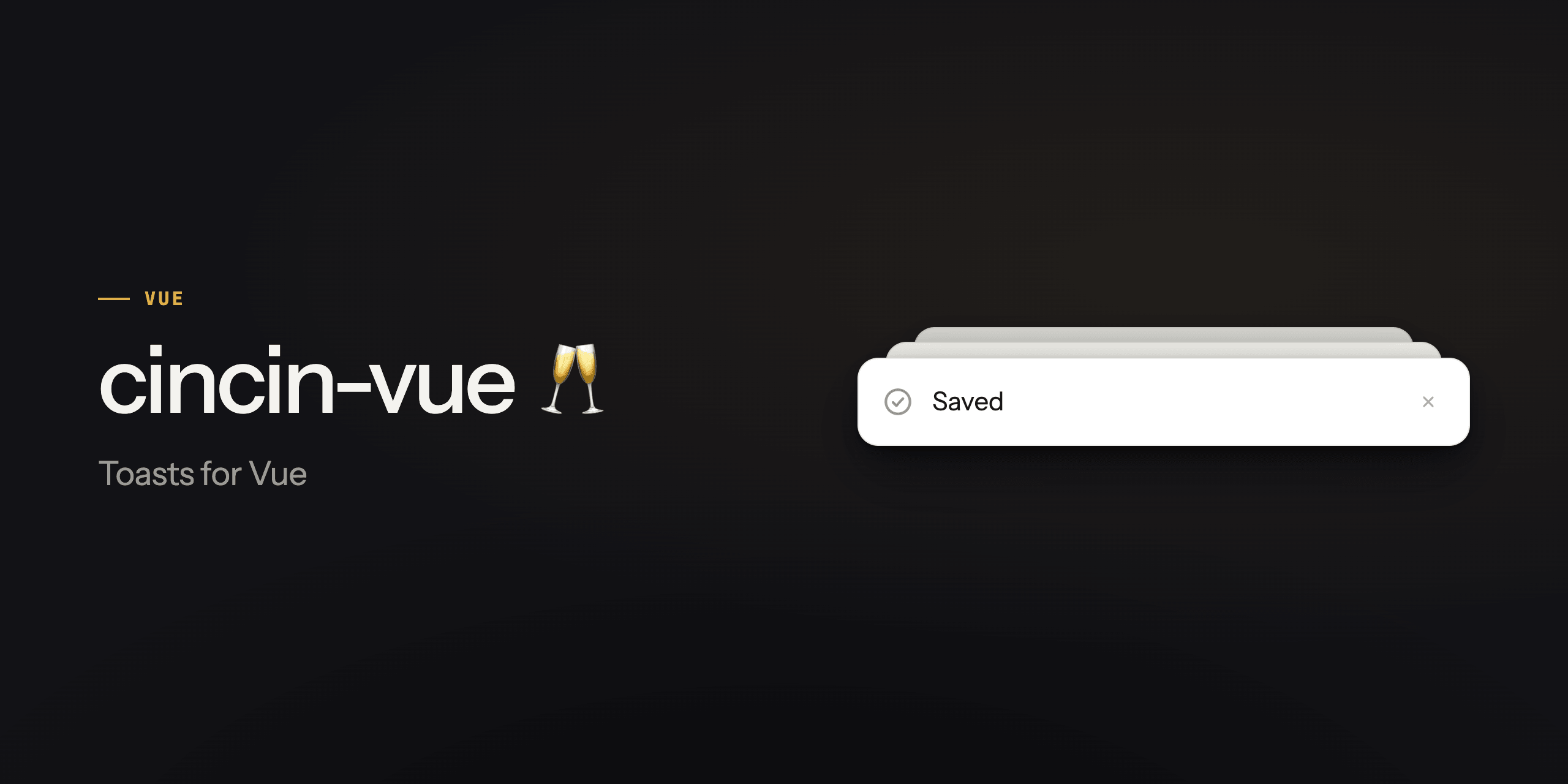
Vue bindings for the cincin
toast library: a ready-to-use <Toaster /> for a quick start, and
headless building blocks under cincin-vue/core.
Install
npm install cincin-vue
Requires Vue 3.5. The package ships untranspiled modern JS as ESM only.
With yarn, add cincin next to it: the adapter declares the core as a
peer, and yarn does not install peers on its own.
Quick start
<script setup lang="ts">
import { Toaster, toast } from 'cincin-vue';
</script>

<template>
  <button @click="toast.success({ title: 'Saved' })">Save</button>
  <Toaster />
</template>
<Toaster /> renders a swipeable stack that collapses to a clean edge,
expands on hover or tap, and pauses its timers while open and while the
tab is hidden; the stylesheet comes along with the import. toast is a
package-wide store callable from anywhere on the client (calls on the
server do nothing useful).
toast.error({
  title: 'Something broke',
  description: 'The request did not survive the round trip.',
  actions: [{ label: 'Retry', onClick: retry }],
});

toast.promise(upload(), {
  loading: { title: 'Uploading…' },
  success: (ms) => ({ title: `Uploaded in ${ms}ms` }),
  error: () => ({ title: 'Upload failed' }),
});

// Closing from app code: the entry goes at once, the exit still plays.
const id = toast.info({ title: 'Connected' });
toast.remove(id);
Actions
A toast takes one or two actions, and a click on either dismisses it.
The handler receives the click event and can cancel that with
event.preventDefault(), say to morph the toast in place by
re-creating its id (the check is synchronous, so prevent before any
await):
const id = toast.message({
  title: 'Message archived',
  actions: [
    {
      label: 'Undo',
      onClick: (event) => {
        event.preventDefault();
        toast.success({ title: 'Archive restored' }, { id });
      },
    },
  ],
});
Buttons render in the order you list them, left to right, and that is
also their tab order: the skin never reorders a pair. Which one looks
loud is variant, not position, so the two are yours to combine.
primary is the outlined default and secondary drops the border to
step back.
toast.message(
  {
    title: 'Invitation',
    description: 'Anna asked to join the workspace.',
    actions: [
      { label: 'Decline', variant: 'secondary', onClick: decline },
      { label: 'Accept', onClick: accept },
    ],
  },
  { duration: Infinity, dismissible: false }
);
There is no disabled on an action, on purpose. A pending Accept is
better said out loud: prevent the dismiss and re-create the same id as
toast.loading({ title: 'Accepting…' }), and the buttons stop existing
instead of greying out.
Duration and dismissal
An update inherits the clock and the closability: duration and
dismissible re-derive from the type's defaults only when the type
changes. Answer a sticky ask in a different type. A confirmation
morphed in the asking type inherits the open-ended clock and strands
on screen with no cross, no swipe, and no expiry.
The cross is chrome, not permission. closeButton: false hides it and
leaves the toast swipeable, which is what an undo toast wants: the
button reads as the way out, and the gesture is still there for anyone
who would rather flick it away. dismissible: false is the other
thing entirely, it takes the right to close away (no cross, no swipe),
and no closeButton brings the cross back.
toast.message({
  title: 'Message archived',
  closeButton: false,
  actions: [{ label: 'Undo', onClick: undoArchive }],
});
Keyboard and screen readers
Errors and warnings announce as alert, the rest as status. Each
card is a tab stop of its own, named by its title and described by its
description, so tabbing into the stack reads the toast before its
controls; the cross and the actions follow in the order they render.
The front toast comes first: Tab enters the newest and walks back
through the older ones. Landing on a card opens the stack the way
hover does, and the collapsed backs stay inert until then.
Alt+T moves focus onto the front toast from anywhere on the page
(the hotkey prop changes or drops it), Escape hands it back to where
it came from, and closing a toast from the keyboard passes the focus
on to the next one. The region is a landmark named by labels.region.
Position
<Toaster position="top-center" />
Six spots: the four corners and the two edge centers. An explicit
position is physical and final. The default is the bottom inline-end
corner (bottom-right, bottom-left under RTL) and it is live: the
Toaster watches the root's dir and follows a flip without a
re-render. A server-rendered RTL page settles the corner right after
hydration; pass an explicit position to skip that flip. One Toaster
owns one spot: for a second corner, mount a second Toaster over its
own store.
Swiping follows the corner. The default swipe-directions set is the
position's outward edges (['right', 'down'] at bottom-right), so
the card leaves toward the nearest viewport edge, and a set spanning
both axes claims touch-action: none on the cards, trading scrolling
over them away, deliberately. A center offers only its vertical edge,
and the horizontal axis stays with the browser for scrolling. An
explicit swipe-directions overrides the pairing.
Offset
<Toaster :offset="72" />
Somewhere in the corner already lives a chat bubble, a cart bar, a
player. offset says how far the list steps inward from the edges
it hangs on, so the toasts stand clear of it. The value is a distance,
not a coordinate: the direction comes from the position's anchors, so
one number lifts a bottom-* list up and drops a top-* list down. A
number is px, a string is any CSS length, and { x, y } names both
axes.
The horizontal half needs a column with a width of its own. A centered list has no near side, and on a narrow screen the list spans both edges, so there is nothing to cede sideways and only the vertical half is spent. Name both axes and one offset covers both widths: the toasts stand beside the widget on a wide screen and above it on a phone, without recomputing anything.
<Toaster :offset="{ x: clearance.x, y: clearance.y }" />
For a column that should be shorter on a phone, reach for the side inset instead. Insets own the list's bounds; the offset owns its step inward.
The distance adds to the skin's own inset, which is where
env(safe-area-inset-*) lives. That split is the point: a clearance
measured in JavaScript cannot carry the device's margins, because
env() is not readable from there. Let the stylesheet keep the device
and hand the prop only what your page knows:
const clearance = ref(0);
</script>

<template>
  <Toaster :offset="clearance" />
</template>
The prop is sugar over two custom properties, --cincin-offset-x and
--cincin-offset-y, and it writes them inline. Leave it out and the
channel stays with your stylesheet, media queries included; pass it and
the inline value outranks them. The list slides on translate, so a
value that changes animates without reflowing the page.
Toaster props
| Prop | What it does |
|---|---|
toaster |
Your own store instead of the singleton. Read once, remount to switch. |
max |
How many toasts are active at once, the rest queue. Live. |
visible |
How many peek out of the collapsed stack. |
position |
The list's corner or edge center. Defaults to the bottom inline-end corner, live against the document's dir. |
offset |
How far the list steps inward from its edges, for a corner your page already uses. A bare value is the vertical axis; { x, y } names both. |
swipe-directions |
Which way a card can be flicked. Defaults to the position's outward edges. |
exit-duration |
The exit animation's length in ms. One value drives the presenter's exit clock and, published as --cincin-exit-duration, the skin's motion durations. |
labels |
The skin's a11y vocabulary, { region, close }. Defaults 'Notifications' and 'Dismiss'. |
hotkey |
The shortcut that moves focus onto the front toast, 'Alt+T' by default; false drops it. |
Advanced
Headless
The skin is one opinion built from public primitives. When it stops fitting, drop down a level instead of fighting it.
<script setup lang="ts">
import { usePresenter, useToasts } from 'cincin-vue/core';
import Card from './Card.vue';

const { toaster } = defineProps(['toaster']);

// The exit clock finishes leaving toasts on time: declare your exit
// animation's length, no transitionend listeners needed.
const presenter = usePresenter(toaster, { max: 5, exitDuration: 400 });
const toasts = useToasts(presenter);
</script>

<template>
  <ol>
    <Card
      v-for="toast of toasts"
      :key="toast.key"
      :toast="toast"
      :presenter="presenter"
    />
  </ol>
</template>
<!-- Card.vue -->
<script setup lang="ts">
import { useToastSwipe } from 'cincin-vue/core';

const props = defineProps(['toast', 'presenter']);

const { handlers, style } = useToastSwipe({
  key: props.toast.key,
  presenter: props.presenter,
  enabled: () => props.toast.entry.dismissible,
});
</script>

<template>
  <li :data-phase="toast.phase" :style="style" v-on="handlers">
    {{ String(toast.entry.content) }}
  </li>
</template>
The composables return refs and take options as plain values, refs or
getters (MaybeRefOrGetter): a getter over your props keeps an option
live. The rest of the toolbox: usePresenterHolder(presenter) is the
one holder of the presenter's clocks, which the sources below hold by
name; useViewport({ presenter, holder, ...options }) owns the stack's
attention (open under the pointer or focus, fold a delay after both
leave, hold the clocks while open) and returns expanded plus the
handlers to bind on the list with v-on;
useStack(toasts, options) owns a cincin/dom stack layout and
mirrors the rendered list into it;
useSlot(element, { layout, key }) registers the card's element for
measurement and reads its live slot (geometry, front/leaving for
the inert rule); useVisibilityPause(holder) holds the clocks
while the document is hidden; useToastEntries(toaster) subscribes to
the store records instead of the showings. The primitives take their
instances explicitly and carry no CSS.
Your own store
The toast singleton is a convenience, not the only way in. Build a
store yourself and hand it to the Toaster:
<script setup lang="ts">
import { createToaster } from 'cincin';
import { Toaster } from 'cincin-vue';

const toaster = createToaster({ duration: 4000 });
</script>

<template>
  <Toaster :toaster="toaster" />
</template>
The prop is read once, so remount the Toaster to switch stores. For a
typed content payload, createToasterContext<MyContent>() returns
provideToaster with injection-aware useToaster and
useToastEntries.
Browser support
Chrome 116+, Safari 17.4+, Firefox 124+, Node 20.3+ for SSR. The
bundled skin's CSS wants 2024-class browsers. See
cincin for the details.
Source and issues: github.com/nbarinov/cincin
Related Packages
Idiomatic Vue headless, accessible toast / notification host (queue, auto-dismis...
Basic Vue toast service that uses Vuetify Snackbar component for Vuetify 2.3+
Framework-agnostic toast engine with a Vue 3 renderer. Typed core, smooth stack...
Version History
| Version | Released | Vue | License |
|---|---|---|---|
| 0.3.1 | >=3.5 | MIT | |
| 0.3.0 | >=3.5 | MIT | |
| 0.2.0 | >=3.5 | MIT | |
| 0.1.1 | >=3.5 | MIT | |
| 0.1.0 | >=3.5 | MIT | |
| 0.0.0 | MIT |
Pre-releases (4)
| Version | Released | Vue | License |
|---|---|---|---|
| 0.1.0-beta.6 | >=3.5 | MIT | |
| 0.1.0-beta.5 | >=3.5 | MIT | |
| 0.1.0-beta.4 | >=3.5 | MIT | |
| 0.1.0-beta.3 | >=3.5 | MIT |