@tsparticles/palette-lightning
tsParticles lightning palette
3,953
8,995
| Install | |
|---|---|
npm install @tsparticles/palette-lightning |
|
| Latest Version: | 4.4.0 |
| License: | MIT |
| Last Updated: | Oct 23, 2026 |
| Links: | GitHub · npm |
Maintainer: matteobruni

tsParticles Lightning Palette



tsParticles palette for colored smoke amber.




Sample
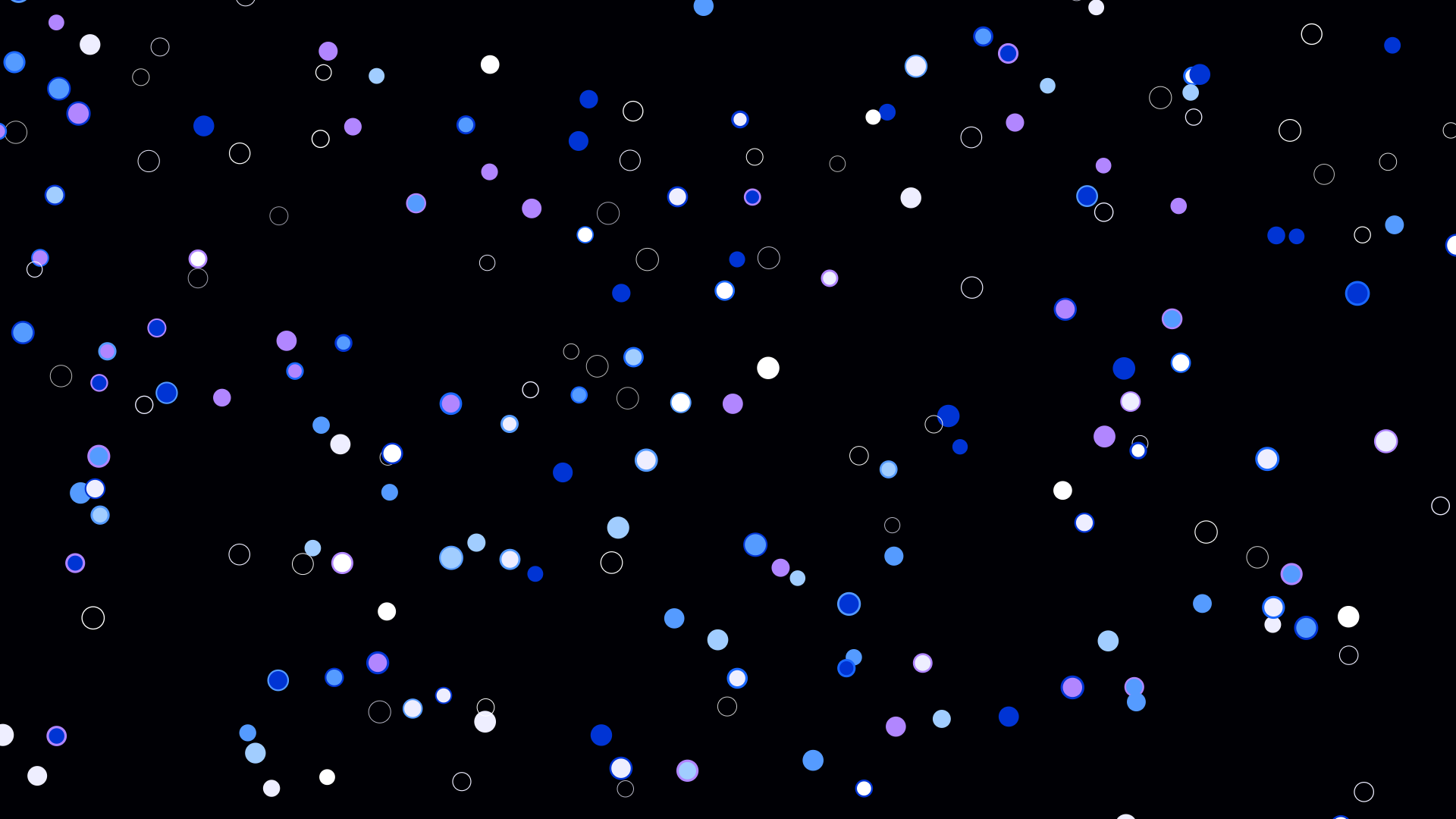
Colors
#FFFFFF
|
#EEEEFF
|
#AACCFF
|
#6699FF
|
#3366FF
|
#0033CC
|
#AA88FF
|
|||
|
Background #000005
|
||||
Blend mode: lighter | Fill: false
|
||||
Quick checklist
- Install
@tsparticles/engine(or use the CDN bundle below) - Load a base package (for example
@tsparticles/basic) and callloadLightningPalettebeforetsParticles.load(...) - Apply the palette plus a minimal particles configuration in your options
A palette defines colors, not complete behavior, so pair it with a runtime package and particle options.
How to use it
CDN / Vanilla JS / jQuery
<script src="https://cdn.jsdelivr.net/npm/@tsparticles/basic@4/tsparticles.basic.bundle.min.js"></script>
<script src="https://cdn.jsdelivr.net/npm/@tsparticles/palette-lightning@4/tsparticles.palette-coloredSmokeAmber.min.js"></script>
Usage
Once the scripts are loaded you can set up tsParticles like this:
(async engine => {
  await loadBasic(engine);
  await loadLightningPalette(engine);

  const options = {
    particles: {
      number: { value: 200 },
      shape: { type: "circle" },
      size: { value: { min: 10, max: 15 } },
      move: {
        enable: true,
        speed: 2,
      },
    },
    palette: "lightning",
  };

  await engine.load({
    id: "tsparticles",
    options,
  });
})(tsParticles);
Customization
Important ⚠️
You can override all the options defining the properties like in any standard tsParticles installation.
Frameworks with a tsParticles component library
Checkout the documentation in the component library repository and call the loadLightningPalette function.
Related docs
- Presets and palettes catalog: https://github.com/tsparticles/palettes
- Main docs: https://particles.js.org/docs/
Related Packages
Version History
| Version | Released | License |
|---|---|---|
| 4.4.0 | MIT | |
| 4.3.2 | MIT | |
| 4.3.1 | MIT | |
| 4.3.0 | MIT | |
| 4.2.1 | MIT | |
| 4.2.0 | MIT | |
| 4.1.3 | MIT | |
| 4.1.2 | MIT | |
| 4.1.1 | MIT | |
| 4.1.0 | MIT | |
| 4.0.5 | MIT | |
| 4.0.4 | MIT | |
| 4.0.3 | MIT | |
| 4.0.2 | MIT | |
| 4.0.1 | MIT | |
| 4.0.0 | MIT |
Pre-releases (7)
| Version | Released | License |
|---|---|---|
| 4.0.0-beta.17 | MIT | |
| 4.0.0-beta.16 | MIT | |
| 4.0.0-beta.15 | MIT | |
| 4.0.0-beta.12 | MIT | |
| 4.0.0-beta.0 | MIT | |
| 4.0.0-alpha.5 | MIT | |
| 4.0.0-alpha.4 | MIT |