@temir/select-input
| Install | |
|---|---|
npm install @temir/select-input |
|
| Latest Version: | 0.0.20 |
| Older releases: | 3 |
| License: | MIT |
| Last Updated: | Nov 7, 2023 |
| Links: | GitHub · npm |
This repository has been archived, please use Vue TermUI instead.
English | 简体中文
Vue for CLIs. Build your CLI output using components.
Temir provides the same component-based UI building experience that Vue offers in the browser, but for command-line apps.
It uses Yoga to build Flexbox layouts in the terminal, so most CSS-like props are available in Temir as well. If you are already familiar with Vue, you already know Temir.
Since Temir is a Vue renderer, it means that most of the features of Vue are supported. Head over to Vue website for documentation on how to use it. Only Temir's methods will be documented in this readme.
Install
npm install @temir/core
Usage
<script lang="ts" setup>
import { ref } from '@vue/runtime-core'
import { TBox, TText } from '@temir/core'
const counter = ref(0)
setInterval(() => {
  counter.value++
}, 100)
</script>

<template>
  <TBox>
    <TText color="green">
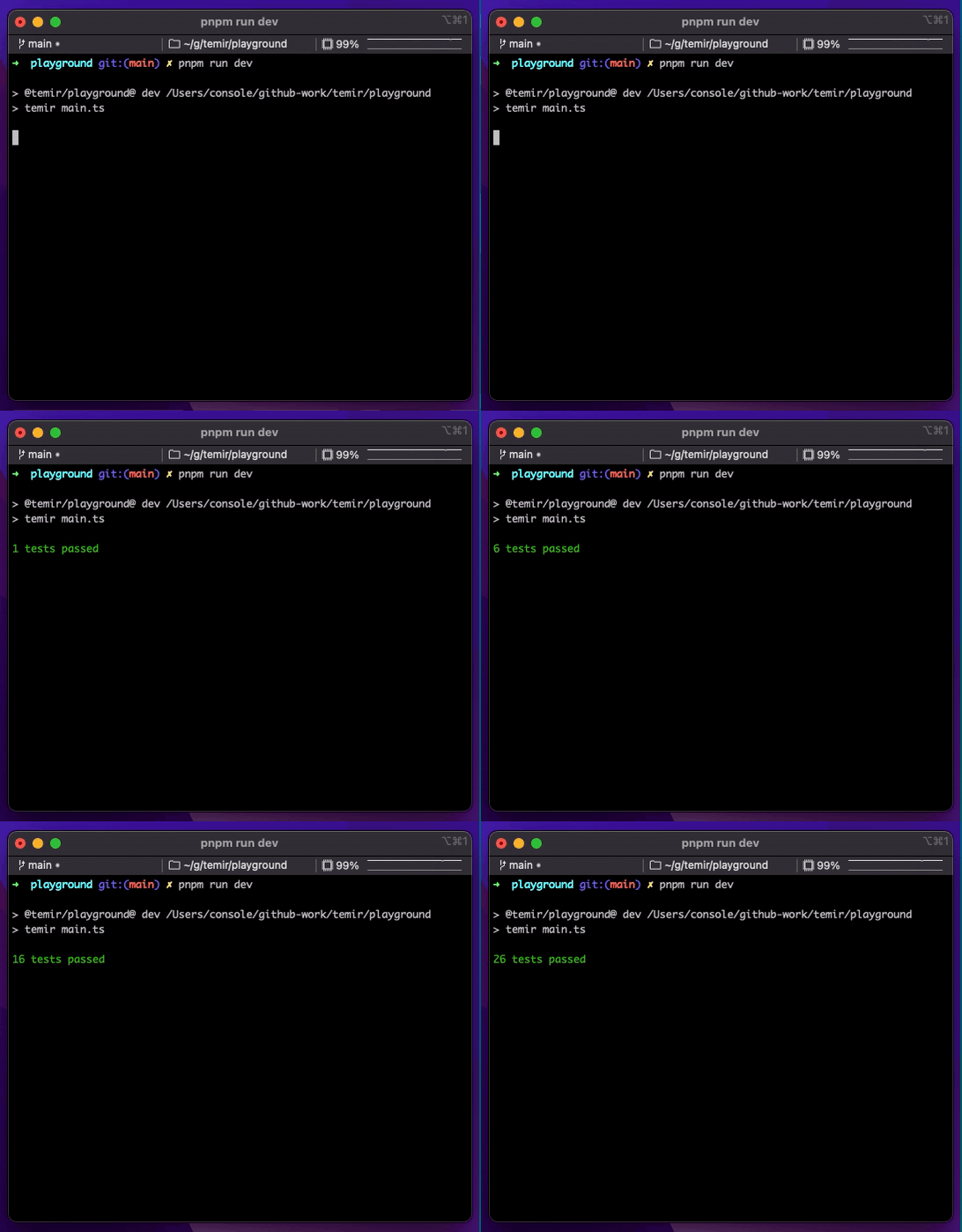
      {{ counter }} tests passed
    </TText>
  </TBox>
</template>
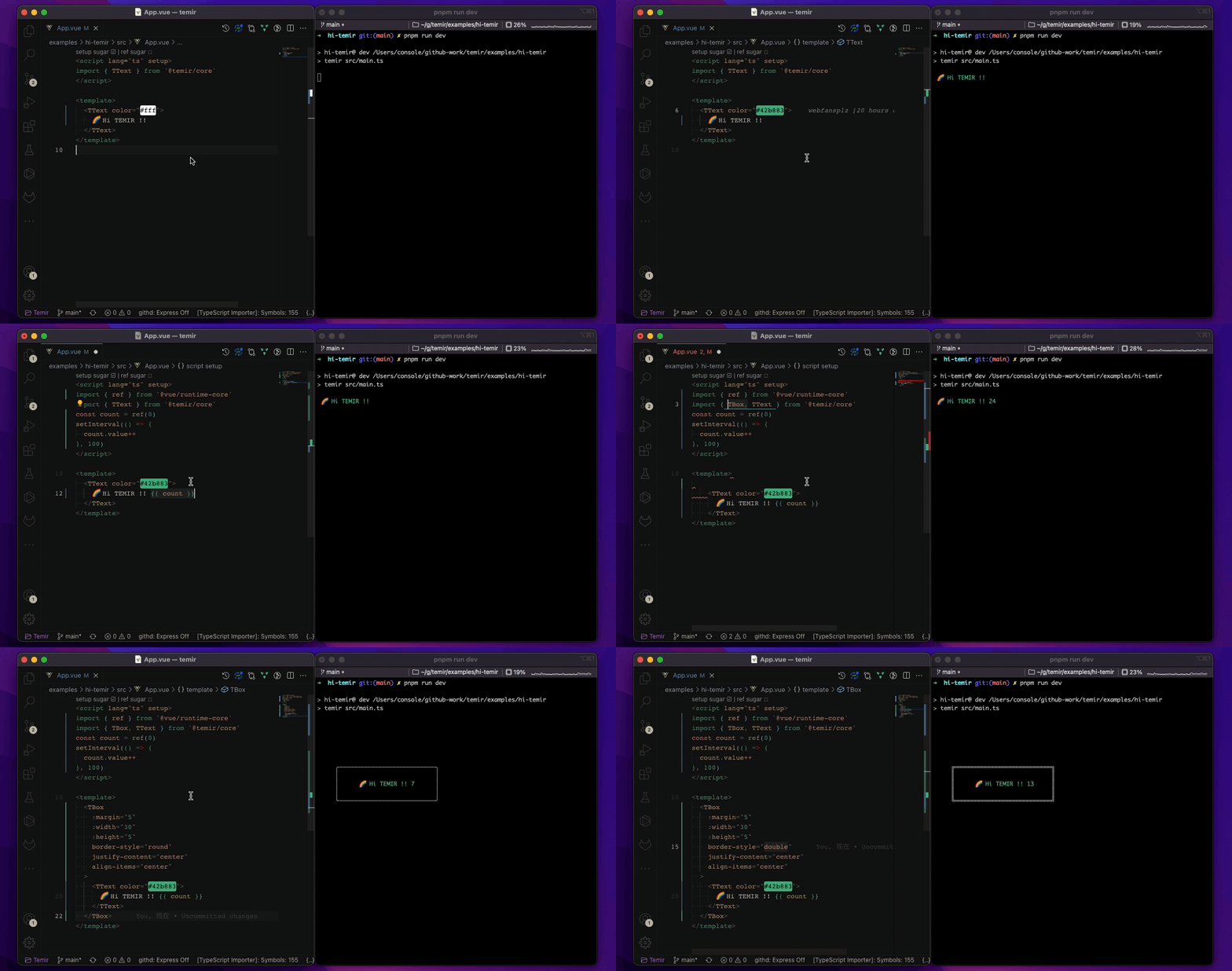
HMR Support
Contents
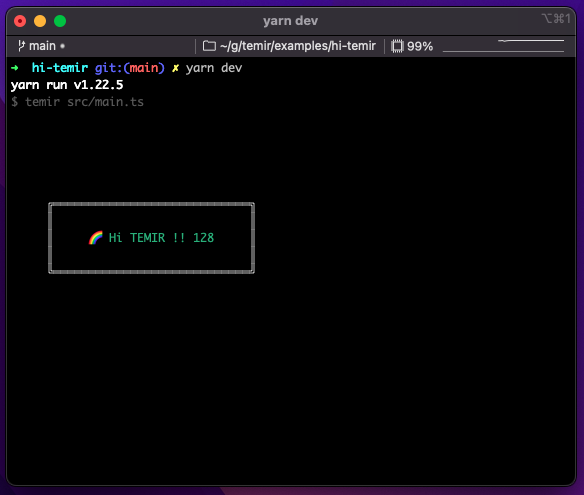
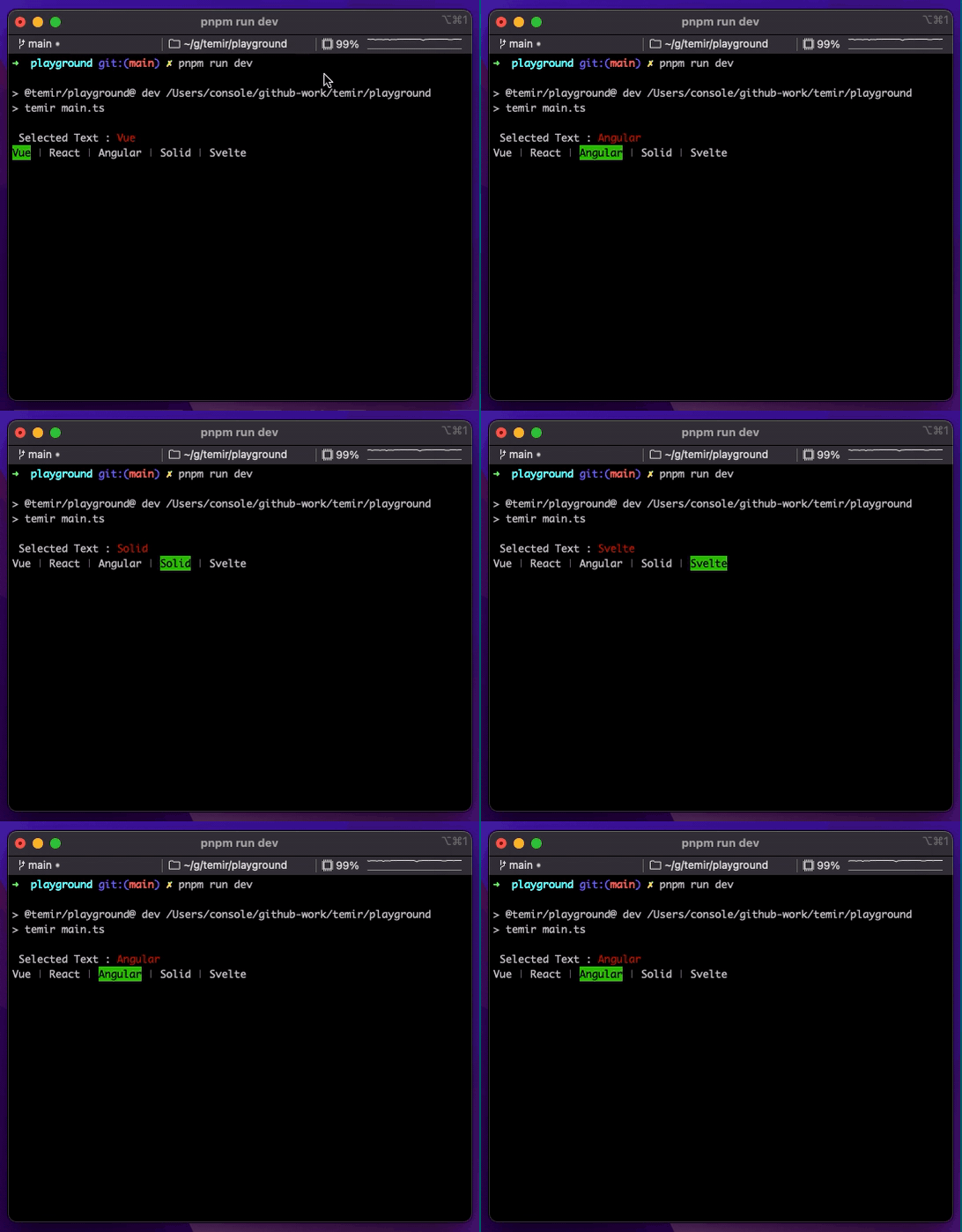
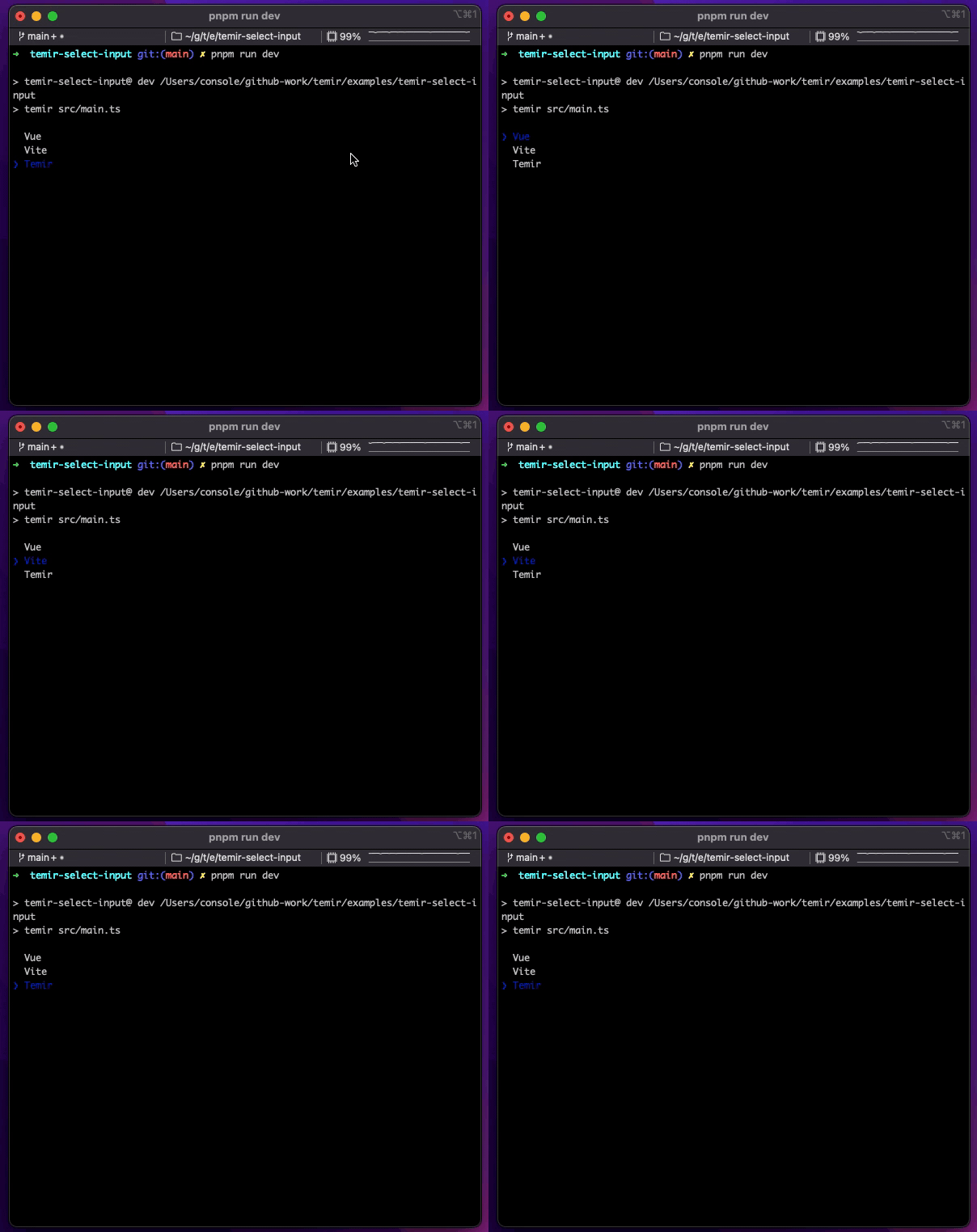
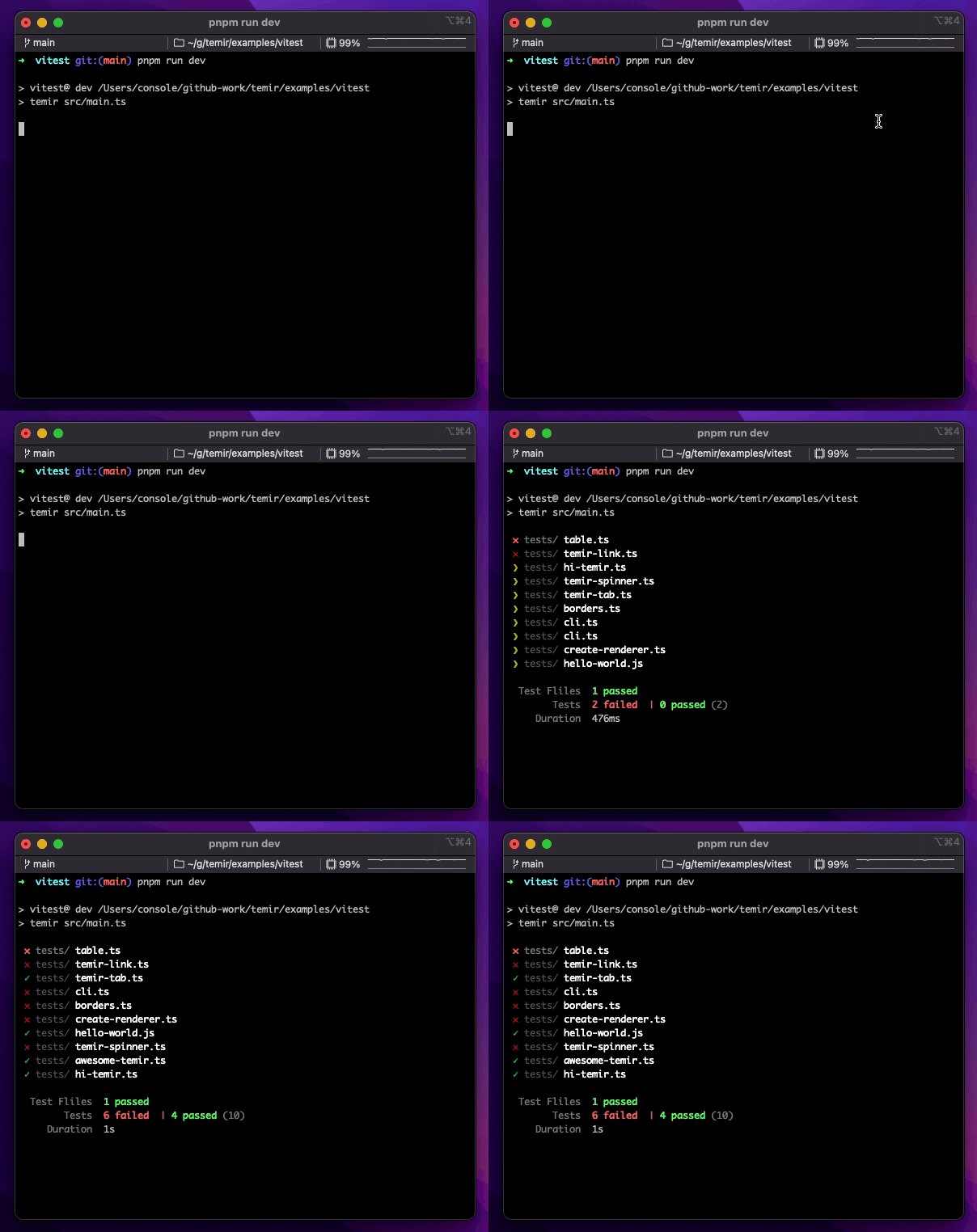
Getting Started
Use @temir/cli to quickly scaffold a new Temir-based CLI.
mkdir my-temir-cli

cd my-temir-cli

touch main.ts

npm install @temir/cli

# Dev

temir main.ts

# Build

temir build main.ts
You can also check it out this example to get started.Feel free to play around with the example and fork this repl at repl.it sandbox
Temir uses Yoga - a Flexbox layout engine to build great user interfaces for your CLIs using familiar CSS-like props you've used when building apps for the browser. It's important to remember that each element is a Flexbox container. Think of it as if each
Related Packages
Extensible web-based terminal/CLI framework with Vue 3, TypeScript, and virtual...
A simple Vue.js CLI template supporting server-side and client-side rendering.
Version History
| Version | Released | Vue | License |
|---|---|---|---|
| 0.0.20 | MIT | ||
| 0.0.19 | MIT | ||
| 0.0.18 | MIT | ||
| 0.0.17 | MIT | ||
| 0.0.16 | MIT | ||
| 0.0.15 | ^3.2.37 | MIT | |
| 0.0.14 | MIT | ||
| 0.0.13 | MIT | ||
| 0.0.12 | MIT | ||
| 0.0.11 | MIT | ||
| 0.0.10 | MIT | ||
| 0.0.9 | MIT | ||
| 0.0.8 | MIT | ||
| 0.0.7 | MIT | ||
| 0.0.6 | MIT | ||
| 0.0.5 | MIT | ||
| 0.0.4 | MIT |