@relation-graph/vue
| Install | |
|---|---|
npm install @relation-graph/vue |
|
| Latest Version: | 3.1.2 |
| License: | MIT |
| Last Updated: | May 20, 2026 |
| Links: | GitHub · npm |
relation-graph v3.x has now been released, with support for more platforms while keeping the code cleaner and more elegant. View the architecture here:
https://relation-graph.com/docs/multi-platform-architecture
At the same time, Relation Graph’s structure is naturally LLM-friendly. Because its architecture is clear, its knowledge is easier to understand. The knowledge files are located at:
<source-code-root>/knowledge-for-ai

relation-graph
- relation-graph is a relationship data display library for plain HTML, React, Vue 2, Vue 3, and Svelte. It supports customization through render functions, extension layers, or framework slots, and provides practical APIs for interactive graph applications.
- In addition to the typical relationship data display functionality, the relation-graph also supports being used as a drawing board. You can place any content on the drawing board, simply by setting an id for the elements you want to connect, and defining "element lines." This allows for the easy creation of a drawing board that supports the creation of arbitrary connections, zooming and dragging, and dynamic interactions through the API.
Docs & Examples
The website above includes documentation, online demos, and a visual configuration tool for software developers.
Getting Started
# React
npm install --save @relation-graph/react
# Vue3
npm install --save @relation-graph/vue
# Vue2
npm install --save @relation-graph/vue2
# Svelte
npm install --save @relation-graph/svelte
# HTML / Vanilla JavaScript
npm install --save @relation-graph/html
// React:
import RelationGraph from '@relation-graph/react'
// Vue3:
import RelationGraph from '@relation-graph/vue'
// Vue2:
import RelationGraph from '@relation-graph/vue2'
// Svelte:
import RelationGraph from '@relation-graph/svelte'
// HTML / Vanilla JavaScript:
import { createRelationGraph } from '@relation-graph/html'
The HTML build is the direct-browser distribution. It requires no framework or compile step and uses light DOM. See the HTML manual and Startup guide. The former Svelte-generated Web Component packages have been discontinued and are no longer built or published.
Use relation-graph in react
#### `index.tsx` ```typescript jsx import { RGProvider } from '@relation-graph/react'; import React from 'react'; import MyGraph from "./MyGraph"; const MyExample: React.FC = () => { return ( ); }; export default MyExample; ```MyGraph.tsx
import React, { useEffect } from 'react';
import {RelationGraph, RGHooks, RGMiniView, RGSlotOnNode, RGNodeShape, RGSlotOnView} from '@relation-graph/react';
import type {
    RGLine,
    RGLink,
    RGNode,
    RGNodeSlotProps,
    RGOptions,
    RGUserEvent,
    JsonNode,
    JsonLine,
    RGJsonData
} from '@relation-graph/react';
import CustomNode from "./CustomNode";

const staticJsonData: RGJsonData = {
    rootId: '2',
    nodes: [
        { id: '2', text: 'Initrode', width: 100, height: 100, data: { myicon: 'delivery_truck' } },
        { id: '1', text: 'Paper Street Soap Co.', data: { myicon: 'fries' } },
        { id: '3', text: 'Cyberdyne Systems', data: { myicon: 'football' } },
        { id: '4', text: 'Tyrell Corporation', data: { myicon: 'desktop' } },
        { id: '6', text: 'Weyland-Yutani', data: { myicon: 'fries' } },
        { id: '7', text: 'Hooli', data: { myicon: 'desktop' } },
        { id: '8', text: 'Vehement Capital', data: { myicon: 'football' } },
        { id: '9', text: 'Omni Consumer Products', data: { myicon: 'football' } },
        { id: '71', text: 'Stark Industries', data: { myicon: 'delivery_truck' } },
        { id: '72', text: 'Buy n Large', data: { myicon: 'fries' } },
        { id: '73', text: 'Binford Tools', data: { myicon: 'delivery_truck' } },
        { id: '81', text: 'Initech', data: { myicon: 'fries' } },
        { id: '82', text: 'Aperture Science', data: { myicon: 'desktop' } },
        { id: '83', text: 'Prestige Worldwide', data: { myicon: 'delivery_truck' } },
        { id: '84', text: 'Massive Dynamic', data: { myicon: 'football' } },
        { id: '85', text: 'Virtucon', data: { myicon: 'delivery_truck' } },
        { id: '91', text: 'Acme Corp', data: { myicon: 'football' } },
        { id: '92', text: 'Nakatomi Trading', data: { myicon: 'football' } },
        { id: '5', text: 'Los Pollos Hermanos', data: { myicon: 'burger' } }
    ] as JsonNode[],
    lines: [
        { from: '7', to: '71', text: 'Invest' },
        { from: '7', to: '72', text: 'Invest' },
        { from: '7', to: '73', text: 'Invest' },
        { from: '8', to: '81', text: 'Invest' },
        { from: '8', to: '82', text: 'Invest' },
        { from: '8', to: '83', text: 'Invest' },
        { from: '8', to: '84', text: 'Invest' },
        { from: '8', to: '85', text: 'Invest' },
        { from: '9', to: '91', text: 'Invest' },
        { from: '9', to: '92', text: 'Invest' },
        { from: '1', to: '2', text: 'Invest' },
        { from: '3', to: '1', text: 'Executive' },
        { from: '4', to: '2', text: 'Executive' },
        { from: '6', to: '2', text: 'Executive' },
        { from: '7', to: '2', text: 'Executive' },
        { from: '8', to: '2', text: 'Executive' },
        { from: '9', to: '2', text: 'Executive' },
        { from: '1', to: '5', text: 'Invest' }
    ] as JsonLine[]
};

const MyGraph: React.FC = () => {
    const graphInstance = RGHooks.useGraphInstance();

    const graphOptions: RGOptions = {
        debug: true,
        defaultLineShape: RGLineShape.StandardStraight,
        defaultNodeShape: RGNodeShape.circle,
        defaultNodeWidth: 60,
        defaultNodeHeight: 60,
        defaultLineTextOnPath: true,
        layout: {
            layoutName: 'center'
        },
        defaultExpandHolderPosition: 'right',
        reLayoutWhenExpandedOrCollapsed: true
    };

    const initializeGraph = async () => {
        await graphInstance.setJsonData(staticJsonData);
        graphInstance.moveToCenter();
        graphInstance.zoomToFit();
    };

    useEffect(() => {
        initializeGraph();
    }, []);

    const onNodeClick = (node: RGNode, e: RGUserEvent) => {
        console.log('onNodeClick:', node.text);
        return true;
    };

    const onLineClick = (line: RGLine, link: RGLink, e: RGUserEvent) => {
        console.log('onLineClick:', line.text, line.from, line.to);
        return true;
    };

    return (
        <div className="my-graph" style={{ height: 'calc(100vh - 0px)' }}>
            <RelationGraph
                options={graphOptions}
                onNodeClick={onNodeClick}
                onLineClick={onLineClick}
            >
                {/* 5. Node content slot */}
                <RGSlotOnNode>
                    {({ node, checked, dragging }: RGNodeSlotProps) => (
                        <CustomNode node={node} checked={checked} dragging={dragging} />
                    )}
                </RGSlotOnNode>
                <RGSlotOnView>
                    <RGMiniView />
                </RGSlotOnView>
            </RelationGraph>
        </div>
    );
};
export default MyGraph;
CustomNode.tsx
import React from 'react';
import type { RGNodeSlotProps } from '@relation-graph/react';
import {HelpCircle, Monitor, Sandwich, Trophy, Truck, Utensils} from "lucide-react";

const IconSwitcher = ({ iconName, size = 24, color = 'currentColor' }) => {
    const props = { size, color };
    switch (iconName) {
        case 'desktop':
            return <Monitor {...props} />;
        case 'burger':
            return <Sandwich {...props} />;
        case 'delivery_truck':
            return <Truck {...props} />;
        case 'fries':
            return <Utensils {...props} />;
        case 'football':
            return <Trophy {...props} />;
        default:
            return <HelpCircle {...props} />;
    }
};
const CustomNode: React.FC<RGNodeSlotProps> = ({ node }) => {
    if (node.id === '2') { // rootNode
        return (
            // Here, `h-full` and `w-full` apply on the premise that `width` and `height` attributes have been set for the node data (or that the global `defaultNodeWidth` and `defaultNodeHeight` have been configured).
            <div className="my-root z-[555] h-full w-full rounded-full relative text-lg flex place-items-center justify-center overflow-hidden">
                <div className="py-2 w-full text-center text-white bg-gray-100 bg-opacity-40 border-t border-b border-gray-500">
                    {node.text}
                </div>
            </div>
        );
    }
    return ( // Normal Node
        // Here, `h-full` and `w-full` apply on the premise that `width` and `height` attributes have been set for the node data (or that the global `defaultNodeWidth` and `defaultNodeHeight` have been configured).
        <div className="h-full w-full rounded-full flex place-items-center justify-center shadow-md">
            <IconSwitcher iconName={node.data?.myicon} size={30} />
            <div
                className="bg-gray-200 text-black px-2 rounded-lg absolute my-node-text"
                style={{
                    marginTop: '100%',
                    transform: 'translateY(15px)'
                }}
            >
                {node.text}
            </div>
        </div>
    );
};
export default CustomNode;
Sample code effects

Example Projects
-
The complete Vue2 sample project:
-
https://github.com/relation-graph/relation-graph-startup-for-vue2
-
The complete Vue3 sample project:
-
https://github.com/relation-graph/relation-graph-startup-for-vue3
-
The complete React sample project:
-
https://github.com/relation-graph/relation-graph-startup-for-react
-
The complete Svelte sample project:
-
https://github.com/relation-graph/relation-graph-startup-for-svelte
-
Plain HTML examples: packages/platforms/html/examples
More Examples

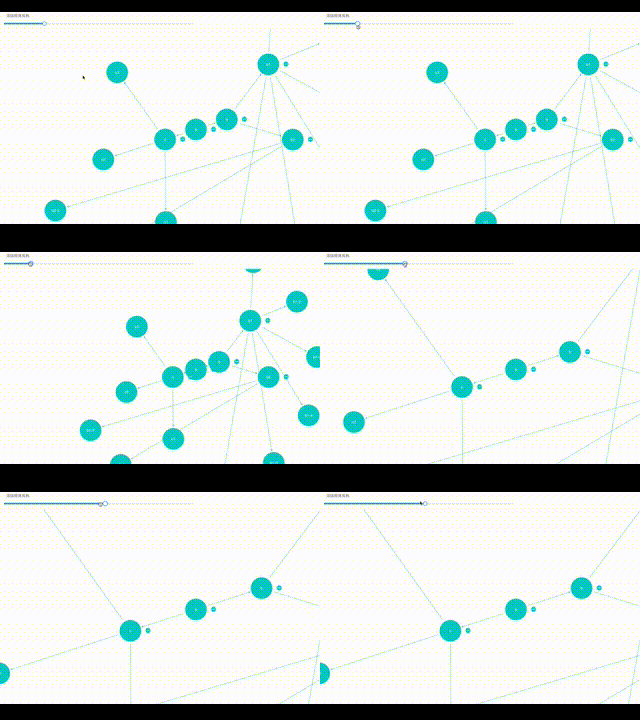
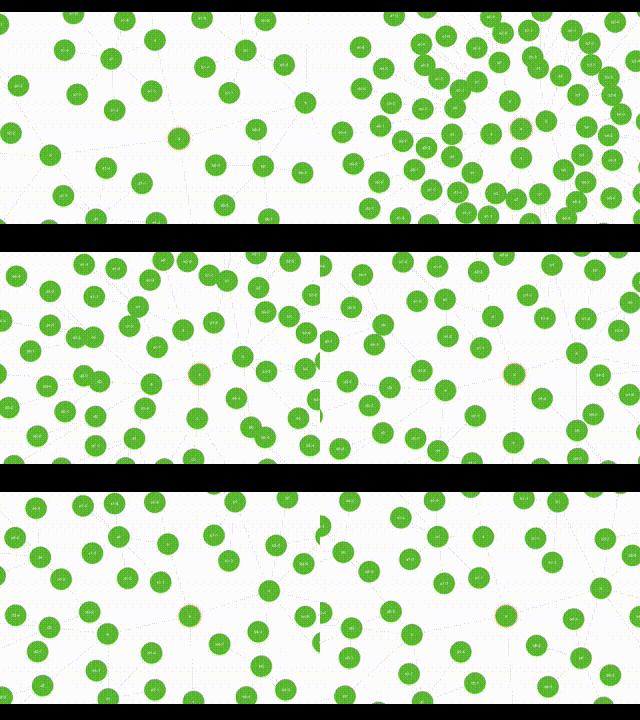
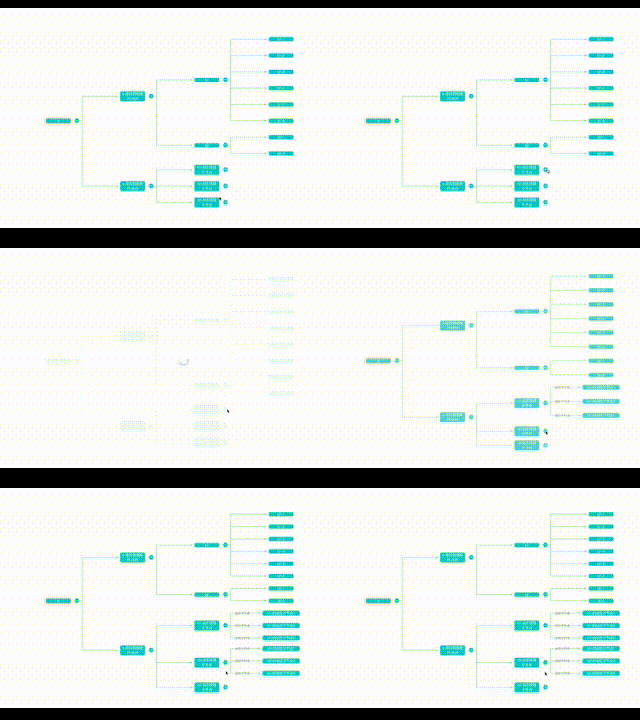
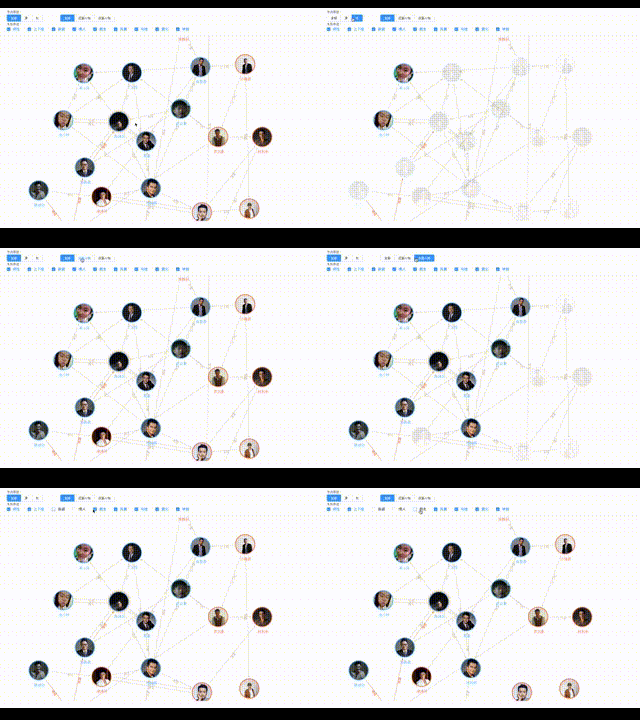
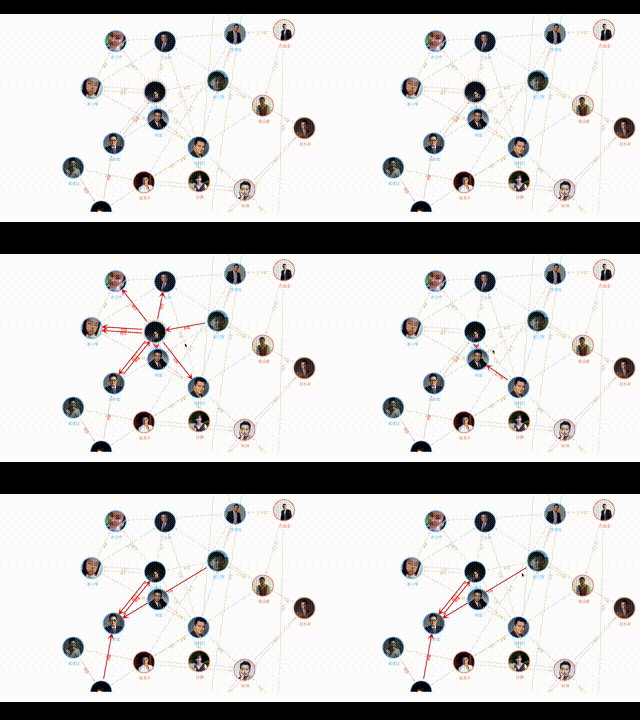
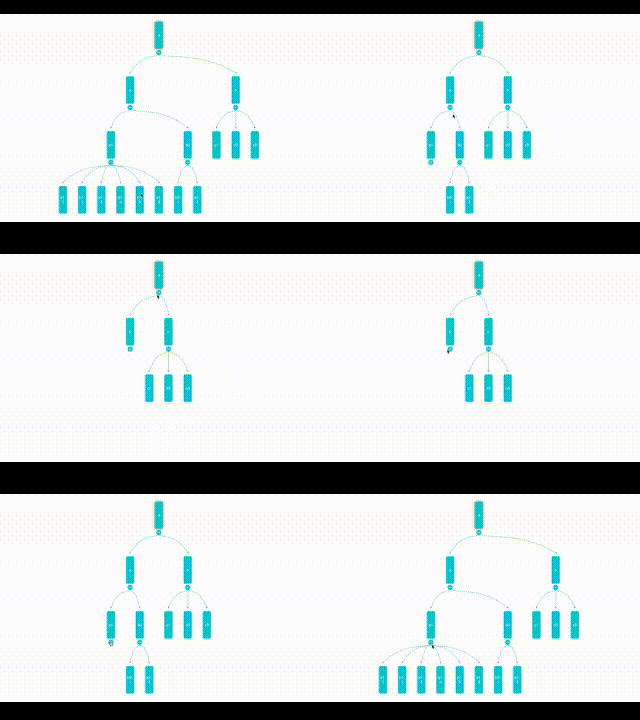
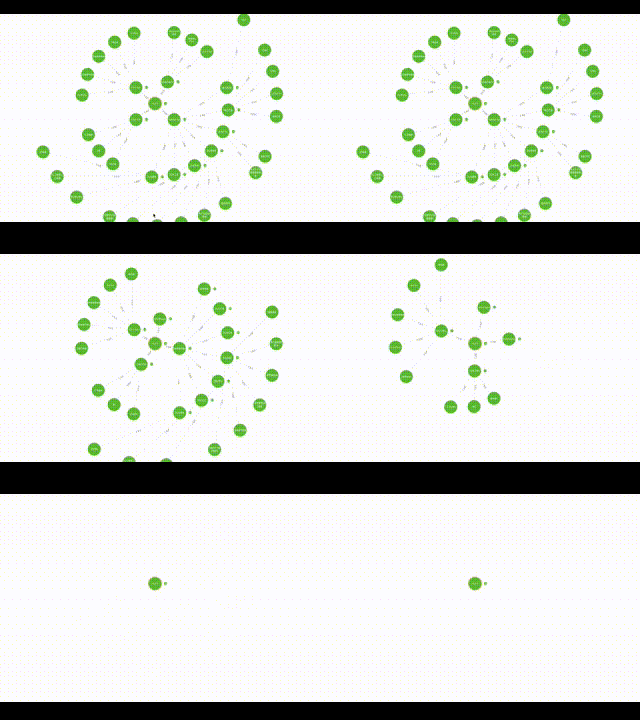 
-
QQ:3235808353
Related Packages
Advanced and highly reusable Mobile UI Components built on Vue2 & You can define...
Version History
| Version | Released | License |
|---|---|---|
| 3.1.2 | MIT | |
| 3.1.1 | MIT | |
| 3.1.0 | MIT | |
| 3.0.13 | MIT | |
| 3.0.12 | MIT | |
| 3.0.11 | MIT | |
| 3.0.10 | MIT | |
| 3.0.9 | MIT | |
| 3.0.8 | MIT | |
| 3.0.7 | MIT | |
| 3.0.6 | MIT | |
| 3.0.5 | MIT | |
| 3.0.4 | MIT | |
| 3.0.3 | MIT | |
| 3.0.2 | MIT | |
| 3.0.1 | MIT | |
| 3.0.0 | MIT |