@logsnag/vue
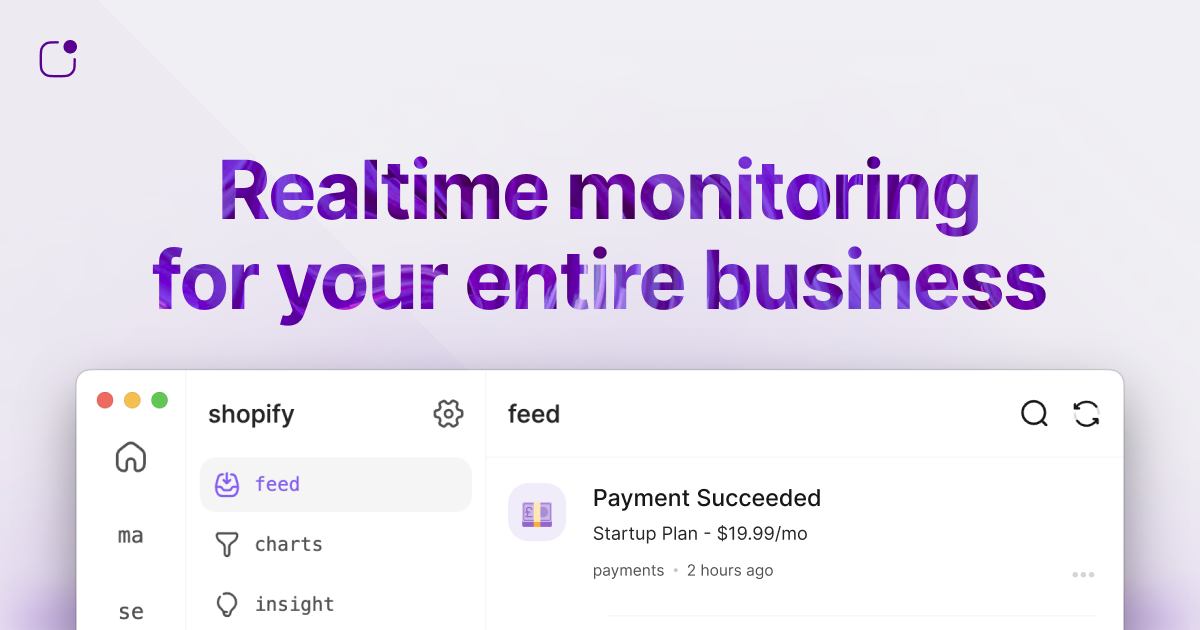
@logsnag/vue
Clear, Simple, Effective Product Analytics for SaaS.


Installation
Using npm
npm install @logsnag/vue
Using yarn
yarn add @logsnag/vue
Using pnpm
pnpm add @logsnag/vue
Usage
First, install the LogSnag plugin in your Vue application:
Set your token's scope to
publicin the LogSnag dashboard.
import { createApp } from 'vue';
import LogSnag from '@logsnag/vue';

const app = createApp(App);

app.use(LogSnag, {
  token: '<TOKEN>',
  project: '<PROJECT_NAME>'
});

app.mount('#app');
Then, import the functions you need from the package:
import { setUserId, track, identify } from "@logsnag/vue";

// Set the user id for the current user
setUserId('user-123');

// Track an event
track({
  channel: "payments",
  event: "New Subscription",
  user_id: "user-123",
  icon: "💰",
  notify: true,
  tags: {
    plan: "premium",
    cycle: "monthly",
    trial: false
  }
});

// Identify a user
identify({
  user_id: "user-123",
  properties: {
    name: "John Doe",
    email: "john@doe.com",
    plan: "premium",
  }
});
You can also track events directly from HTML elements using data attributes:
<button
    data-event="Upgraded Plan"
    data-channel="billing"
    data-icon=":moneybag:"
    data-tag-plan="Pro"
    data-tag-period="Monthly"
    data-tag-price="9.99"
>
    Upgrade to Pro
</button>
In this example, when the button is clicked, an event named "Upgraded Plan" will be tracked with the specified tags.
Hooks
track(options: TrackOptions): Track custom events.identify(options: IdentifyOptions): Identify user traits.setUserId(userId: string | null): Set the user id for the current user. If the user is not logged in, pass null.clearUserId(): Clear the user id for the current user.setDebug(flag: boolean = true): Set debug mode for logging.
API Documentation
For more information about the LogSnag API, see: docs.logsnag.com
Support
If you encounter any problems or issues, please contact us at shayan@logsnag.com
Related Packages
Version History
| Version | Released | Vue | License |
|---|---|---|---|
| 1.0.0 | ^3.0 | MIT |
Pre-releases (6)
| Version | Released | Vue | License |
|---|---|---|---|
| 1.0.0-beta.6 | ^3.0 | MIT | |
| 1.0.0-beta.5 | ^3.0 | MIT | |
| 1.0.0-beta.4 | ^3.0 | MIT | |
| 1.0.0-beta.3 | ^3.0 | MIT | |
| 1.0.0-beta.2 | ^3.0 | MIT | |
| 1.0.0-beta.1 | ^3.0 | MIT |