@kugatsu/vuenotification
Notification Vue JS 🚀
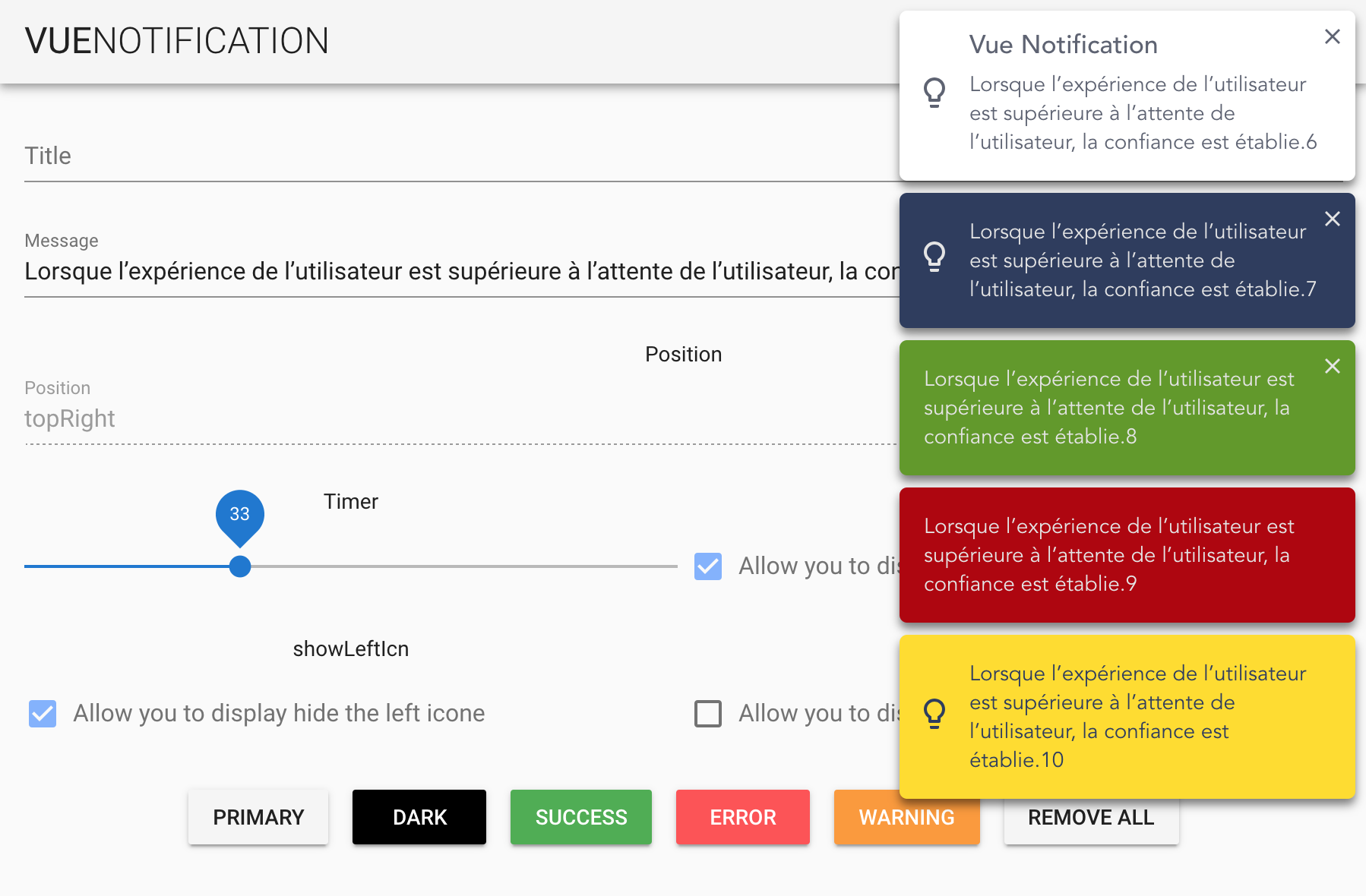
The Notification vue plugin allows you to display notifications from anywhere within your app. Just with one line of code. This notification plugin is unique from others as it utilises the GSAP library allowing you to animate your notifications in a near limitless number of ways
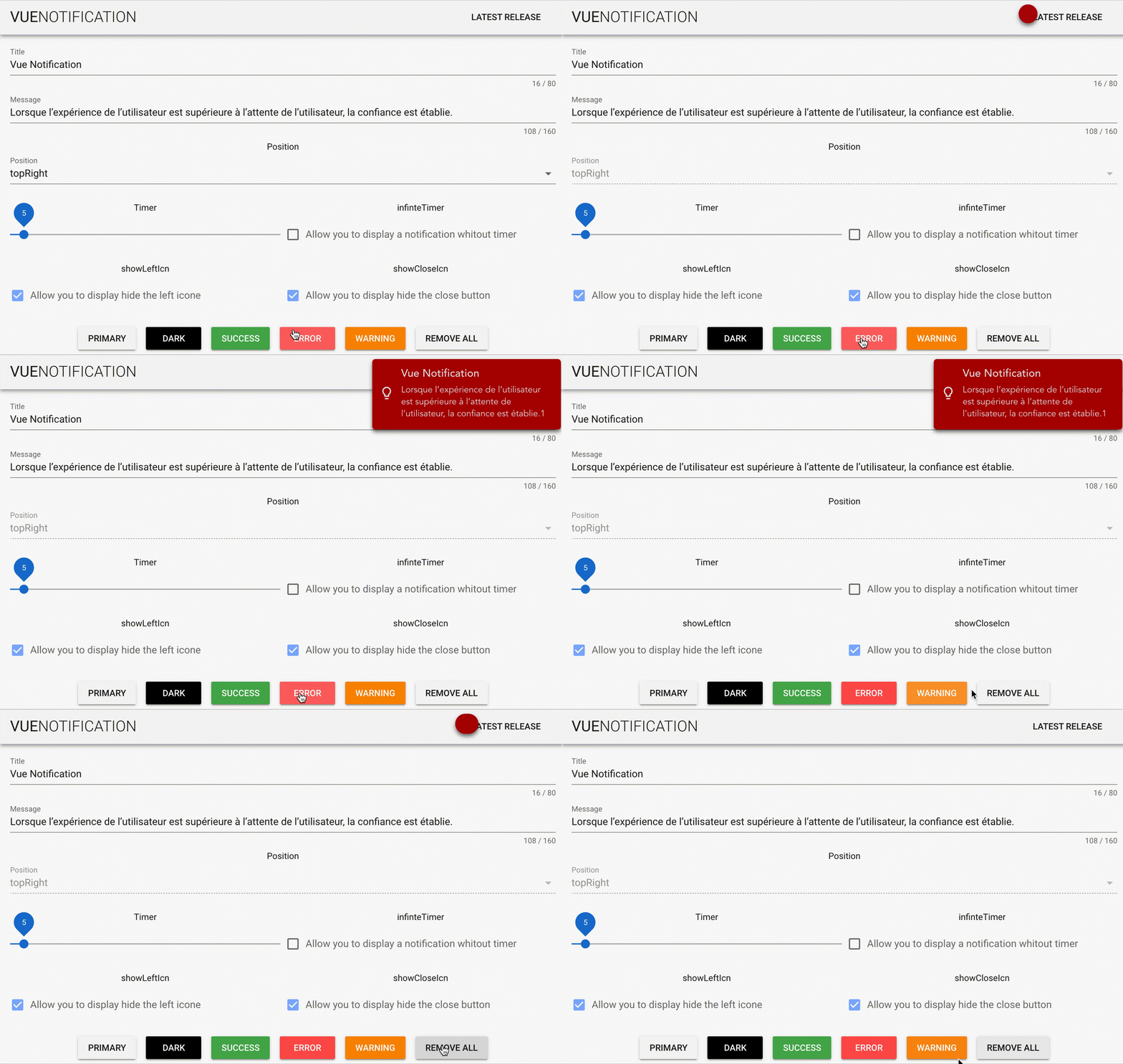
How to use it
Install with npm. If you don't already have GSAP in your project, you also have to install it.
npm i @kugatsu/vuenotification --save
npm i gsap --save
Import with ES6
import VueNotification from "@kugatsu/vuenotification";

Vue.use(VueNotification, {
  timer: 20
});
Emit the notification where you want.
this.$notification.new("hello world", {  timer: 10 });
this.$notification.error("hello world", { infiniteTimer: false });
...
Parameters
| Name | Type | Default value |
|---|---|---|
| message | String | "🚧 You missed something ..." |
| title | String | null |
| timer | Number | 5(s) |
| infiniteTimer | Boolean | false |
| position | String | topRight |
| type | String | primary |
| [type] | Object | ( See type section ) |
| showLeftIcn | Boolean | true |
| showCloseIcn | Boolean | false |
| animateIn | Function | ()=> TimelineMax |
| animateOut | Function | ()=> TimelineMax |
position
| Name | Value |
|---|---|
| top center | topCenter |
| top left | topLeft |
| top right | topRight |
| bottom center | bottomCenter |
| bottom left | bottomLeft |
| bottom right | bottomRight |
Type
There are 5 notifications types.
- primary
- dark
- success
- warning
- error
To customise the colors of the notification you can do this globally or locally :
// Sample to change all error notifications
Vue.use(NotificationVuejs, {
  error: {
    background: "green",
    color: "red"
  }
});
Animation
To animate the in and out animation, we use GSAP. To customize the default animation, you have to add to your config object. animateIn and animateOut with a function that returns a gsap timeline.
Vue.use(NotificationVuejs, {
  animateIn: function() {
    var tl = new TimelineMax()
      .from(this.notificationEl, 0.6, {
        opacity: 0
      })
      .from(this.notificationEl, 0.4, {
        borderRadius: 100,
        width: 58,
        height: 58
      })
      .from(this.notificationElContent, 0.3, {
        opacity: 0
      });
    return tl;
  }
});
You can select the notification with a custom selector.
| Selector | Value to use |
|---|---|
| all notification | this.notification |
| current notification | this.notificationEl |
| all content of the notification | this.notificationElContent |
| Notification title | this.notificationTitle |
| Notification message | this.notificationMessage |
| Notification icone | this.notificationIcone |
| Notification close button | this.notificationIconeClose |
Credit
Icones
Related Packages
Framework-agnostic toast engine with a Vue 3 renderer. Typed core, smooth stack...
webpack plugin to find duplicated dependencies from your bundle
Version History
| Version | Released | License |
|---|---|---|
| 1.1.4 | MIT | |
| 1.1.3 | MIT | |
| 1.1.2 | MIT | |
| 1.1.1 | MIT | |
| 1.1.0 | MIT | |
| 1.0.5 | MIT | |
| 1.0.4 | MIT | |
| 1.0.3 | MIT | |
| 1.0.2 | MIT | |
| 1.0.1 | MIT | |
| 1.0.0 | MIT |