@daypilot/daypilot-lite-vue
DayPilot Lite for Vue
DayPilot Lite for Vue provides free, open-source scheduling UI components for resource planning, project management, timeline visualization, booking, and time tracking.
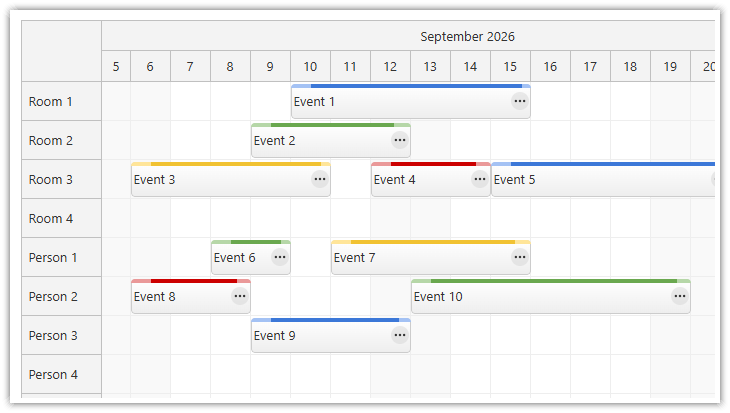
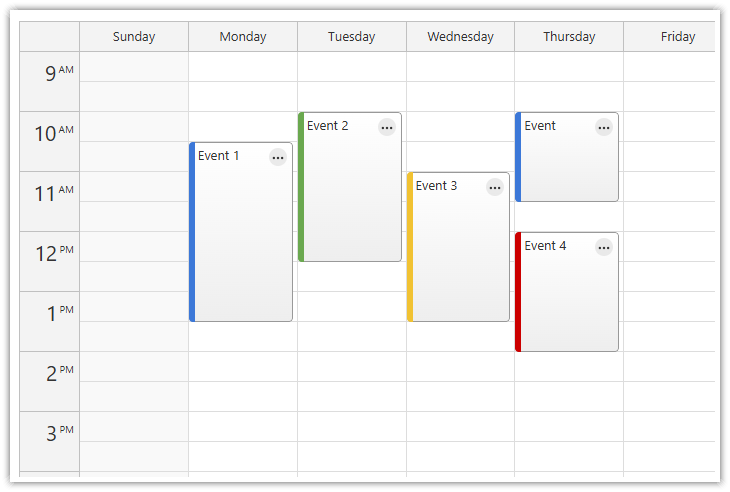
Build interactive resource schedules using the Scheduler's horizontal timeline, or display events in day, week, and month calendars. Includes drag-and-drop support and TypeScript definitions. Licensed under Apache 2.0.
Try the online demo | Build a project | Get started
What's New
UI Builder
Customize the scheduling components using an online UI Builder application and download a ready-to-run Vue project.
Online Demo
Features
- Resource Scheduler with a horizontal timeline
- Calendar/scheduler views: day, week, work week, month, resource calendar
- Configurable Scheduler time scales, multiple time-header rows, and zoom levels
- Progressive rendering of Scheduler events and resource rows for efficient scrolling
- Business hours and weekend highlighting
- Drag-and-drop event creation, moving, and resizing
- Integrated delete icon
- Context menus
- Built-in modal dialogs for editing event details
- Event duration bar with customizable color
- Date picker with free/busy days highlighting, free-hand range selection, day cell customization
- Built-in default theme (no separate CSS import required) and customizable CSS themes
- Event customization (text, HTML, icons, colors, Vue components...)
- Grid cell customization
- Built-in XSS protection
- Localization support
- Calendar RTL support
- TypeScript definitions
- Vue slots for custom events, cells, and Scheduler headers
Installation
Requires Vue 3 or later. Vue 2 is no longer supported. Install the package in your Vue project:
npm install @daypilot/daypilot-lite-vue
Example
Save this as Scheduler.vue, then import and use it in your Vue application.
<script setup>
import {DayPilotScheduler} from "@daypilot/daypilot-lite-vue";
</script>

<template>
  <DayPilotScheduler
    startDate="2026-10-05"
    :days="7"
    scale="Day"
    :timeHeaders="[{groupBy: 'Day', format: 'd'}]"
    :resources="[
      {name: 'Alice', id: 'A'},
      {name: 'Bob', id: 'B'},
      {name: 'Carol', id: 'C'}
    ]"
    :events="[
      {id: '1', text: 'Task 1', start: '2026-10-05', end: '2026-10-07', resource: 'A'},
      {id: '2', text: 'Task 2', start: '2026-10-06', end: '2026-10-09', resource: 'B'}
    ]"
  />
</template>
Tutorials
Vue Scheduler with Horizontal Timeline
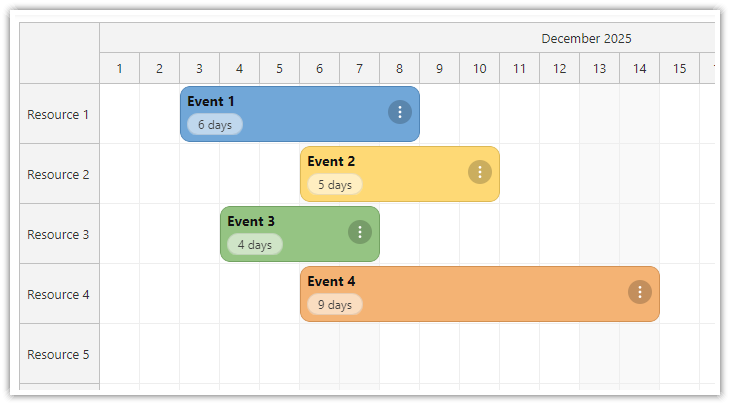
Vue Scheduler with Horizontal Timeline (Open-Source)
Build a horizontal, resource-based timeline using the open-source Vue Scheduler and customize event appearance with Vue templates and CSS.
Vue Calendar with Day/Week/Month Views
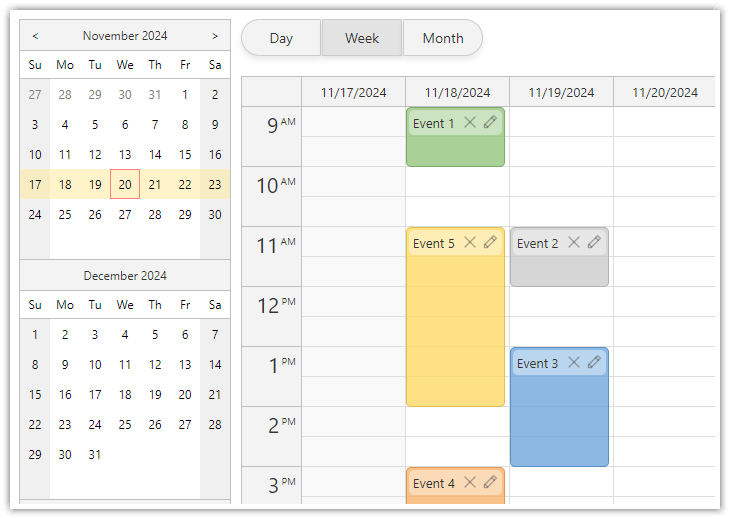
Vue Calendar with Day/Week/Month Views (Open-Source)
Create a complex calendar UI in Vue.js with multiple views, view-switching buttons and an integrated date picker. Use a shared data source to make it fast and Vue templates to define event appearance.
Vue Resource Calendar Tutorial
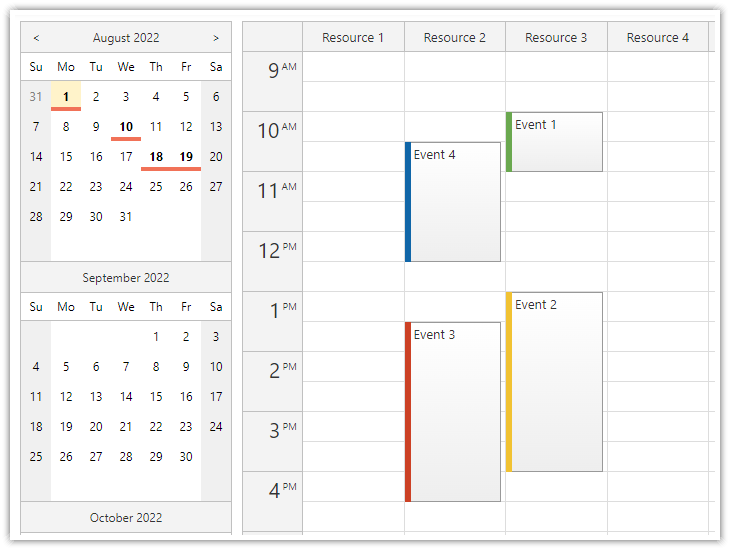
Vue Resource Calendar (Open-Source)
Use the Vue calendar component to display an interactive schedule for multiple resources.
Vue Calendar: Using Event Templates
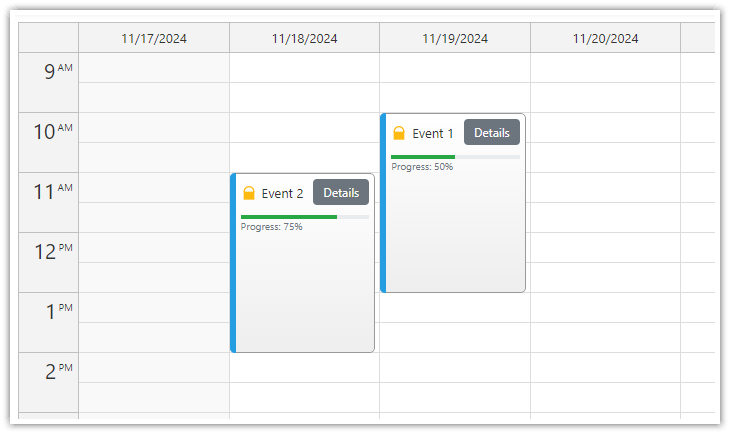
Vue Calendar: Using Templates to Add Icons, Buttons, or Progress Bars to Events (Open-Source)
Vue templates allow adding dynamic content to Vue Calendar events, including interactive elements and custom Vue components.
Cell Templates in Vue Calendar: Display Slot Start Times, Sunrise & Sunset
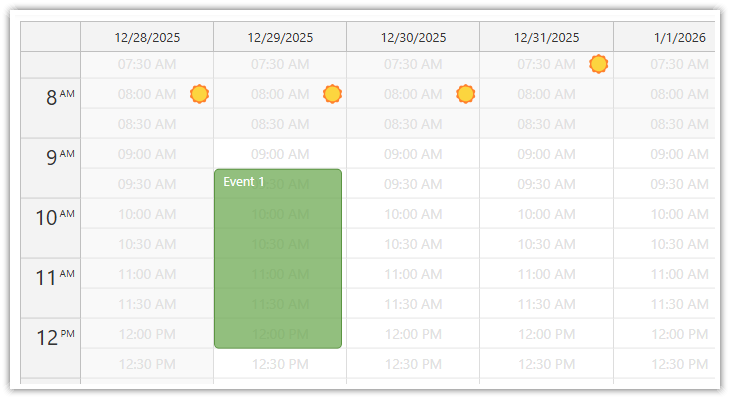
Cell Templates in Vue Calendar: Display Slot Start Times, Sunrise & Sunset (Open-Source)
Use Vue templates to add custom content to calendar cells: text, icons, or even Vue components. Use v-if to display content only in the cells you choose.
Vue Monthly Calendar/Scheduler Tutorial
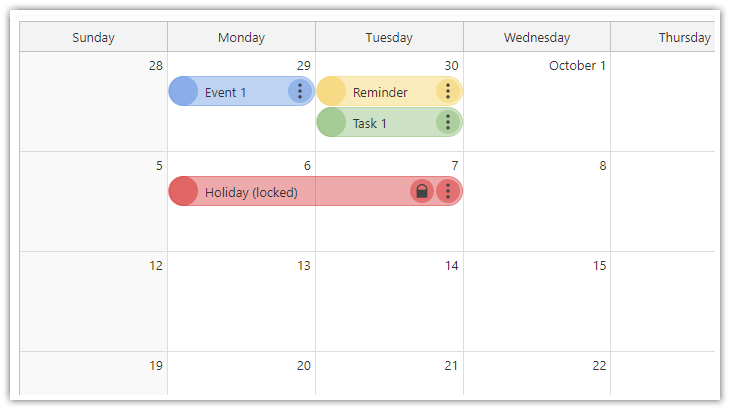
Vue Monthly Calendar/Scheduler (Open-Source)
How to create a monthly calendar/scheduler view for planning events, tasks, and reminders in Vue. The downloadable Vue project uses the open-source DayPilot Lite library.
Vue Weekly Calendar Tutorial
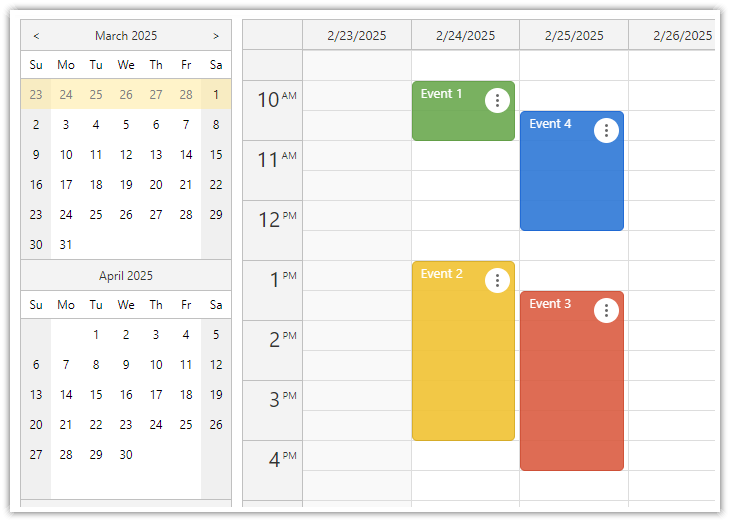
Vue.js Weekly Calendar Tutorial (Open-Source)
How to create a weekly calendar web application using a Vue calendar component. The tutorial includes a Vue.js project with JavaScript source code for download.
Vue Date Picker Tutorial
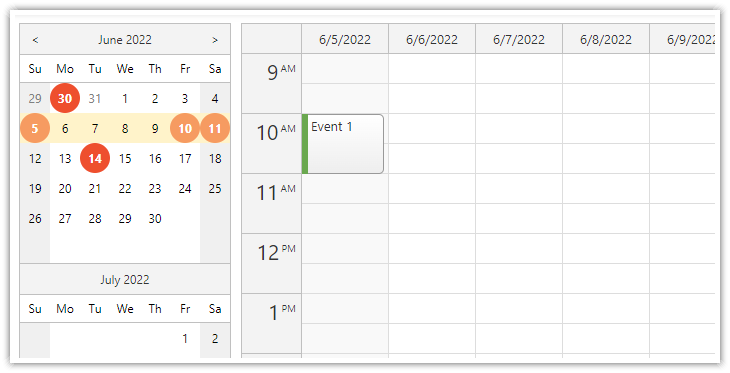
Vue Date Picker with Free/Busy Highlighting (Open-Source)
Use the Vue date picker component (Navigator) to change the current date. The date picker can highlight dates that already have events or are not available.
Documentation
CSS Themes
The Theme Designer lets you create and download your own CSS theme using an online visual tool.
License
Apache License 2.0
Related Packages
A comprehensive JavaScript collection of calendar components including Calendar,...
Composant Vue 3 de planning / gantt : groupes, éléments déplaçables, empilement...
A customizable booking calendar component for Vue 2 with service, specialist, an...
Version History
| Version | Released | License |
|---|---|---|
| 6.1.0 | Apache-2.0 | |
| 6.0.0 | Apache-2.0 | |
| 5.10.1 | Apache-2.0 | |
| 5.10.0 | Apache-2.0 | |
| 5.9.0 | Apache-2.0 | |
| 5.8.0 | Apache-2.0 | |
| 5.7.0 | Apache-2.0 | |
| 5.6.0 | Apache-2.0 | |
| 5.5.0 | Apache-2.0 | |
| 5.4.1 | Apache-2.0 | |
| 5.4.0 | Apache-2.0 | |
| 5.3.1 | Apache-2.0 | |
| 5.3.0 | Apache-2.0 | |
| 5.2.0 | Apache-2.0 | |
| 5.1.0 | Apache-2.0 | |
| 5.0.0 | Apache-2.0 | |
| 4.9.0 | Apache-2.0 | |
| 4.8.1 | Apache-2.0 | |
| 4.8.0 | Apache-2.0 | |
| 4.7.0 | Apache-2.0 | |
| 4.6.1 | Apache-2.0 | |
| 4.6.0 | Apache-2.0 | |
| 4.5.0 | Apache-2.0 | |
| 4.4.0 | Apache-2.0 | |
| 4.3.0 | Apache-2.0 | |
| 4.2.1 | Apache-2.0 | |
| 4.2.0 | Apache-2.0 | |
| 4.1.0 | Apache-2.0 | |
| 4.0.2 | Apache-2.0 | |
| 4.0.1 | Apache-2.0 |
Showing the latest 30 of 77. See every release on npm
Pre-releases (6)
| Version | Released | License |
|---|---|---|
| 6.1.0-sandbox.885 | Apache-2.0 | |
| 5.10.0-sandbox.850 | Apache-2.0 | |
| 5.10.0-sandbox.845 | Apache-2.0 | |
| 5.2.0-sandbox.772 | Apache-2.0 | |
| 4.7.0-sandbox.741 | Apache-2.0 | |
| 3.0.0-sandbox.338 | Apache-2.0 |