@celestia-island/hikari

Hikari





One design system, two runtimes — production-grade UI components for Vue 3 and Rust/WASM
Hikari (光, "light") is a next-generation UI library built around a single design system that ships to two first-class runtimes: the hikari-* crates for Rust/WASM (on the tairitsu framework — tairitsu-vdom, tairitsu-hooks, tairitsu-macros, tairitsu-style ^0.5.18) and @celestia-island/hikari for Vue 3. Both runtimes share the same SCSS design core, theming model, and motion vocabulary, so a product keeps one visual language whether it renders in a Vue application or a Rust/WASM target. The same core is designed to grow further — toward powering standalone applications beyond the browser.
Vision
Hikari is built for the next generation of application interfaces:
- One design system, two runtimes - The same components, tokens, and themes render in Vue 3 (TypeScript) and Rust/WASM alike, driven by a shared SCSS core
- Production-grade components - Layout, forms, data-heavy tables and trees, feedback, navigation, i18n, and iconography — themable at runtime through CSS variables, with light/dark and custom presets
- Type-safe and fast end to end - Compile-time stylesheets and checked color tokens on the Rust side, first-class TypeScript on the Vue side
- Beyond the browser - Optional SSR via Axum today, and a design core intended to extend to standalone application UIs
The result is a UI library that scales with your architecture: start in either ecosystem, and carry the same visual language everywhere the product goes next.
Packages
| Package | Description |
|---|---|
hikari-palette |
Color catalog: curated collections and themed palettes with rich metadata and type-safe constants |
hikari-theme |
Theme context/provider, CSS variables, built-in themes, SCSS mixins |
hikari-animation |
Animation engine (Tween, Motion, States) used by components |
hikari-components |
Core UI components: layout, buttons, inputs, table, tree, feedback, navigation |
hikari-icons |
Icon set with compile-time discovery (auto-discovers used icons) |
hikari-builder |
Build-time ClassesBuilder system |
hikari-i18n |
Locale resources |
@celestia-island/hikari |
Vue 3 port (packages/vue), sharing the same SCSS design system |
The Rust crates are published to crates.io (current 0.4.x) with docs on docs.rs.
Tech Stack
- Framework: tairitsu — tairitsu-vdom/hooks/macros/style ^0.5.18 (compiles to
wasm32/ WASI) - Styling: SCSS compiled via
grass+scss!compile-time stylesheets - Server: Axum 0.8 (optional SSR support)
- Language: Rust 1.85 (edition 2024)
- Web port: Vue 3 (TypeScript,
packages/vue, npm package@celestia-island/hikari) - Build System: Justfile
Quick Start
Rust (tairitsu)
Add the crates to your Cargo.toml:
[dependencies]
tairitsu-vdom = "^0.5.18"
tairitsu-hooks = "^0.5.18"
tairitsu-macros = "^0.5.18"
hikari-palette = "^0.4"
hikari-theme = "^0.4"
hikari-animation = "^0.4"
hikari-icons = "^0.4"
hikari-i18n = "^0.4"
hikari-components = { version = "^0.4", features = ["basic", "feedback", "navigation", "layout", "data"] }
or with cargo add:
cargo add tairitsu-vdom@^0.5.18 tairitsu-hooks@^0.5.18 tairitsu-macros@^0.5.18
cargo add hikari-palette@^0.4 hikari-theme@^0.4 hikari-animation@^0.4 hikari-icons@^0.4 hikari-i18n@^0.4
cargo add hikari-components@^0.4
Component features are organized in groups — basic, feedback, navigation, layout, data, display, entry, production — each enabling a set of individual component features (e.g. button, table, tree, toast). The default feature set covers all groups.
Basic usage:
use tairitsu_macros::{component, rsx};
use tairitsu_vdom::VNode;
use hikari_theme::ThemeProvider;
use hikari_components::*;

#[component]
fn App() -> VNode {
    rsx! {
        ThemeProvider { initial_palette: "hikari".to_string(),
            div { class: "container",
                Button { variant: ButtonVariant::Primary, "Get Started" }
            }
        }
    }
}
Note:
hikari-componentsand the tairitsu crates are published on crates.io. Local development can point the tairitsu crates at working copies via[patch.crates-io]in~/.cargo/config.toml.
Vue 3
The Vue port ships as @celestia-island/hikari (packages/vue), published to the npm registry as a source distribution: the package contains the TypeScript and SCSS sources, and consumer build pipelines (Vite + vue-tsc + sass) compile them like first-party code — no build step happens on publish. Depend on it from the registry:
// package.json
{
  "dependencies": {
    "@celestia-island/hikari": "^*"
  }
}
The package exposes these subpaths:
| Specifier | Resolves to |
|---|---|
@celestia-island/hikari |
src/index.ts — all Hk* components, composables, initTheme |
@celestia-island/hikari/runtime |
src/runtime/index.ts |
@celestia-island/hikari/styles |
src/styles/index.scss — full SCSS aggregate (monorepo/dev use) |
@celestia-island/hikari/styles/* |
src/styles/* — e.g. styles/admin-tokens.scss, styles/theme/base.scss |
@celestia-island/hikari/components/* |
src/components/* — e.g. components/HkSelectionGrid |
@celestia-island/hikari/plugins |
src/plugins/index.ts |
Import the styles once in your app entry point (or the granular styles/* subpaths if you assemble your own bundle), then use the Hk* components (HkButton, HkCard, HkInput, HkModal, ...) in your templates:
import "@celestia-island/hikari/styles";
For local development against an upstream working copy, use celestia-devtools link-npm-siblings — it overlays node_modules with symlinks to sibling checkouts (tracked in node_modules/.celestia-linked-siblings.json, revert with --remove). No link: dependencies, no workspace-member manifests, and CI/production always resolve the pure registry package.
Theme initialization
Components consume the theme through CSS variables (--color-*, --hi-*). Call initTheme() once at app startup to inject the active preset (the single default preset — pink/paper in light mode, black-blue in dark) with light/dark mode and custom-theme support:
import { initTheme } from "@celestia-island/hikari";

initTheme();
Components render correctly even without initTheme() — packages/vue/src/tokens.scss ships a static default light theme, and initTheme() overrides it at runtime via inline styles. For runtime theme/mode switching (e.g. a HkThemeToggle), use useTheme():
import { useTheme } from "@celestia-island/hikari";

const { currentTheme, currentMode, setTheme, setMode, toggleMode } = useTheme();
Documentation
The full documentation lives under docs/ in 9 languages:
Live component pages from the docs (rendered by the hikari components themselves):
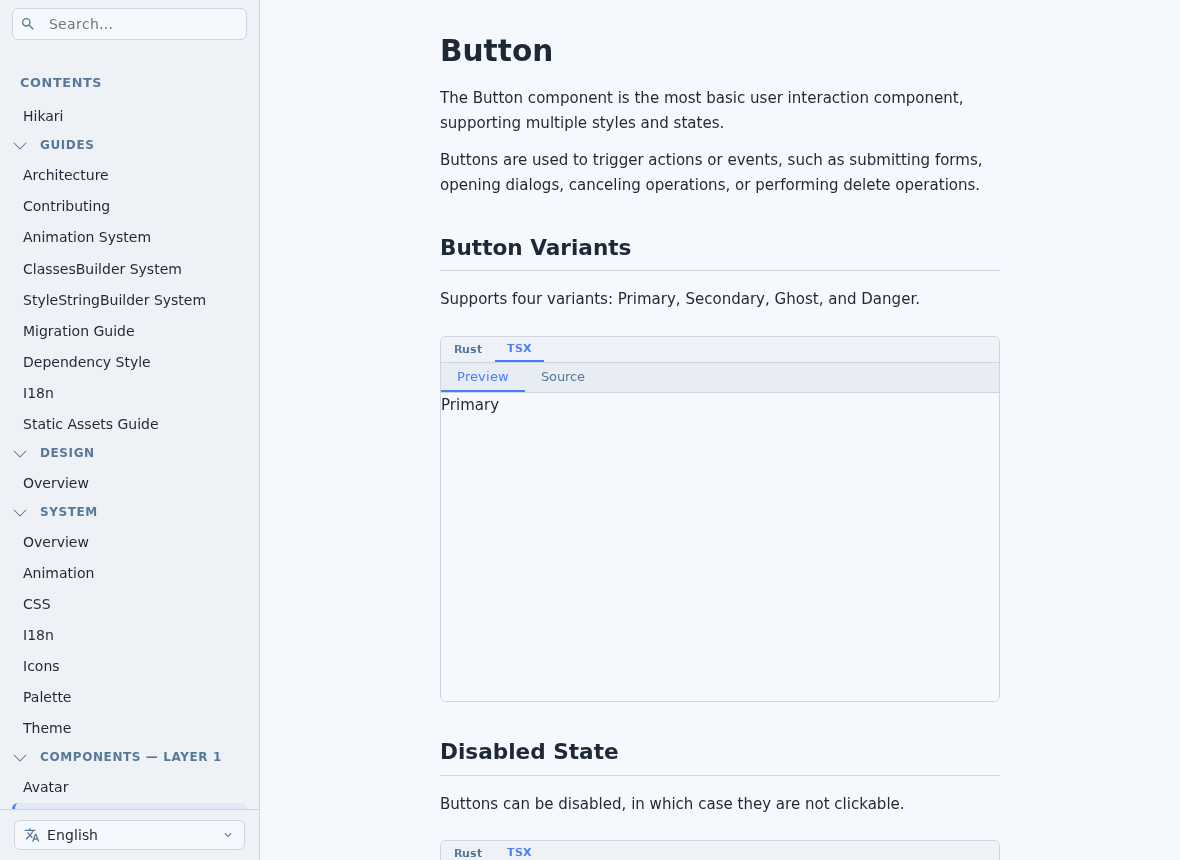
Key pages:
Package-level docs:
- hikari-palette
- hikari-theme
- hikari-animation
- hikari-components
- hikari-icons
- hikari-vue (@celestia-island/hikari)
Development
Prerequisites
- Rust 1.85+ (edition 2024)
just(command runner) —cargo install just- Node.js + pnpm (for the Vue port)
Build Commands
# Build all packages (release)
just build

# Build for development
just build-dev

# Run tests
just test

# Format code
just fmt

# Run clippy lints
just clippy

# Start the development server
just dev
Contributing
We welcome contributions! Please see the Contributing guide for guidelines.
License
Hikari is licensed under the Synthetic Source License (SySL), Version 1.0.
Acknowledgments
Inspired by and built upon:
- Tairitsu - The full-stack Rust framework the native runtime is built on
- ChineseColors - Color data source for one palette collection
- akasha - Node graph system reference
Name
"Hikari" (光) means "light" in Japanese. The name comes from the rhythm game Arcaea. It stands for clarity and precision in interface design — one visual language that follows your product across every runtime it runs on.
Related Packages
Vue wrapper for Infineon Design System Web Components
Keybricks design system — design tokens, three size tiers and 121 UI components...
Version History
| Version | Released | License |
|---|---|---|
| 0.55.191 | SySL-1.0 | |
| 0.55.190 | SySL-1.0 | |
| 0.55.189 | SySL-1.0 | |
| 0.55.188 | SySL-1.0 | |
| 0.55.187 | SySL-1.0 | |
| 0.55.186 | SySL-1.0 | |
| 0.55.185 | SySL-1.0 | |
| 0.55.184 | SySL-1.0 | |
| 0.55.183 | SySL-1.0 | |
| 0.55.182 | SySL-1.0 | |
| 0.55.181 | SySL-1.0 | |
| 0.55.180 | SySL-1.0 | |
| 0.55.179 | SySL-1.0 | |
| 0.55.178 | SySL-1.0 | |
| 0.55.177 | SySL-1.0 | |
| 0.55.176 | SySL-1.0 | |
| 0.55.175 | SySL-1.0 | |
| 0.55.174 | SySL-1.0 | |
| 0.55.172 | SySL-1.0 | |
| 0.55.171 | SySL-1.0 | |
| 0.55.170 | SySL-1.0 | |
| 0.55.169 | SySL-1.0 | |
| 0.55.168 | SySL-1.0 | |
| 0.55.167 | SySL-1.0 | |
| 0.55.166 | SySL-1.0 | |
| 0.55.165 | SySL-1.0 | |
| 0.55.164 | SySL-1.0 | |
| 0.55.163 | SySL-1.0 | |
| 0.55.162 | SySL-1.0 | |
| 0.55.161 | SySL-1.0 |
Showing the latest 30 of 313. See every release on npm