@aivue/smartform

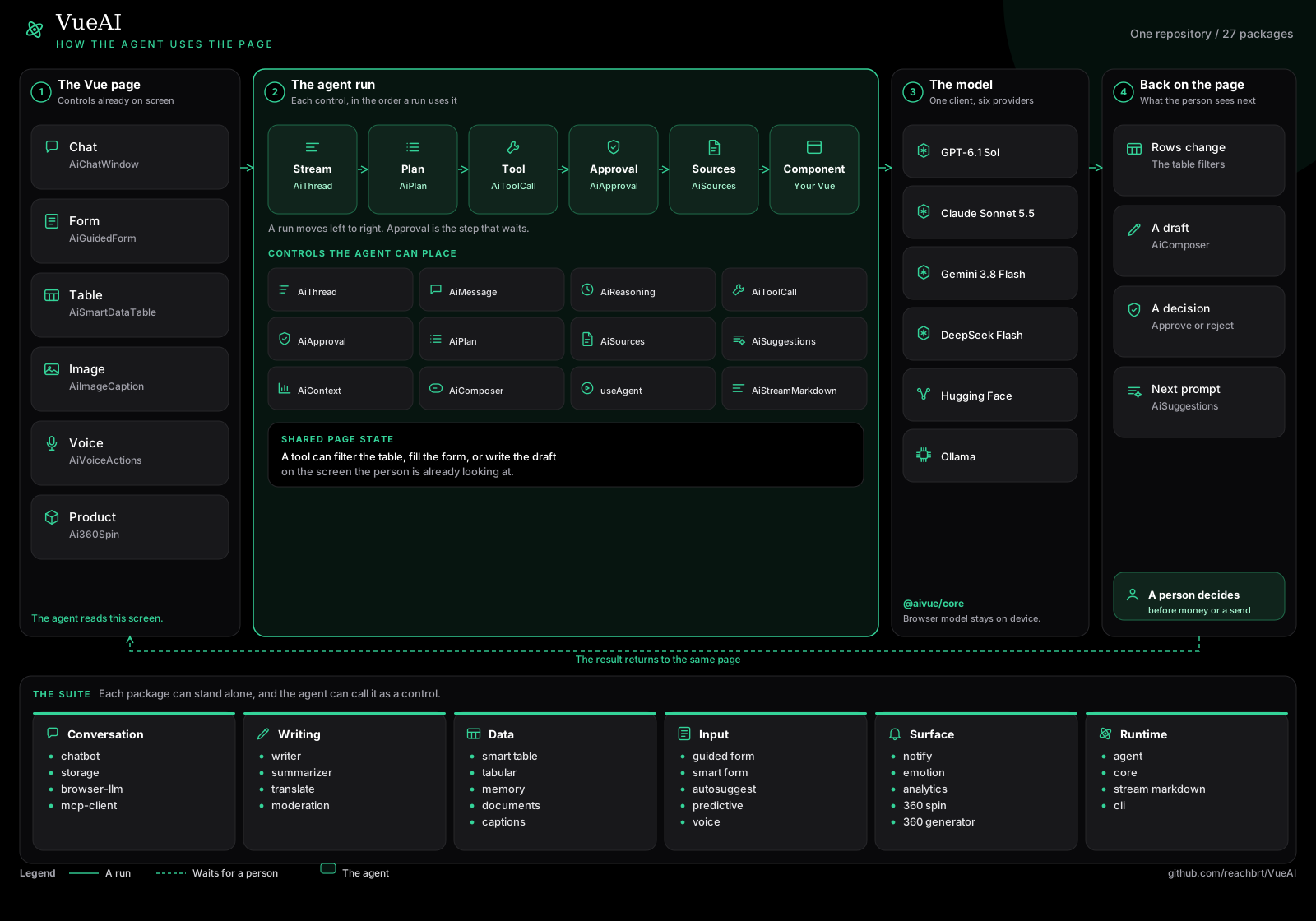
@aivue/smartform
AI-powered form validation for Vue.js applications



Overview
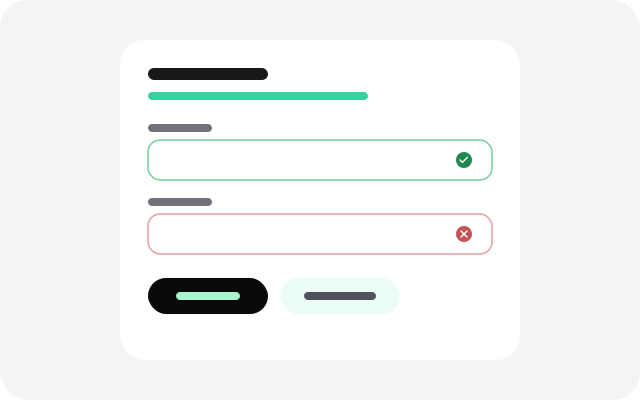
@aivue/smartform provides intelligent, AI-powered form validation and auto-correction for Vue.js applications. Create smarter forms that understand user intent and provide helpful feedback.
✨ Features
- 🧠 AI-powered validation: Contextual validation that understands user intent
- 🔄 Self-healing forms: Automatically fix common input errors
- 📝 Helpful error messages: Human-like error messages that explain issues clearly
- 🛡️ Traditional validation: Combine with standard validation rules
- 🎯 Field-level validation: Apply AI validation to specific fields only
- 🔧 Customizable: Easily integrate with your existing forms
- 📱 Mobile-friendly: Works on all devices
- 🛡️ Type safety: Full TypeScript support
Installation
# npm
npm install @aivue/smartform @aivue/core

# yarn
yarn add @aivue/smartform @aivue/core

# pnpm
pnpm add @aivue/smartform @aivue/core
🔄 Vue Compatibility
- ✅ Vue 2: Compatible with Vue 2.6.0 and higher
- ✅ Vue 3: Compatible with all Vue 3.x versions
The package automatically detects which version of Vue you're using and provides the appropriate compatibility layer. This means you can use the same package regardless of whether your project is using Vue 2 or Vue 3.
Basic Usage
Basic Component Usage
<template>
  <div class="form-container">
    <SmartForm
      :schema="formSchema"
      :form-data="formData"
      :errors="errors"
      @change="handleChange"
      @submit="handleSubmit"
    />

    <!-- Or use with your own form elements -->
    <form @submit.prevent="submitForm">
      <div class="form-group">
        <label for="email">Email</label>
        <input
          id="email"
          v-model="formData.email"
          type="email"
          :class="{ 'error': errors.email }"
          @input="handleChange('email', $event.target.value)"
        />
        <div v-if="errors.email" class="error-message">
          {{ errors.email }}
        </div>
        <button
          v-if="errors.email"
          type="button"
          @click="fixWithAI('email')"
        >
          Fix with AI
        </button>
      </div>

      <!-- More form fields -->

      <button type="submit" :disabled="isLoading">Submit</button>
    </form>
  </div>
</template>

<script setup>
import { ref, reactive } from 'vue';
import { SmartForm, useSmartForm, SmartFormPlugin } from '@aivue/smartform';

// Define your form schema
const formSchema = {
  email: {
    type: 'email',
    aiValidation: true,
    selfHeal: true,
    required: true,
    label: 'Email Address'
  },
  name: {
    type: 'text',
    aiValidation: true,
    required: true,
    label: 'Full Name'
  },
  message: {
    type: 'textarea',
    aiValidation: false,
    required: true,
    label: 'Message'
  }
};

// Use the smart form composable
const {
  formData,
  errors,
  isLoading,
  handleChange,
  validate,
  fixWithAI,
  reset,
  submitForm
} = useSmartForm(formSchema);

// Handle form submission
async function handleSubmit() {
  const isValid = await submitForm();
  if (isValid) {
    // Form is valid, do something with the data
    console.log('Form submitted:', formData);
    // Reset the form
    reset();
  }
}
</script>

<style>
.form-container {
  width: 100%;
  max-width: 600px;
  margin: 0 auto;
}

.error {
  border-color: red;
}

.error-message {
  color: red;
  font-size: 0.875rem;
  margin-top: 0.25rem;
}
</style>
Global Registration
You can register the SmartForm component globally using the provided plugin:
Vue 3
// main.js
import { createApp } from 'vue';
import App from './App.vue';
import { SmartFormPlugin } from '@aivue/smartform';

const app = createApp(App);
app.use(SmartFormPlugin); // Register all components globally
app.mount('#app');
Vue 2
// main.js
import Vue from 'vue';
import App from './App.vue';
import { SmartFormPlugin } from '@aivue/smartform';

Vue.use(SmartFormPlugin); // Register all components globally

new Vue({
  render: h => h(App)
}).$mount('#app');
Using the SmartForm Composable
The useSmartForm composable provides a simple way to integrate AI-powered form validation into any Vue component:
import { useSmartForm } from '@aivue/smartform';

// Define your form schema
const formSchema = {
  email: {
    type: 'email',
    aiValidation: true,
    selfHeal: true,
    required: true
  },
  // More fields...
};

// In your setup function or script setup
const {
  formData,         // Reactive object containing form data
  errors,           // Reactive object containing validation errors
  isLoading,        // Boolean indicating if validation is in progress
  handleChange,     // Function to handle field changes
  validate,         // Function to validate a specific field or the entire form
  fixWithAI,        // Function to auto-correct a field value using AI
  reset,            // Function to reset the form
  submitForm        // Function to validate and submit the form
} = useSmartForm(formSchema);

// Validate a specific field
async function validateEmail() {
  const isValid = await validate('email');
  console.log('Email valid:', isValid);
}

// Fix a field with AI
async function fixEmailWithAI() {
  await fixWithAI('email');
  console.log('Fixed email:', formData.email);
}

// Submit the form
async function handleSubmit() {
  const isValid = await submitForm();
  if (isValid) {
    // Form is valid, proceed with submission
    console.log('Form data:', formData);
  }
}
Form Schema Definition
The form schema defines the structure and validation rules for your form:
const formSchema = {
  // Basic text field with AI validation
  name: {
    type: 'text',
    aiValidation: true,
    required: true,
    label: 'Full Name'
  },

  // Email field with AI validation and self-healing
  email: {
    type: 'email',
    aiValidation: true,
    selfHeal: true,
    required: true,
    label: 'Email Address'
  },

  // Select field with options
  country: {
    type: 'select',
    aiValidation: false,
    required: true,
    label: 'Country',
    options: [
      { value: 'us', label: 'United States' },
      { value: 'ca', label: 'Canada' },
      { value: 'uk', label: 'United Kingdom' }
    ]
  },

  // Number field with min/max validation
  age: {
    type: 'number',
    aiValidation: true,
    required: true,
    label: 'Age',
    min: 18,
    max: 120
  },

  // Textarea field
  bio: {
    type: 'textarea',
    aiValidation: true,
    required: false,
    label: 'Biography',
    placeholder: 'Tell us about yourself'
  }
};
API Reference
SmartForm Props
| Prop | Type | Description | Default |
|---|---|---|---|
| schema | Object | Form schema definition | Required |
| formData | Object | Form data object | {} |
| errors | Object | Form validation errors | {} |
| loading | Boolean | Whether validation is in progress | false |
| theme | String | Theme ('light' or 'dark') | 'light' |
SmartForm Events
| Event | Description | Payload |
|---|---|---|
| change | Emitted when a field value changes | { field, value } |
| submit | Emitted when the form is submitted | formData |
| validate | Emitted when validation is performed | { field, isValid } |
| fix | Emitted when a field is fixed with AI | { field, value } |
| reset | Emitted when the form is reset | None |
useSmartForm Options
| Option | Type | Description | Required |
|---|---|---|---|
| schema | Object | Form schema definition | Yes |
| provider | String | AI provider to use | No |
| apiKey | String | API key for the provider | No |
| model | String | Model to use | No |
SmartFormSchema Interface
interface SmartFormSchema {
  [field: string]: https://github.com/reachbrt/VueAI/blob/HEAD/{
    type: string;             // Field type (text, email, number, etc.)
    aiValidation?: boolean;   // Enable AI validation
    selfHeal?: boolean;       // Enable auto-correction
    required?: boolean;       // Field is required
    label?: string;           // Field label
    placeholder?: string;     // Placeholder text
    options?: Array<{ value: string; label: string }>; // For select fields
    min?: number;             // Minimum value (for number fields)
    max?: number;             // Maximum value (for number fields)
  };
}
Demo
Check out our interactive demo to see the smartform components in action.
📦 Related Packages
Explore the complete @aivue ecosystem:
🧠 @aivue/core
Core AI functionality for Vue.js components
💬 @aivue/chatbot
AI-powered chat components for Vue.js
✨ @aivue/autosuggest
AI-powered suggestion components for Vue.js
🎭 @aivue/emotion-ui
Emotion-aware UI components with sentiment analysis
📄 @aivue/doc-intelligence
Document processing and OCR with AI
🧠 @aivue/predictive-input
AI-powered predictive text input
🔔 @aivue/smart-notify
Intelligent notification system
🎤 @aivue/voice-actions
Voice command integration
📋 @aivue/smart-datatable
Advanced data table components
🖼️ @aivue/image-caption
AI-powered image captioning with OpenAI Vision models
📊 @aivue/analytics
AI-powered analytics and insights
License
MIT © Bharatkumar Subramanian
Related Packages
Version History
| Version | Released | Vue | License |
|---|---|---|---|
| 1.3.7 | ^2.6.0 || | MIT | |
| 1.3.6 | ^2.6.0 || | MIT | |
| 1.3.5 | ^2.6.0 || | MIT | |
| 1.3.4 | ^2.6.0 || | MIT | |
| 1.3.3 | ^2.6.0 || | MIT | |
| 1.3.2 | ^2.6.0 || | MIT | |
| 1.3.1 | ^2.6.0 || | MIT | |
| 1.3.0 | ^2.6.0 || | MIT | |
| 1.2.9 | ^2.6.0 || | MIT | |
| 1.2.8 | ^2.6.0 || | MIT | |
| 1.2.7 | ^2.6.0 || | MIT | |
| 1.2.6 | ^2.6.0 || | MIT | |
| 1.2.4 | ^2.6.0 || | MIT | |
| 1.2.3 | ^2.6.0 || | MIT | |
| 1.2.2 | ^2.6.0 || | MIT | |
| 1.2.1 | ^2.6.0 || | MIT | |
| 1.2.0 | ^2.6.0 || | MIT | |
| 1.1.9 | ^2.6.0 || | MIT | |
| 1.1.8 | ^2.6.0 || | MIT | |
| 1.1.7 | ^2.6.0 || | MIT | |
| 1.1.6 | ^2.6.0 || | MIT | |
| 1.1.5 | ^2.6.0 || | MIT | |
| 1.1.4 | ^2.6.0 || | MIT | |
| 1.1.1 | ^2.6.0 || | MIT | |
| 1.1.0 | ^2.6.0 || | MIT | |
| 1.0.1 | ^3.0.0 | MIT | |
| 1.0.0 | ^3.0.0 | MIT |